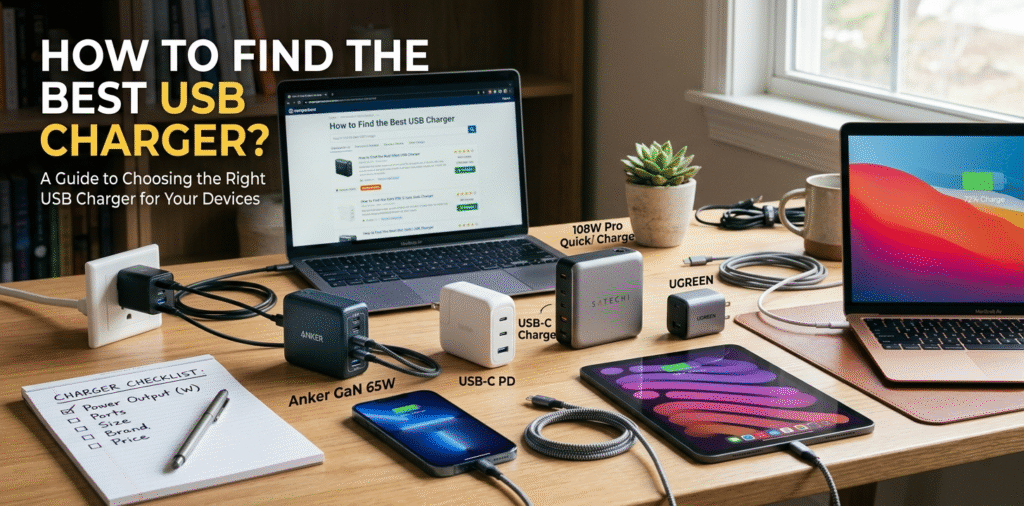
Finding the best USB charger[^1] can be a bit tricky with so many options available on the market. However, there are a few important factors to consider to help you choose the right one for your needs. Here’s a guide on how to find the best USB charger[^1] for your devices.
Find a charger that matches your device's voltage and power needs, has proper safety certifications[^2], and comes from a trusted brand with clear specs.
I replaced three low-cost bricks after one caused overheating. The right charger saved my devices and nerves.
Stop here if you just want the quick rule. Read on if you want step-by-step selection, real tests, and ways to avoid fake or unsafe chargers.
How to choose the right USB charger[^1]?
I once bought a charger by price and paid for it later.
Choose a charger by checking device power needs, connector type, and supported fast-charging protocols[^3]. Match voltage exactly and pick equal or higher amp/watt ratings.

I now list my devices and required specs before shopping.
Start with the device you want to charge. Check its manual or original adapter for output numbers. If it lists volts (V) and amps (A), multiply them for watts (W). For example, 9V × 2A = 18W. If your phone supports USB Power Delivery (PD)[^4] or Qualcomm Quick Charge (QC)[^5], pick a charger that advertises that protocol. For laptops and tablets, look for USB-C PD with higher wattage[^6] like 45W–100W depending on the device. For phones, 18W–65W covers most modern needs. Next, check connectors. USB-C is now standard for fast charging. Make sure the cable supports required current and PD if you use high wattage[^6]. Also verify the charger lists per-port output and total output; multiport chargers[^7] may reduce per-port power when multiple devices charge. Finally, prefer chargers with safety features like over-voltage, over-current, and thermal protection. These reduce the risk of damage. I always choose a charger that lists clear specs and keeps voltage the same as the original.
How to know which charger is better?
I compared labels and tests before I trusted a new brand.
A better charger has clear, correct specs, safety certifications[^2], stable output under load, and good real-world performance in reviews. Brand reputation and warranty matter too.
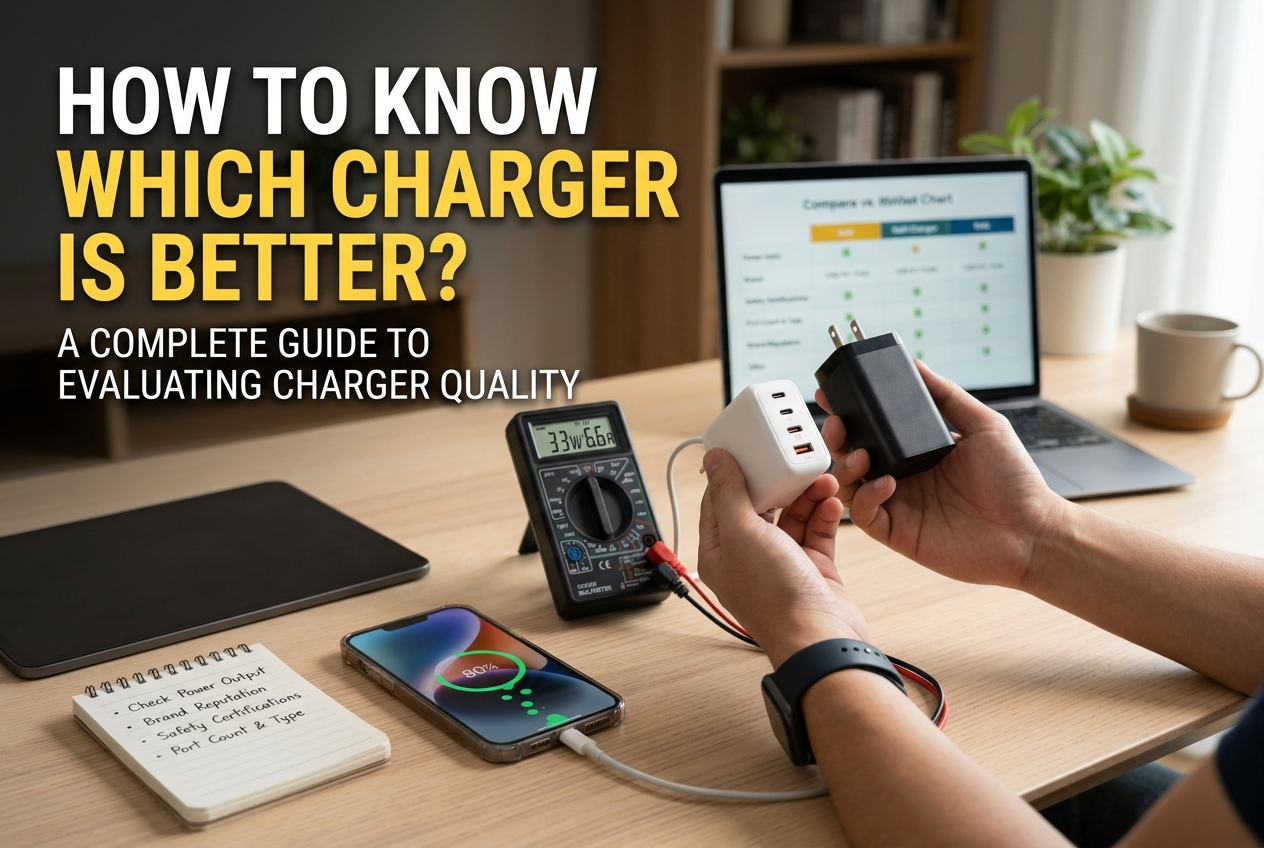
I read multiple user tests and avoided sellers with inconsistent claims.
First, read the printed or online specs. A trustworthy charger shows output per port (e.g., USB-C PD: 20V⎓3A) and total maximum output. Second, check certifications: CE, FCC, UL, or equivalent show regulatory checks. Third, look for tested charging protocols like PD, QC, PPS, or proprietary fast charge compatibility. Fourth, check reviews and independent tests. Look for notes on heat, charging speed[^8] under real conditions, and whether the charger sustained advertised output when multiple devices connected. Fifth, consider materials and build quality[^9]: solid connectors, secure cable fit, and good heat dissipation. A cheap plastic case that gets very hot is a red flag. Sixth, warranty and brand support matter. A longer warranty often indicates confidence in product quality. I prefer chargers from known manufacturers or reputable third-party brands that publish test data and offer clear return policies. Finally, price is a factor, but extreme low cost often hides missing safety features.
How to identify a good phone charger?
I learned to spot red flags at a glance.
A good phone charger matches device specs, supports relevant fast-charge protocols, has safety marks, solid build, and includes a rated cable. Avoid chargers with vague specs or fake certificates.
I stopped buying unbranded bricks after one caused my phone to heat badly.
Look at the label closely. It should state input (e.g., 100–240V~50/60Hz) and output(s) (V and A). If it provides only generic terms like "fast charge" without numbers, skip it. A good charger states protocols: "USB Power Delivery," "QC 3.0," or "PPS." If you use a specific phone ecosystem, ensure compatibility (e.g., Samsung Super Fast Charging, Apple PD). Check safety certifications[^2] printed on the charger and in product listings. Genuine certification logos (UL, CE, FCC) are a must. Inspect build quality[^9]: the plug pins should be sturdy; ports should sit flush; the shell should feel solid. Test heat: a charger will warm during use but should not become very hot. Read user reviews[^10] for long-term reliability and real performance. Check if the charger includes a cable and whether that cable supports required current. For example, a 60W PD charger needs a USB-C cable rated for the current. I always pair chargers with good cables and avoid cheap, thin wires.
Extra checks and buying tips
I use a short checklist before clicking buy.
Verify model support, check per-port and total wattage[^6], read independent reviews, confirm cable rating, and ensure seller guarantees returns and warranty.
I carry this checklist when I shop online.
- Know your device needs (voltage, amps, or PD profile).
- Prefer USB-C PD for modern phones and laptops.
- For multiport chargers[^7], ensure total output meets your simultaneous charging needs.
- Choose GaN chargers[^11] for smaller size and better thermal performance.
- Check that included cables match charger capability.
- Avoid products with fake certification logos or vague specs.
- Read recent user reviews[^10] mentioning heat, true output, and longevity.
- Buy from reputable sellers and verify warranty and return policy.
Conclusion
To find the best USB charger[^1], consider factors like charging speed[^8], compatibility, safety features, and brand reputation. Here’s a quick checklist for choosing the right charger:
Ensure it supports fast charging standards like USB PD or Quick Charge. Match the charger’s wattage[^6] to the device’s charging needs (e.g., 18W, 30W, etc.). Check for safety certifications[^2] (e.g., UL, CE). Use quality cables that support fast charging.
By following these guidelines, you can ensure that you’re choosing the best USB charger[^1] for your devices, providing fast, safe, and efficient charging.
[^1]: Explore this link to discover top-rated USB chargers that meet various device needs and safety standards. [^2]: Learn about essential safety certifications to ensure your charger is safe and reliable. [^3]: Understanding fast-charging protocols can help you choose a charger that maximizes your device's charging speed. [^4]: Discover how USB Power Delivery enhances charging efficiency and compatibility across devices. [^5]: Find out how Qualcomm Quick Charge technology can significantly reduce charging time for compatible devices. [^6]: Find out how to calculate the appropriate wattage for your charger based on your device's requirements. [^7]: Get insights on choosing the right multiport charger to efficiently charge multiple devices simultaneously. [^8]: Explore tips and tricks to enhance charging speed and efficiency for your devices. [^9]: Understand the significance of build quality in ensuring the longevity and safety of your charger. [^10]: Discover the importance of user reviews in making informed decisions about USB chargers. [^11]: Learn about GaN technology and how it offers advantages in size and thermal performance for chargers.