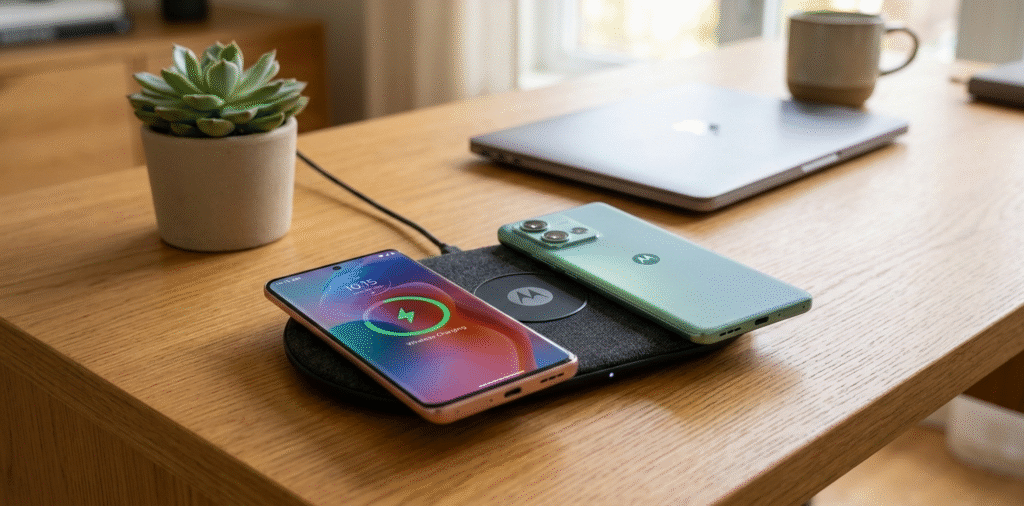
Wireless charging has become an important feature in modern smartphones, allowing users to charge their devices without plugging in cables. However, not all Motorola phones support wireless charging. Knowing which models are compatible can help you choose the right device or plan your charging setup.
Some Motorola phones support Qi wireless charging[^1]. Support is common in higher-end Moto Z, Moto X (select models), and recent Moto Edge[^2] families. Always check the exact model number and specs to confirm.
In this article, we’ll explore which Motorola models support wireless charging, including Moto Z series, Moto Edge series, and mid-range Moto G or Moto One models. We’ll also explain how to verify whether a specific Motorola phone supports wireless charging.
Which Moto Z models[^3] support wireless charging?
I wondered if Moto Z phones could charge on a pad.
Most Moto Z phones do not include built-in Qi wireless charging[^1]. Some Moto Z models[^3] gain wireless charging via Moto Mods[^4] designed for Qi charging.
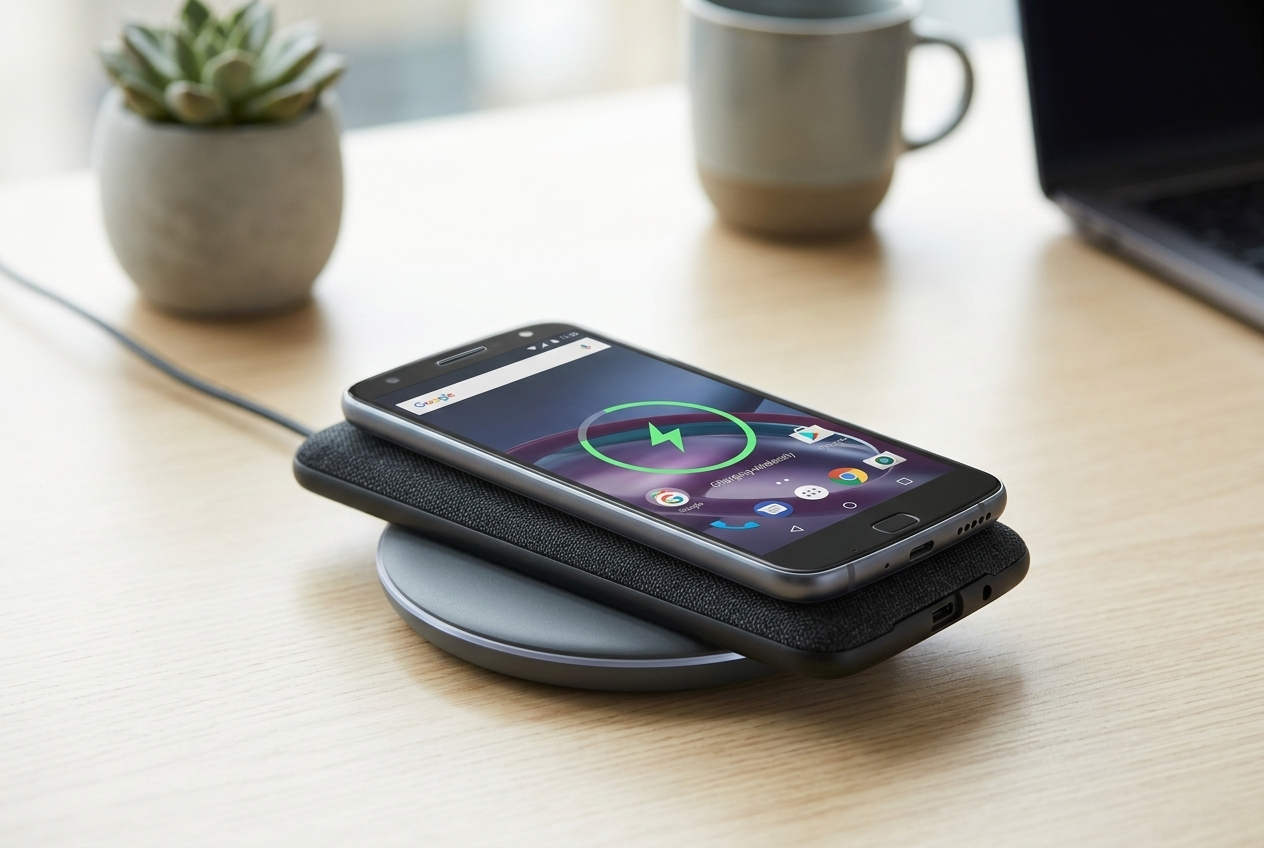
I used a wireless charging Moto Mod with my Moto Z. The Mod added Qi charging and made my phone more flexible.
Moto Z series, Moto Mods[^4], and wireless charging practicality Moto Z was built around Moto Mods[^4]—snap-on modules that add features. Motorola offered a wireless charging Moto Mod that adds Qi support to Moto Z phones without built-in wireless charging. The Mod snaps onto the back through the magnetic connector and provides wireless charging coils and circuitry. This approach means many Moto Z owners can get wireless charging without buying a new phone. However, Moto Mods[^4] add thickness and cost. Charging speed on the Mod depends on the Mod’s design and the wireless pad used. The Mod also draws power through the phone’s pogo-pin connector, so the phone’s software and hardware must support the Mod fully. When shopping, confirm that the Moto Mod is compatible with your specific Moto Z variant (Z, Z2, Z3, Z4) because mounting and software support can vary. Also check whether the Mod supports fast wireless charging or only standard Qi speeds.
Which Moto Edge[^2] and Edge+ models support wireless charging?
I wanted to know about Motorola’s newer Edge phones.
Some Moto Edge[^2] and Edge+ flagship models include built-in Qi wireless charging[^1]. Check the specific model and region for exact support.
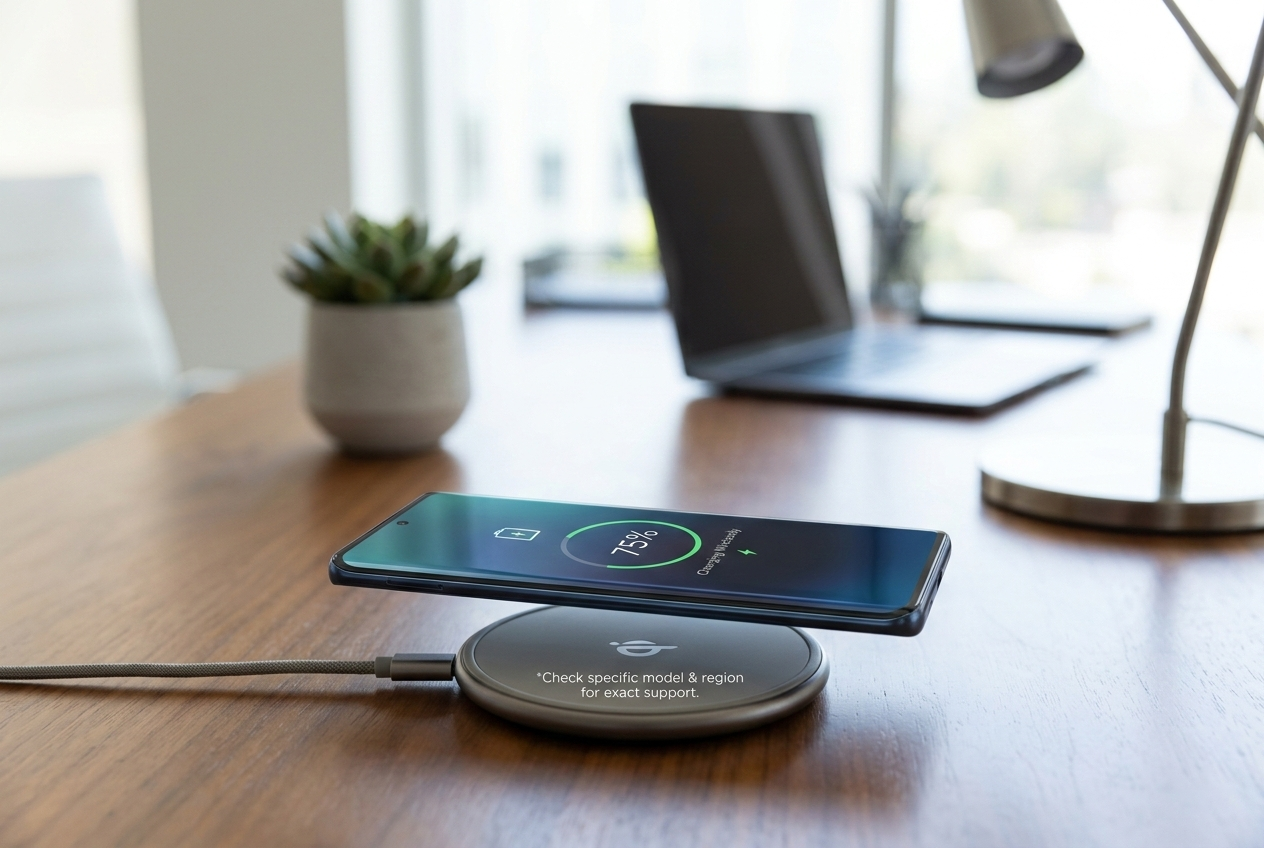
I read the spec sheet for my Edge model before buying a wireless stand. That saved me time and money.
Edge family wireless charging features and expectations Motorola re-entered higher-end markets with the Edge series. Certain Edge models, especially higher-tier or Pro variants, include Qi wireless charging[^1] and sometimes reverse wireless charging[^5]. The presence of glass backs often signals wireless charging capability because metal backs block Qi coils. Wireless charging in Edge phones usually matches standard Qi speeds. Some models may support faster wireless rates, but Motorola often focuses on solid thermal control and battery longevity rather than extreme wireless speed. Region-specific variants can differ in feature sets, so always use the exact model number to verify. If you plan to use reverse wireless charging[^5], check the phone’s software features and power sharing limits. For best results use certified Qi chargers[^6] and avoid thick or metal cases that block the coil alignment.
Do any mid-range Moto G or Moto One models support wireless charging?
I asked if budget Moto phones[^7] had wireless charging.
Most Moto G and Moto One models do not support built-in wireless charging. A few premium or special editions may, but this is rare in budget lines.
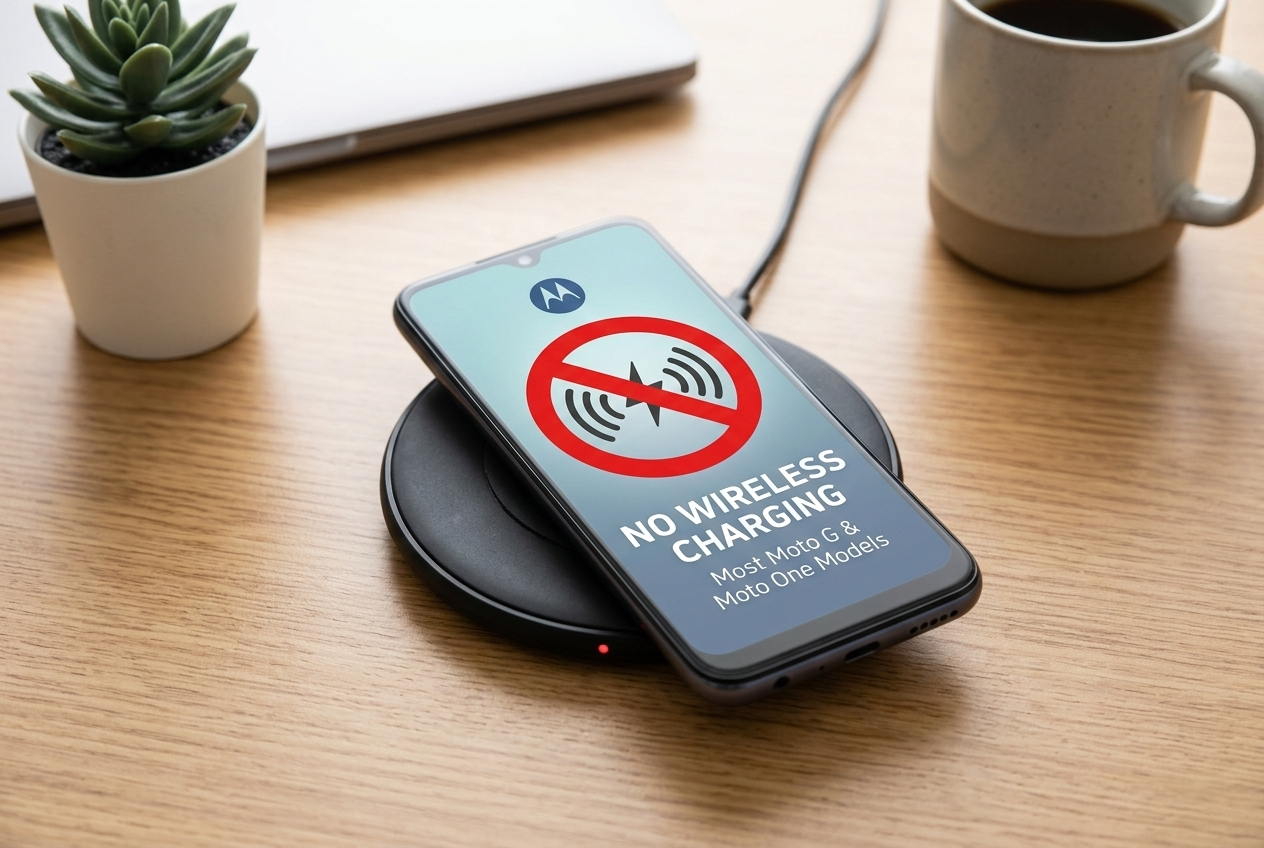
I found one mid-range model with wireless support. It was a special edition with a glass back and higher price.
why budget models skip wireless charging and workarounds Manufacturers cut costs on budget phones by using plastic or metal backs and simpler charging hardware. Wireless charging needs coils, receiver circuits, and often glass or plastic backs. That raises cost and complexity, so Moto G and Moto One families usually omit it. For buyers who want wireless charging on budget phones, aftermarket solutions[^8] exist. Wireless charging receiver pads or thin receiver modules can fit between the phone and case or plug into the phone’s charging port. These add convenience but often reduce efficiency and charging speed[^9]. They may also protrude or require special cases. Another option is using a wireless charging-enabled case or buying a Qi-compatible power bank. When using aftermarket receivers, choose reputable vendors and read reviews about heat, fit, and reliability. Native support remains the safest and most reliable option.
How to verify whether a specific Motorola model supports wireless charging?
I needed a quick checklist to confirm support.
Check Motorola’s official spec page[^10] or the phone’s manual. Look for "Qi wireless charging[^1]" or "wireless charging" in the features. Confirm the model number for regional variants.
I always check Settings > About phone for the model number and then search the official specs page.
step-by-step verification and testing tips Find the exact model number in Settings > About phone or on the box. Use that number to search Motorola’s official product page or the support site. The spec sheet will list wireless charging if available. If the official page is unclear, check the PDF user manual for keywords like "Qi" or "wireless charging." Trusted tech review sites and teardown reports can also confirm the presence of coils. For quick hands-on testing, place a certified Qi pad next to the back center of the phone with a thin case. The phone should show a charging icon if it supports wireless charging. Be careful with aftermarket tests and avoid using low-quality pads that can overheat. If your Moto phone lacks built-in support, consider Moto Mods[^4] (for Moto Z series) or reliable receiver accessories as workarounds. Always prefer OEM or certified accessories to avoid damage.
Conclusion
Moto Z series: Most models require a Moto Mod to enable wireless charging; native wireless charging is uncommon.
Moto Edge and Edge+: Premium models generally support built-in wireless charging with fast charging capability.
Moto G and Moto One: Wireless charging is rare in mid-range devices; check the specific model before assuming support.
Verification: Always check official specs, user manuals, or test the device on a Qi-compatible charger to confirm wireless charging support.
By understanding which Motorola phones support wireless charging and how to verify this feature, you can ensure you select the right device or accessories for a convenient, cable-free charging experience.
[^1]: Explore this resource to understand the technology behind Qi wireless charging and its benefits. [^2]: Get insights into the Moto Edge series and their wireless charging capabilities. [^3]: Find detailed information on which Moto Z models are compatible with wireless charging. [^4]: Learn about Moto Mods and how they enhance the functionality of Moto Z phones. [^5]: Understand the concept of reverse wireless charging and its applications. [^6]: Explore the importance of using certified Qi chargers for safe and efficient charging. [^7]: Find out if budget Moto phones can utilize wireless charging technology. [^8]: Discover various aftermarket solutions for adding wireless charging to your phone. [^9]: Understand the factors that influence the speed of wireless charging. [^10]: Learn how to locate the official spec page for accurate phone specifications.