Wireless charging has become a standard feature in many modern smartphones, and Samsung has incorporated this technology across various Galaxy series. However, not all Samsung models support wireless charging, so it’s essential to know which devices are equipped with this feature.
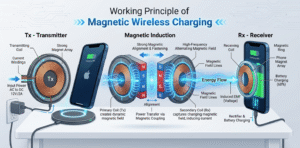
Many Samsung Galaxy[^1] flagships and mid-range models support wireless charging. Recent Galaxy S, Note, Z, and certain A-series phones include Qi wireless charging[^2]; check each model's specs for confirmation.
In this article, we will explore which Samsung devices across different Galaxy series support wireless charging, including the Galaxy S series[^3], Galaxy Note series[^4], Galaxy Z foldables, and the Galaxy A series[^5]. We’ll also explain how to verify if a specific Samsung model supports wireless charging.
Which Galaxy S series[^3] phones support wireless charging?
I wanted to know if my S-series phone could charge on a pad.
Most Galaxy S flagships from the S6 onward support wireless charging. Newer S models also support fast wireless charging[^6] with compatible chargers.
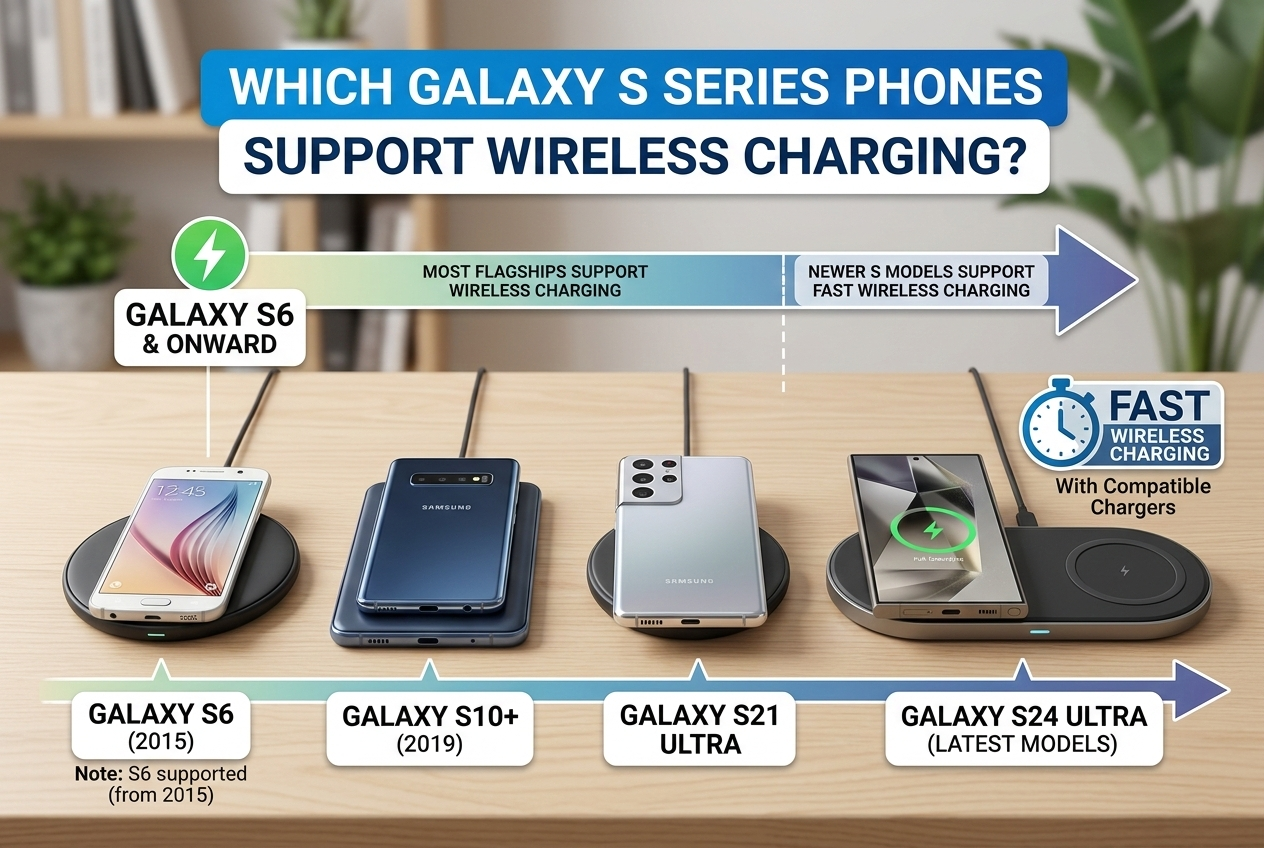
I upgraded from an older S model. The newer S phones charged faster on a compatible wireless pad and supported reverse wireless charging for accessories.
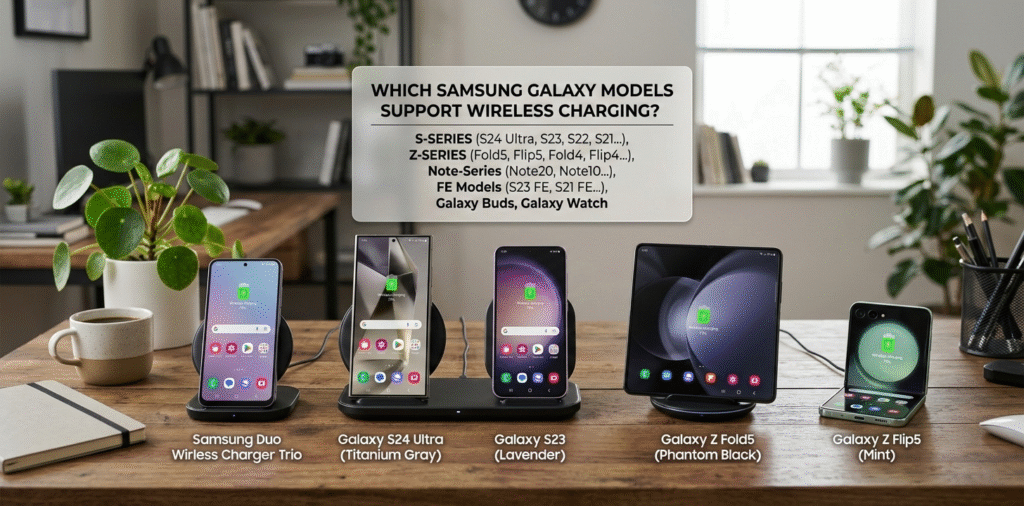
Galaxy S series[^3] timeline and features Samsung added wireless charging to the Galaxy S lineup starting with the Galaxy S6. From that generation, wireless charging became a standard feature in flagships. The S6 and S7 use basic Qi charging. From S8 and S9, wireless charging improved and manufacturers added better thermal management. The S10 and later brought faster wireless charging speeds and sometimes reverse wireless charging to share power with earbuds or watches. The S20, S21, S22, S23, and S24 lines support wireless charging and most support fast wireless charging[^6] (requires a compatible fast wireless charger). For exact capability, check the model variant, because some regional or carrier-specific models may differ. Also note that Galaxy S "FE" models often include wireless charging, but confirm by model number[^7]. If you need fast wireless charging[^6], use chargers rated for Samsung fast wireless standards or Qi2 where supported.
Which Galaxy Note models support wireless charging?
I wondered if my Note stylus phone could top up wirelessly.
Galaxy Note flagships starting from Note 5 support wireless charging. Later Note models added faster wireless speeds and reverse wireless charging on select models.
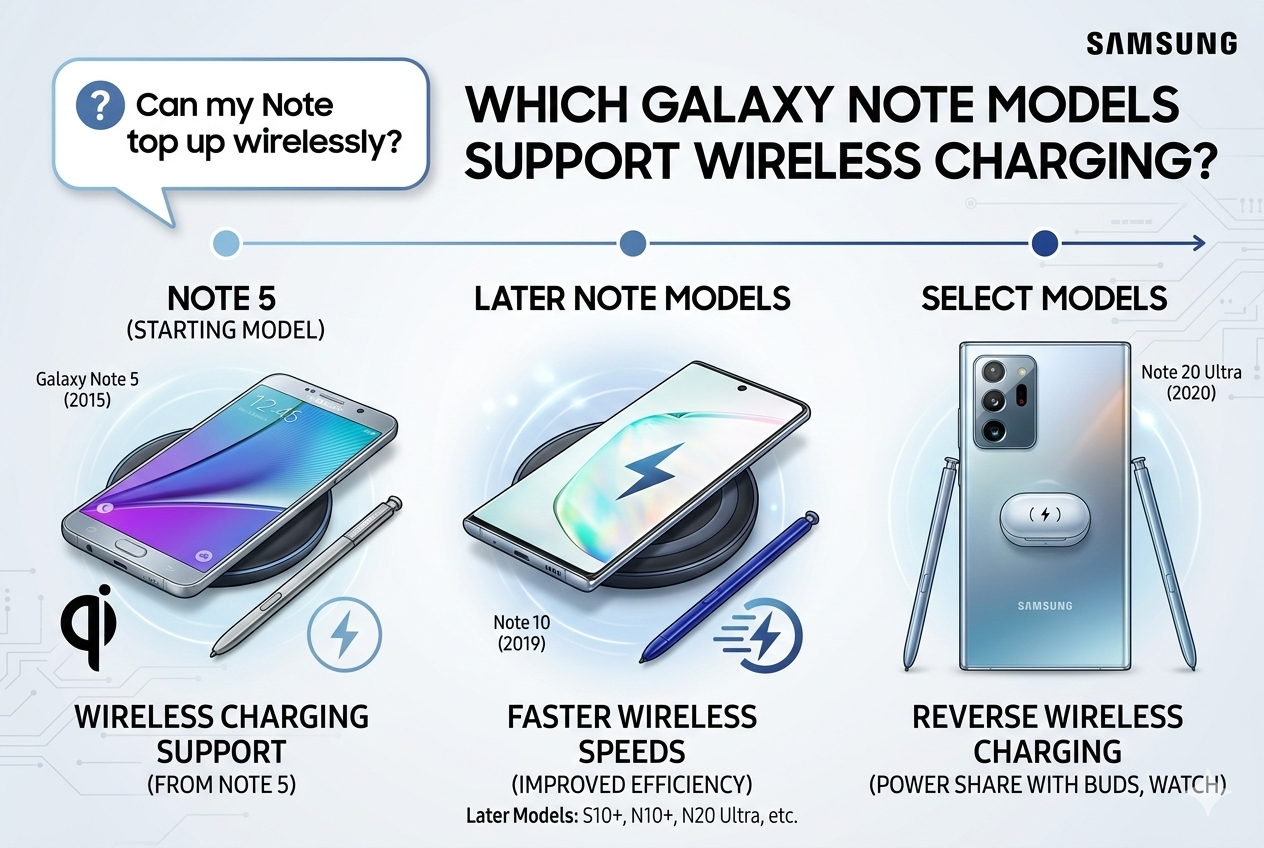
I used a wireless charger with my Note10 and it worked fine. The S Pen case did not interfere with charging.
Note series specifics and charging behavior Galaxy Note models began getting wireless charging with the Note5. Subsequent Notes continued the feature. Note8 and Note9 support Qi wireless charging[^2]. Note10 and Note20 lines improved thermal handling and added faster wireless charging on compatible pads. Some Note models also include reverse wireless charging (called Wireless PowerShare) that lets you charge earbuds or watches from the phone. The charging speed depends on the charger and the phone’s thermal limits. For Note devices with large batteries, expect wireless charging to be slower than wired fast charging. Use original or certified Qi chargers for best results. Also remove magnetic or metal attachments and thick cases that can block charging. If you plan to use Wireless PowerShare often, check the phone’s battery capacity and expected impact on battery life during extended accessory charging.
Do Samsung foldables (Galaxy Z series[^8]) support wireless charging?
I wanted to know about my foldable phone.
Most Galaxy Z Fold and Z Flip models from their modern generations support wireless charging and reverse wireless charging for accessories.
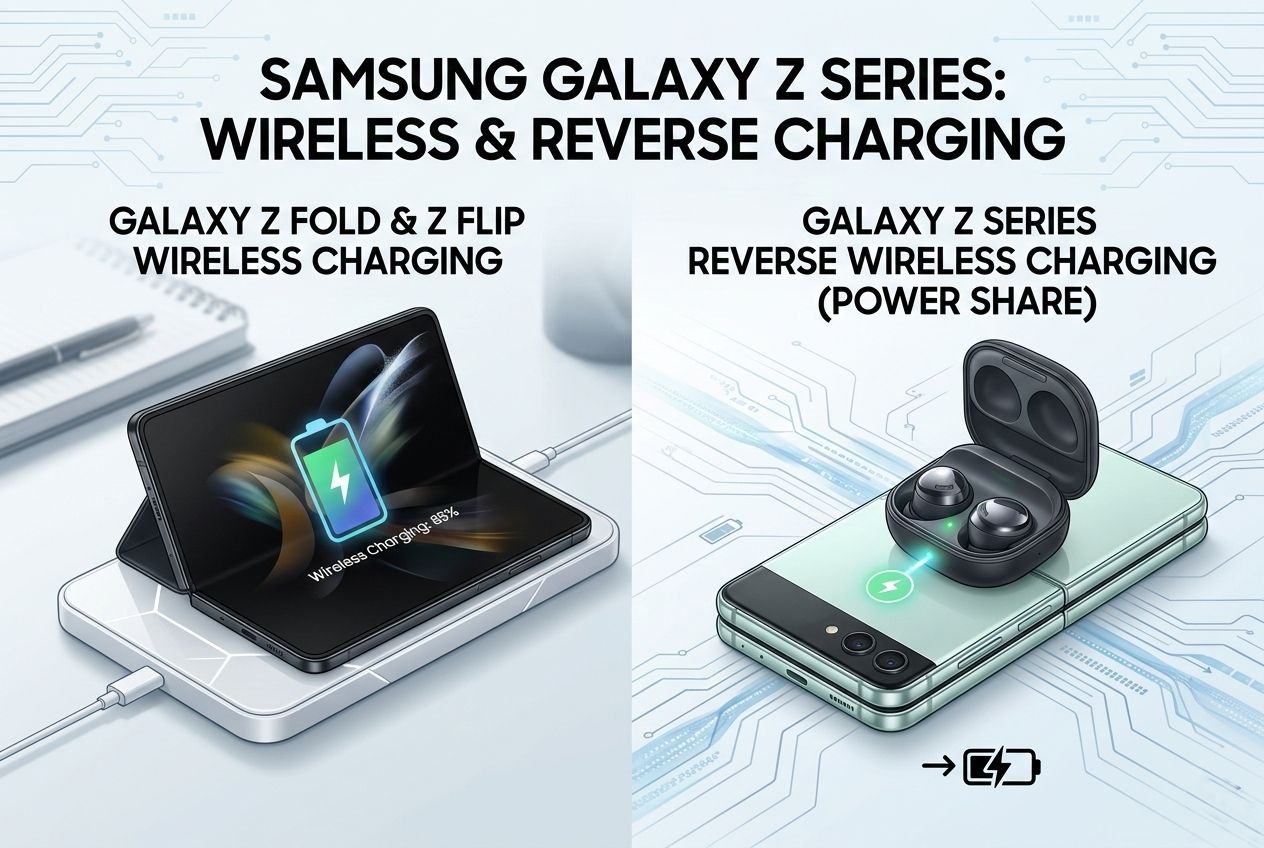
I charged my earbuds on the back of a Z Flip during a short wait. It was convenient and worked reliably.
foldable models and wireless charging practicality Samsung’s foldable phones usually include modern charging features. The Galaxy Z Flip and Z Fold lines in recent generations support Qi wireless charging[^2] and Wireless PowerShare. The smaller Z Flip may have smaller batteries, so wireless charging times are short but useful. The Z Fold, with a larger battery, still charges more slowly on wireless pads compared to wired fast charging. When using wireless chargers with foldables, align the coil area correctly. Some cases or folio covers can block charging. Also, because foldables can be used as stands, a wireless stand charger works well. Wireless PowerShare on Z models helps to top up earbuds or smartwatches, but it draws from the phone battery and may be slower. For best results, use certified chargers and check Samsung’s support pages for specific model charging specs[^9].
Which Galaxy A series[^5] and mid-range models have wireless charging?
I asked if mid-range phones support this feature.
Most A-series phones do not include wireless charging. A few premium A models and special editions may support Qi. Always check the model’s official spec sheet.
I found some A-series variants with wireless charging, but many budget and mid-range phones skip the feature to cut costs.
how to check A-series and mid-range compatibility Samsung reserves wireless charging for higher-end models. In the A-series, only select premium variants may include Qi support. Many mid-range phones favor wired fast charging to keep costs down. To confirm, look up the full model number[^7] (for example, SM-Axxxx) on Samsung’s official site or trusted tech spec databases[^10]. Other clues include the presence of glass backs (wireless charging generally needs non-metal backs) and marketing terms like "Wireless PowerShare" or "Qi wireless charging[^2]." If you plan to use wireless charging with a mid-range phone, verify the spec sheet and read user reviews for real-world performance. Some third-party accessories[^11] claim to add wireless charging via receivers; these can work but may reduce efficiency and are not as reliable as built-in support.
How to verify a specific Samsung model supports wireless charging?
I needed a quick checklist to confirm support.
Check the official Samsung specs page or the phone’s user manual[^12]. Look for "Qi wireless charging[^2]" or "Wireless PowerShare" in features. Confirm the model number[^7] for regional variants.
I always search the exact model number[^7] and official support pages. That prevents buying incompatible chargers.
step-by-step verification and testing tips First, find the full model number[^7] in Settings > About phone or on the box. Use that number to search Samsung’s official product page. The spec sheet lists wireless charging if present. If the page is ambiguous, check the PDF user manual[^12] for "Qi" or "Wireless PowerShare." You can also search reliable tech review sites that list charging specs[^9]. For a quick hands-on test, place a certified Qi charger under a thin non-metal case and see if the phone begins charging. Use a known good wireless pad and monitor charging current; many phones show a charging icon or percentage increase. Be careful with unauthorized testing because some chargers can heat the phone. If buying a charger, prefer Samsung or reputable brands that list compatibility with specific Galaxy models. For region-specific variants, confirm with the carrier or retailer, since hardware differences occasionally exist between markets.
Conclusion
Samsung has equipped most of its premium devices and many mid-range models with wireless charging, making it a convenient option for users who want to avoid cables. Here's a summary:
Galaxy S series[^3] (S6 and beyond) supports wireless charging.
Galaxy Note series[^4] (Note 5 and newer) also supports wireless charging.
Galaxy Z series[^8] foldables support wireless charging.
Some Galaxy A series[^5] models (A70, A90, A53, A54) support wireless charging, but not all.
To ensure a model supports wireless charging, always refer to the specifications or test the feature with a wireless charger. With this information, you can confidently choose your next Samsung phone based on its charging capabilities.
[^1]: Find detailed information on which Galaxy models come with wireless charging capabilities. [^2]: Learn about Qi wireless charging, the standard used by many devices, including Samsung phones. [^3]: Discover the specific Galaxy S models that feature wireless charging for your convenience. [^4]: Get insights into the Galaxy Note models that come equipped with wireless charging. [^5]: Learn about the A series models that include wireless charging and their specifications. [^6]: Understand the advantages of fast wireless charging and which devices support it. [^7]: Get tips on locating your Samsung phone's model number for accurate specifications. [^8]: Find out if your Galaxy Z foldable phone supports wireless charging and its features. [^9]: Learn how to verify the charging specifications for your Samsung device effectively. [^10]: Explore trusted tech spec databases to verify features and specifications of smartphones. [^11]: Learn about the reliability of third-party accessories for wireless charging capabilities. [^12]: Access your phone's user manual for detailed information on features like wireless charging.