A USB wall charger[^1] is a compact power adapter that plugs into AC mains and provides DC power over USB to charge devices. It converts high-voltage AC to safe low-voltage DC and often negotiates power with devices.
If you only want a quick definition, that is it. Read on if you want safety tips[^2], tech reasons behind USB-C[^3] adoption, and how to adapt between USB-A and USB-C[^3] safely.
Are USB wall adapters safe?
I once bought a cheap adapter and it got hot after half an hour.
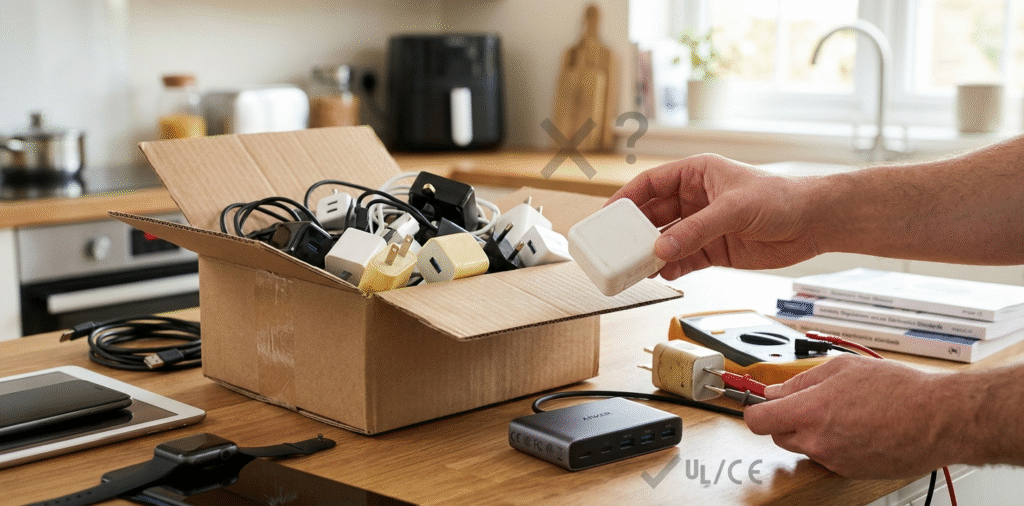
Most USB wall adapters are safe when they meet standards, have proper protection circuits, and carry genuine certifications. Poor-quality or counterfeit adapters[^4] can overheat, lack protections, or fail, creating safety and battery risks.
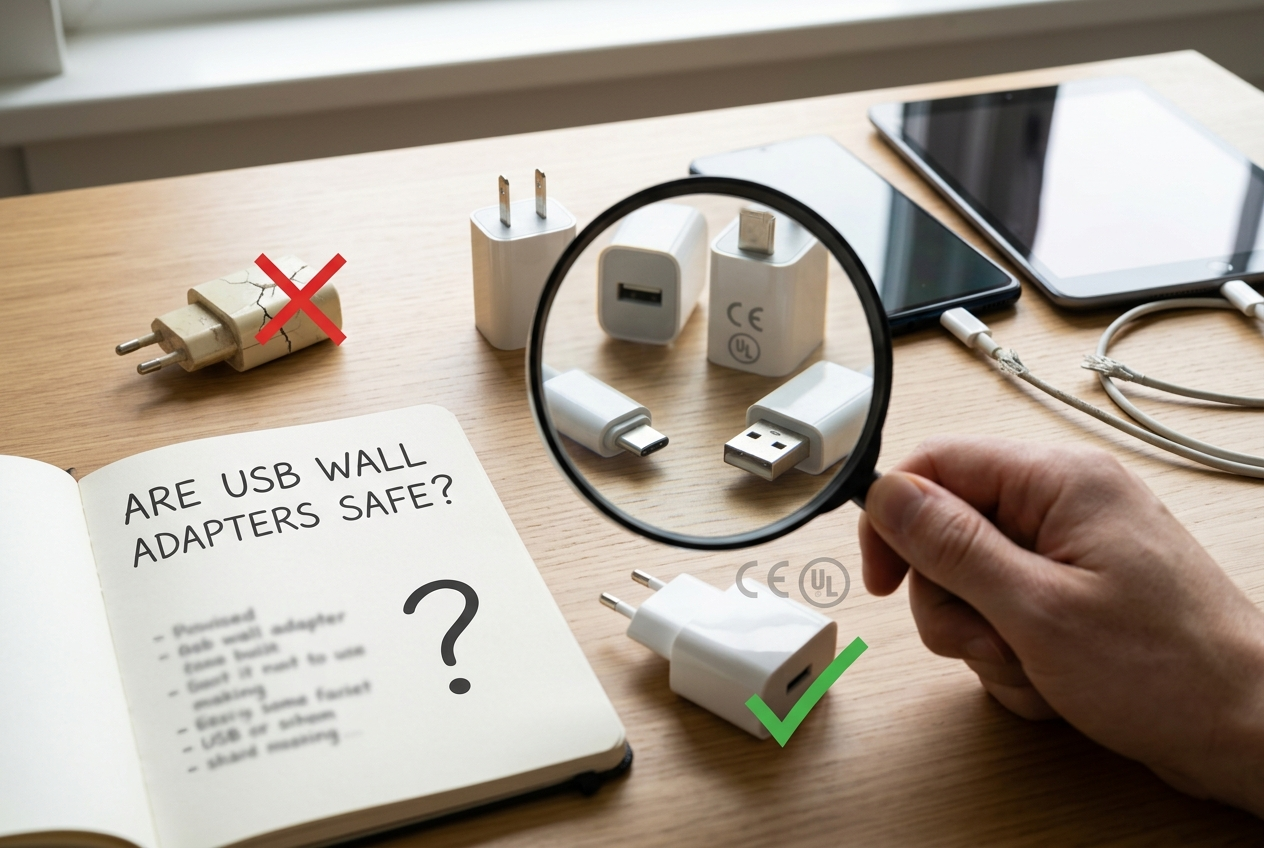
I now check specs, certification marks[^5], and reviews before I buy an adapter.
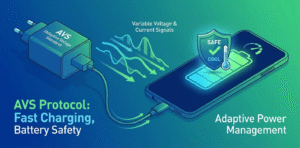
A safe USB wall adapter performs several tasks reliably. It converts AC mains to stable DC at the correct voltage. It limits current to a safe value. It includes protection circuits like over-voltage protection[^6] (OVP), over-current protection (OCP), short-circuit protection (SCP), and thermal shutdown. It also uses proper insulation and quality components. Certified adapters show marks like CE, FCC, UL, or regional equivalents. These marks indicate third-party testing on safety and electromagnetic compatibility. Beyond marks, a trustworthy brand will list output voltage, current, and supported protocols such as USB Power Delivery[^7] (PD) or Qualcomm Quick Charge. A real PD-capable adapter negotiates voltage and current with the device. That prevents a device from drawing unsafe power. Counterfeit adapters may display fake certification logos or incorrect specs. They often skip protection circuits. That raises the risk of overheating, battery damage, or fire. To stay safe, use well-known brands or reliable suppliers. Buy from reputable stores. Inspect cables for damage. Avoid cheap, unmarked adapters. If an adapter becomes very hot, emits smell, or shows damage, stop using it. Replace it with a certified unit. I also recommend using certified cables and following manufacturer guidance on charging.
Why is everyone switching to USB-C[^3]?
I switched to USB-C[^3] and now carry one cable for phone and laptop.
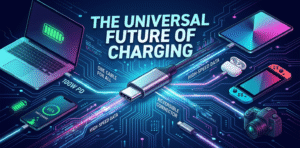
USB-C[^3] is becoming universal because it supports higher power, faster data, reversible connector orientation, and standard protocols like USB Power Delivery[^7]. It simplifies charging and reduces cable clutter across devices.
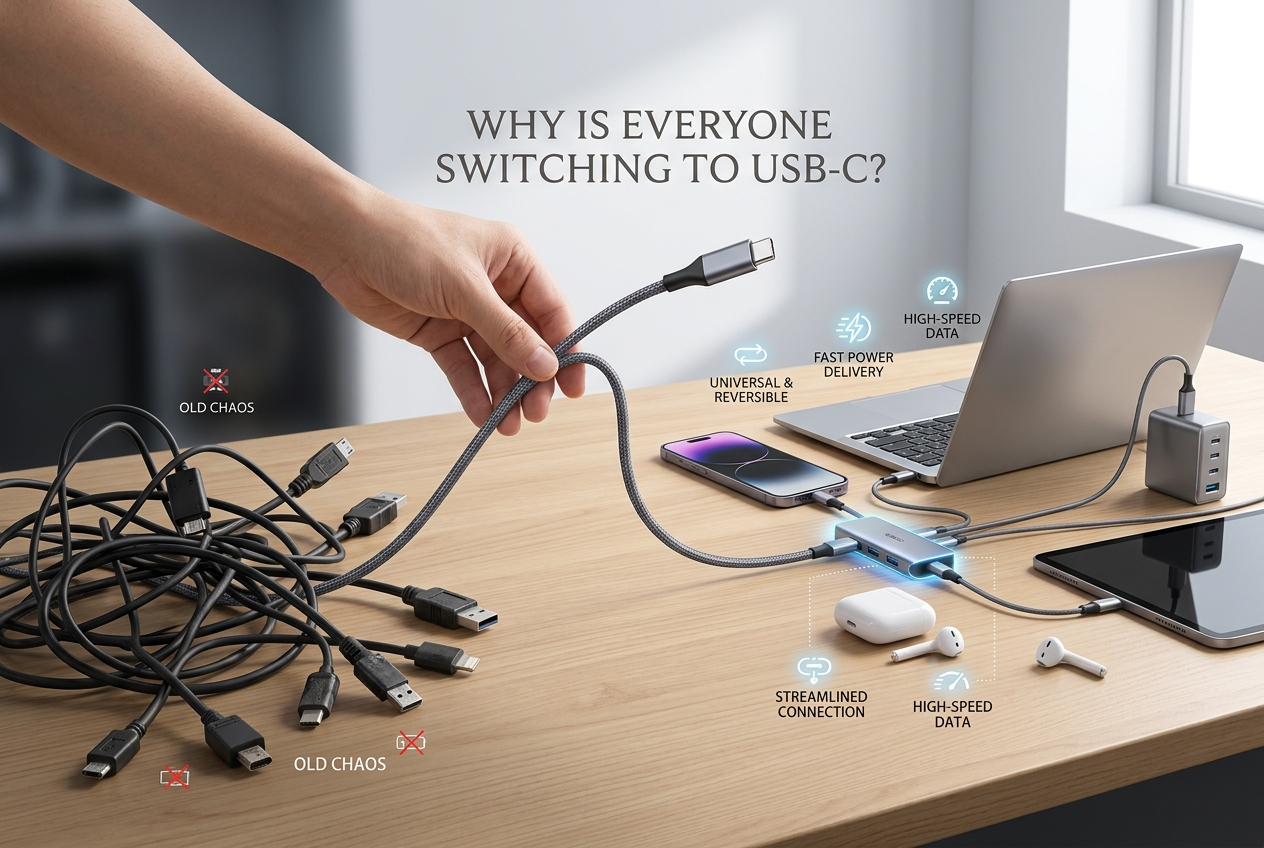
I like carrying one USB-C[^3] cable that works for my phone, tablet, and laptop.
USB-C[^3] brings technical and practical advantages. The connector is reversible. That removes the frustration of trying to plug in the right way. More importantly, USB-C[^3] supports wide power ranges via USB Power Delivery[^7] (PD). PD lets devices negotiate voltages from 5V up to 20V and beyond with PD 3.1, enabling fast charging[^8] for phones and enough power for many laptops. USB-C[^3] also supports high-speed data standards like USB 3.2 and USB4, and can carry video signals with Alternate Mode. This convergence reduces the number of ports on devices and the number of cable types users need. Governments and regulators also push for standardization to reduce electronic waste[^9]. Apple, phone makers, and laptop vendors have been moving toward USB-C[^3] for that reason. Finally, USB-C[^3] is built to scale. Newer specifications add higher power and faster data without changing the connector. That future-proofs many devices and supports unified charging ecosystems.
Can I convert USB-A to USB-C[^3]?
I once tried an adapter and the phone charged very slowly.
Yes, you can convert USB-A to USB-C[^3] with adapters or cables, but you lose some features. USB-A to USB-C[^3] typically limits power and data negotiation compared to native USB-C[^3] to USB-C[^3] connections. Check cable rating and protocol support.
I now avoid using USB-A for fast charging[^8] and use USB-C[^3] to USB-C[^3] whenever possible.
You can use a simple USB-A to USB-C[^3] cable or a small adapter that fits on an existing USB-A cable. That will let you charge a USB-C[^3] device from a USB-A port. However, USB-A ports usually only provide 5V and limited current, commonly 0.5A to 2.4A depending on the port and charger. That means slower charging than USB-C[^3] PD. Also, USB-A does not support PD negotiation. When you use USB-A to USB-C[^3], the device must fall back to legacy charging modes[^10] like USB Dedicated Charging Port (DCP) or Apple-specific resistive signaling. That often limits current draw. For higher speeds, you need a USB-C[^3] port and a PD-capable adapter and cable. If you use an adapter or cable that is poorly made, you risk poor contacts, excess heating, or no fast charge. For higher currents, cables must meet specific wire gauge and data line requirements. Some adapters try to simulate signals to allow faster charging, but these can be unreliable or unsafe. If you need fast charging[^8], get a proper USB-C[^3] PD charger and a USB-C[^3] to USB-C[^3] cable that is rated for the needed wattage. If you must use USB-A to USB-C[^3], expect slower charging and check cable and adapter quality.
Conclusion
A USB wall charger[^1] converts AC to DC for USB power. Use certified adapters and quality cables for safety. USB-C[^3] replaces older connectors because it supports higher power, faster data, and a universal ecosystem. You can adapt USB-A to USB-C[^3], but expect limited power and slower speeds.
[^1]: Understanding the function of a USB wall charger can help you choose the right one for your devices. [^2]: Safety tips can prevent overheating and damage, ensuring your devices charge safely. [^3]: Explore the advantages of USB-C and why it's favored for modern devices. [^4]: Identifying counterfeit products can prevent safety hazards and ensure reliable charging. [^5]: Knowing certification marks helps you identify safe and reliable charging products. [^6]: Understanding over-voltage protection can help you choose chargers that safeguard your devices. [^7]: Learn how USB Power Delivery improves charging efficiency and speed for your devices. [^8]: Discover how fast charging technology works and its benefits for your devices. [^9]: Learn how USB-C standardization contributes to sustainability and less electronic waste. [^10]: Understanding charging modes can help you optimize charging speed and efficiency.