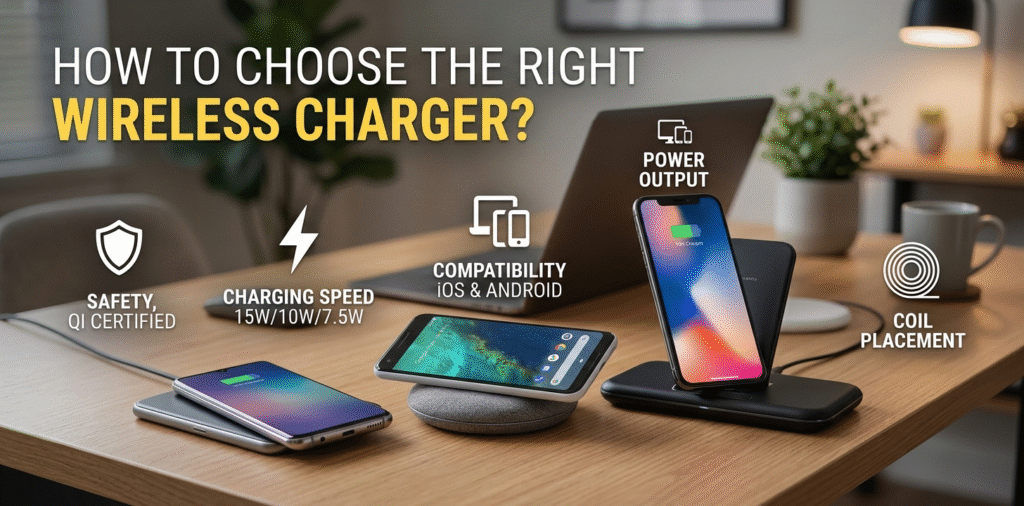
Choosing the right wireless charger[^1] can be a bit overwhelming with so many options available. Whether you’re charging your smartphone, smartwatch, or AirPods, the ideal wireless charger[^1] depends on your device’s needs, the charger’s performance, and additional features. Here’s a guide to help you make an informed decision.
Choose a wireless charger[^1] by matching your phone’s wireless standard, checking power output[^2] and certifications, and confirming real-world performance and safety features.
If you want a short guide, match standard, power needs, and safety features. Read on to learn which specs matter, what certifications to trust, and practical buying tips.
Stop here for the short answer. Read on if you want step-by-step checks and buying examples.
How do I know which wireless charger[^1] to buy?
I once tried a charger that did not align with my phone and saw poor speeds.
Buy a charger that supports your phone’s wireless protocol (Qi is the common one). Pick a wattage the phone accepts and confirm physical fit, case compatibility[^3], and charging mode[^4] (pad, stand, or car mount).
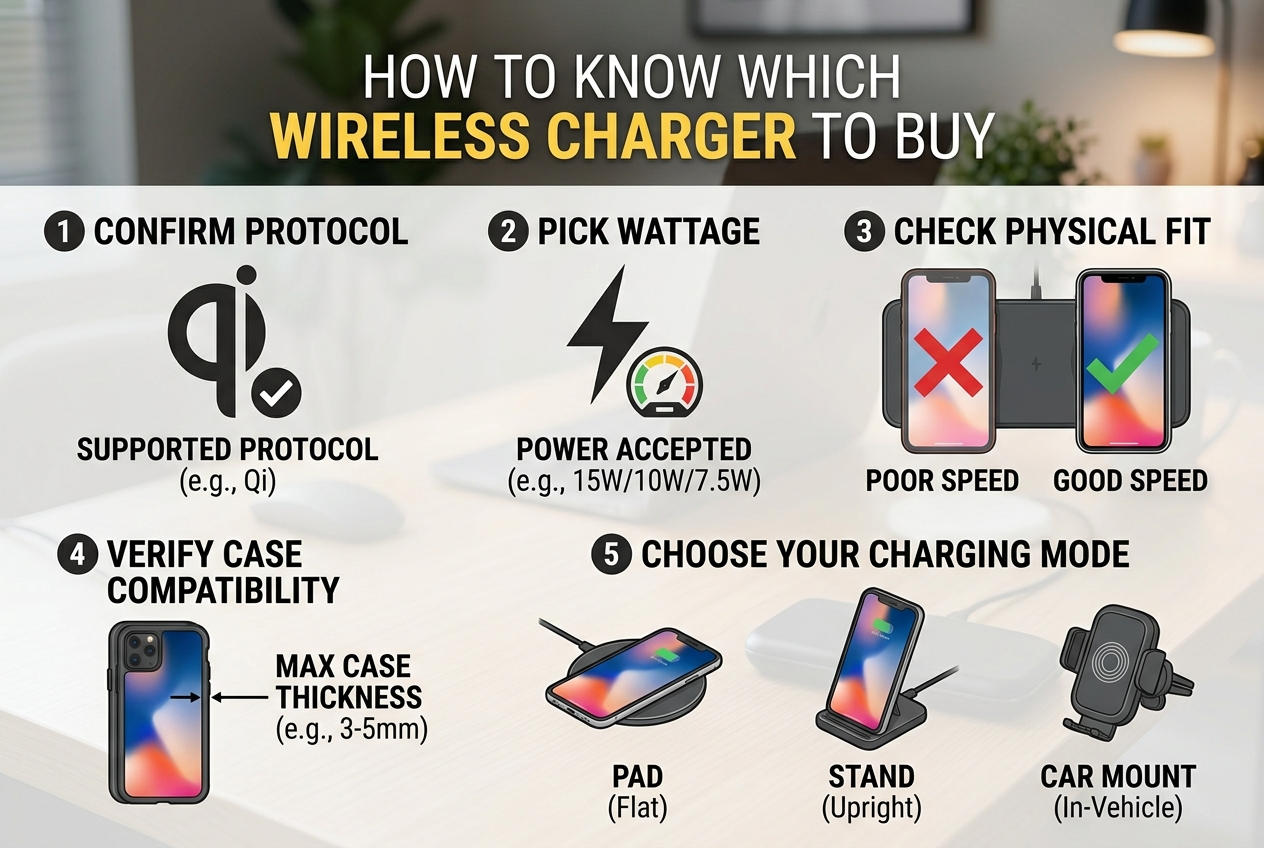
I now check phone specs and test fit before I buy.
Most phones use the Qi standard. Start by confirming your phone supports Qi and what max wireless power it accepts. For many phones, Qi supports 5W, 7.5W, 10W, 15W, or more. Apple iPhone models historically took 7.5W to 15W with MagSafe[^5] variants offering magnetic alignment and higher efficiency. Android phones may support 10W, 15W, or higher. If your phone supports magnetic charging (MagSafe[^5] or similar), consider a magnetic charger for better alignment and steady charging. Next, choose the charger form factor. A flat pad is cheap and simple. A stand supports phone viewing while charging. A car mount secures the phone while driving. Think about where you will use it: bedside, desk, car, or travel. Then check case compatibility[^3]. Thick or metal-backed cases can block charging. Many chargers work through thin plastic or silicone cases up to a few millimeters. If you use a wallet or metal ring on the case, remove it. Finally, check the charger’s advertised power and whether it supports the power level your phone uses. A 15W-rated charger may still only deliver 7.5W if the phone limits it.
How Important Is Power Output and Certification?
I once used a 5W charger when my phone supported 15W and lost a lot of time.
Power output matters for charging speed[^6]. Certification ensures safety and real performance. Prioritize chargers that list real output for your phone and have recognized safety marks and PD or Qi certification[^7].
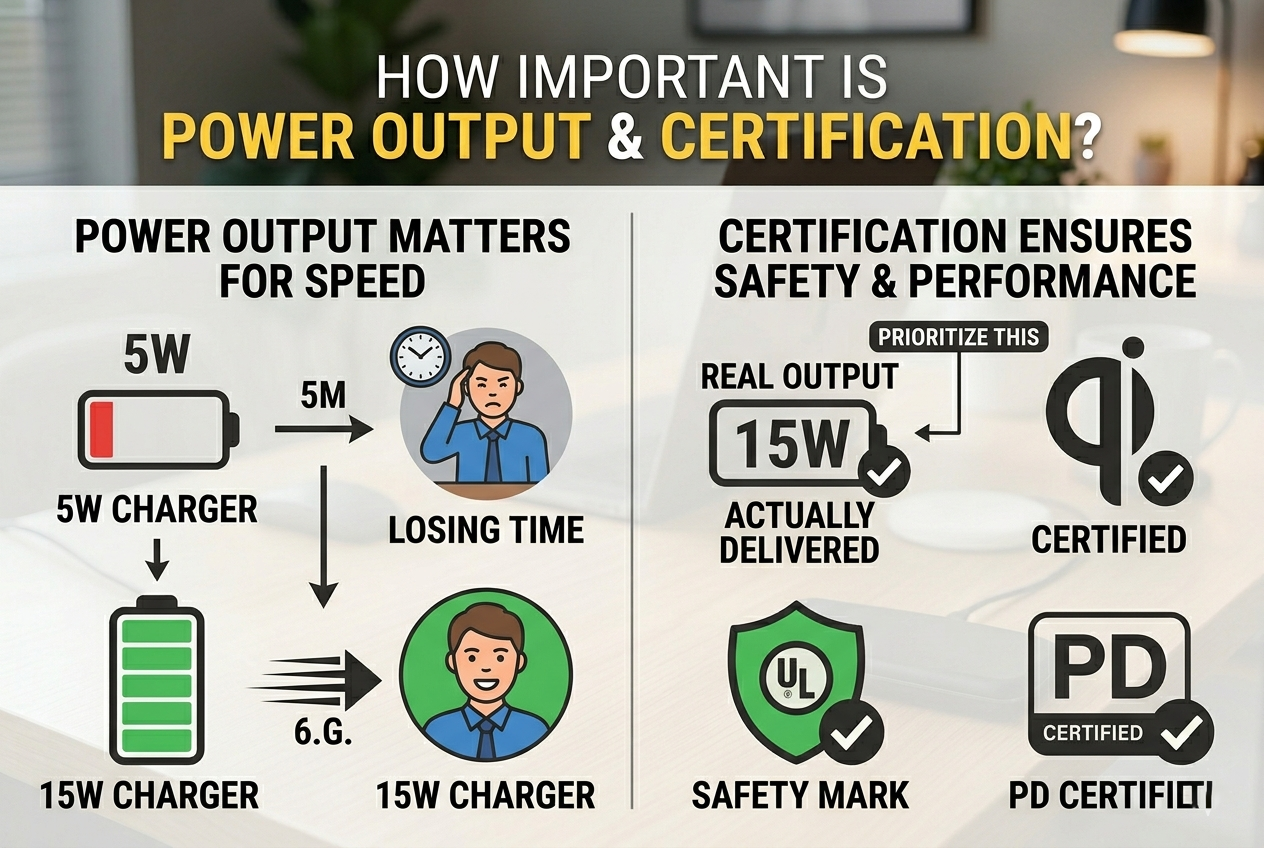
I buy chargers with Qi certification[^7] and a clear wattage table[^8].
Power output determines how fast a phone can charge wirelessly. If your phone supports 15W wireless charging, a charger rated only at 5W or 7.5W will charge slower. Check if the charger lists power by device type or negotiating protocol. Some chargers advertise "up to 15W" but deliver different power depending on phone brand. Certification matters because it shows the product passed interoperability and safety tests. Look for the Qi logo. For wired-to-wireless adapters or chargers that accept a USB PD input, check for USB-IF or other recognized marks. Also look for safety certifications like CE (Europe), FCC (US), UL or ETL for North America. These marks reduce the risk of poor internal design and missing protections. Certified chargers usually include over-voltage, over-current, foreign-object detection[^9] (FOD), and thermal protection[^10]. FOD is important. It detects metal objects such as coins or credit cards placed between phone and charger and stops charging to prevent heating. Without FOD, the pad could heat and become unsafe. Finally, check if the charger needs a separate power adapter. Many wireless bases require a QC or PD wall adapter to supply the rated wattage. If a seller includes an adapter, check its specs.
What should you pay attention to before buying a wireless charger[^1]?
I once learned that real-life charging is different from specs on the box.
Before buying, verify compatibility, power source needs, case tolerance, positioning aids, heat management, build quality[^11], warranty, and reviews for real-world performance.
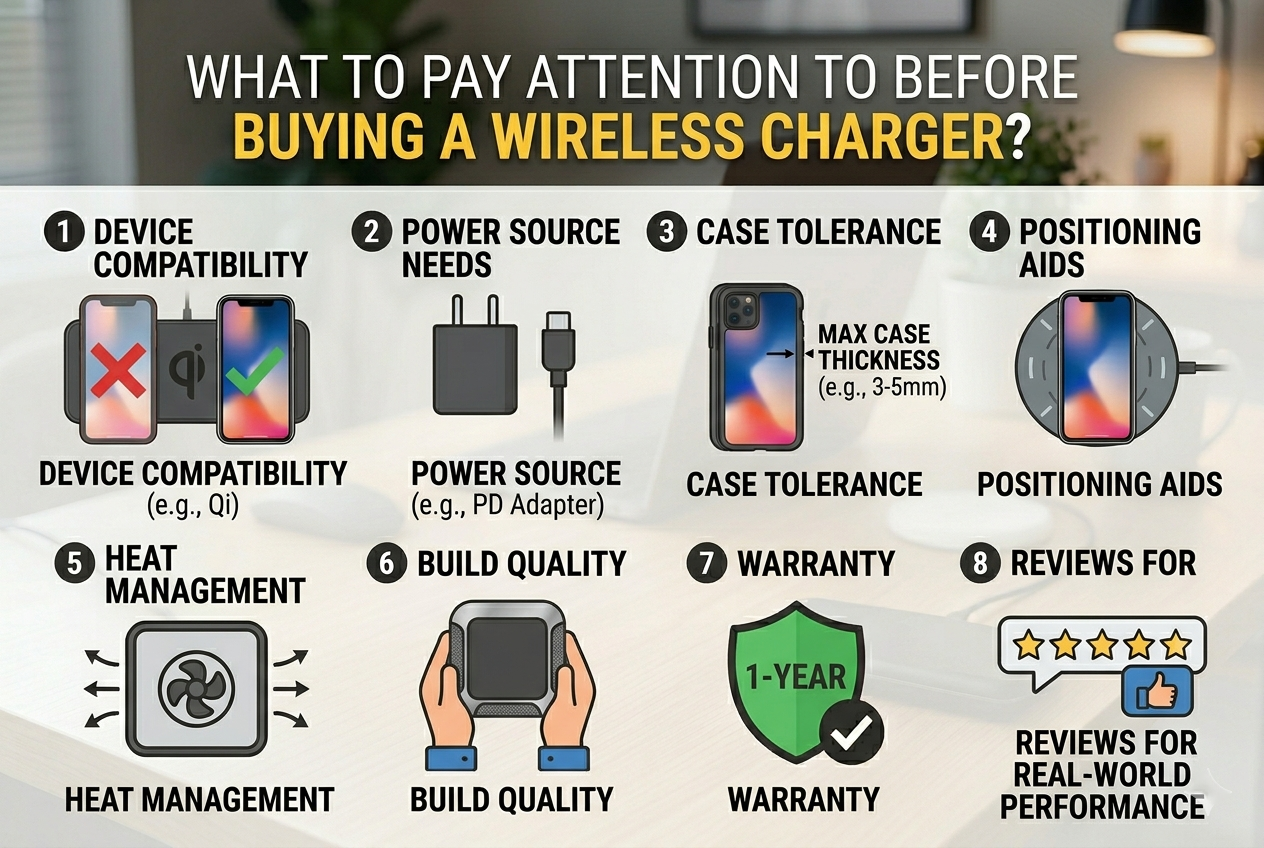
I read multiple reviews, check the manual, and confirm the included adapter or required adapter specs[^12].
Start with compatibility. Confirm your phone supports the charger’s protocol and max power. Check the included cable and adapter. Many pads ship without a power adapter that can deliver full power. The product may need a PD or QC adapter rated for a certain wattage. If the seller includes an adapter, verify its brand and rating. Verify case tolerance. If you use a protective case, confirm the charger works through it. Some sellers list maximum case thickness. Watch for foreign object detection and temperature control. Good chargers include FOD and thermal shutdown to avoid heating. If you plan to use the charger overnight on a nightstand, choose a model that stays cool and has stable trickle charging when the battery reaches full. Look at physical design: non-slip pads, LED indicators, magnetic alignment for MagSafe[^5]-capable phones, and whether the stand holds phones of different sizes. Build quality matters. Metal parts or cheap plastics can affect durability and heat. Check warranty and return policy. A reliable brand often offers a warranty and customer support. Finally, read real user reviews[^13]. Look for complaints about speed, heat, durability, and false advertising. Reviews reveal whether a charger truly delivers the claimed wattage and whether it handles real-world cases and phones. If you often travel, choose a compact, rugged model and consider a folding stand or multi-device charger[^14] that supports earbuds and a phone together.
Final buying checklist
I keep a short checklist when I buy chargers now.
- Confirm phone wireless standard and max wireless wattage.
- Check whether the charger needs a high-watt adapter and if one is included.
- Look for Qi certification[^7] and safety marks (Qi, CE, FCC, UL/ETL).
- Prefer models with foreign-object detection[^9] and thermal protection[^10].
- Verify case thickness compatibility and magnetic alignment if needed.
- Read user reviews[^13] for real-world performance and heat behavior.
- Check form factor: pad, stand, car mount, or multi-device station.
- Choose quality cables and adapters from known brands.
Conclusion
Choosing the right wireless charger[^1] involves balancing several factors to meet your needs:
Charging speed is determined by the power output[^2] of the charger. Make sure it aligns with your device's capabilities, especially if you're looking for fast wireless charging. Compatibility is essential. Ensure the charger works with your device, whether you need MagSafe[^5] charging for iPhones or Qi standard for most other smartphones. Certification guarantees safety, so look for Qi-certified chargers and MagSafe[^5] for Apple devices. Don’t forget to consider the build quality[^11], multiple-device charging capability, and whether the charger meets your specific needs (e.g., fast charging, stand design).
By considering all of these factors, you’ll be able to pick the best wireless charger[^1] that suits your devices and lifestyle.
[^1]: Explore this link to find top-rated wireless chargers that suit various devices and needs. [^2]: Understanding power output is crucial for fast charging; this resource explains its impact on performance. [^3]: Find out how to ensure your phone case works with wireless chargers to avoid charging issues. [^4]: Explore the various charging modes available and how they cater to different user needs. [^5]: Learn about MagSafe technology and its benefits for efficient wireless charging. [^6]: This link provides insights into how different factors affect the speed of wireless charging. [^7]: Learn about Qi certification to ensure your charger meets safety and performance standards. [^8]: This link explains wattage tables and how they help you choose the right charger for your device. [^9]: Discover how foreign-object detection enhances safety during wireless charging. [^10]: Explore the significance of thermal protection in preventing overheating during charging. [^11]: Understand the importance of build quality in ensuring durability and effective charging. [^12]: Learn what adapter specs are essential for optimal wireless charging performance. [^13]: Discover tips on finding trustworthy user reviews to help you choose the best wireless charger. [^14]: Check out this resource for recommendations on multi-device chargers that can charge several gadgets at once.