Your MacBook Pro charges slow, or not at all, and you suspect the charger. You want the right wattage without guesswork.
Most MacBook Pro models[^1] need 61W to 140W. Match or exceed the official wattage with a certified USB-C PD charger[^2]. Higher wattage is fine; the laptop only draws what it needs.
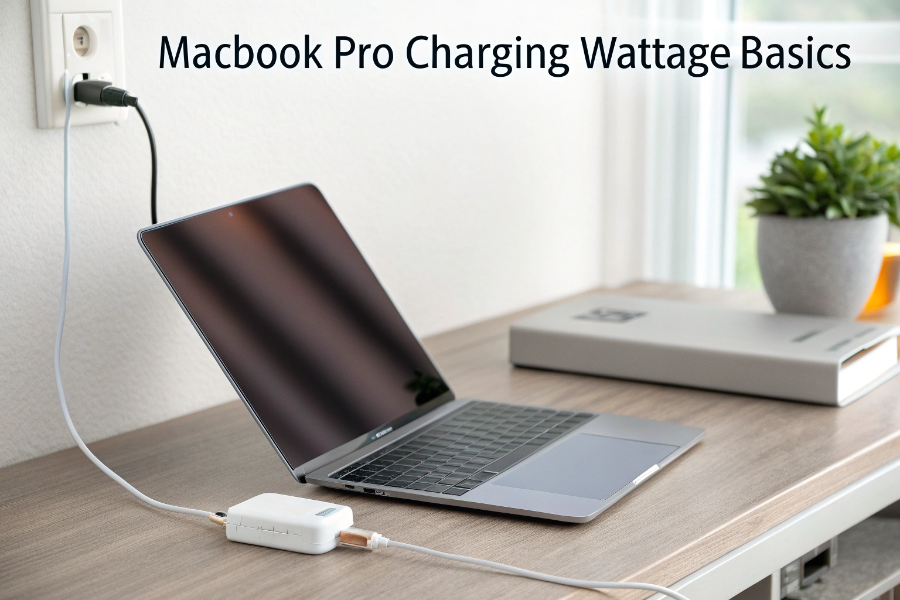
I test PD chargers daily. I trust the USB Power Delivery handshake. It lets the MacBook negotiate safe voltage and current, so a higher-watt brick does not “force” extra power.
You want one clear path: check your model, check Apple’s rated wattage, then pick a PD charger that meets or exceeds it. Use a quality USB-C cable rated for the target watts.
Can I use a 70W charger for a MacBook Pro?
Your meeting starts in 20 minutes. Your battery is low. You only have a 70W PD charger. You need a yes or no.
Yes, if your MacBook Pro’s official wattage is 67W or lower. It will also work for higher-watt models, but it may charge slower, especially under heavy load.
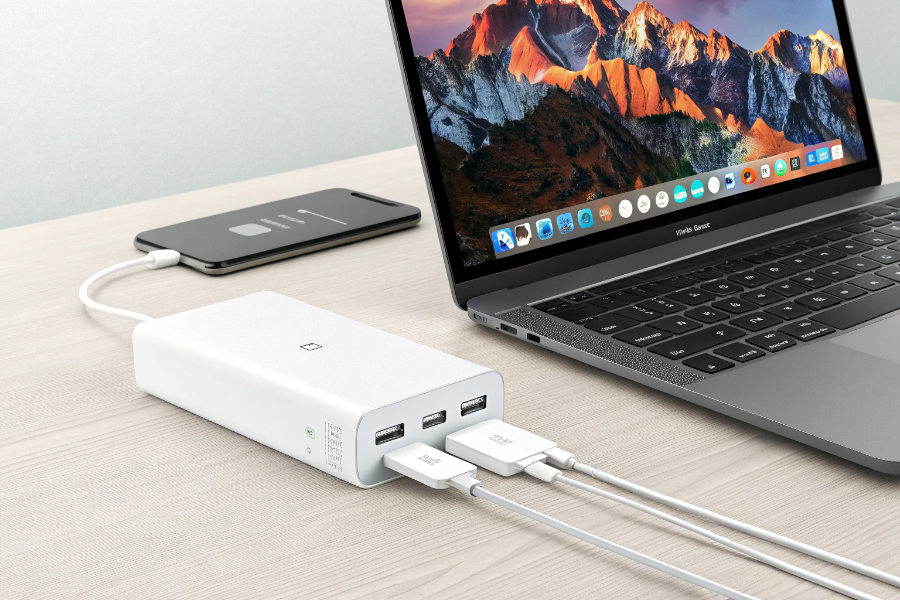
Model-by-model guidance and simple rules that work
I keep a cheat sheet for buyers. Older 13-inch Intel models use 61W. The M1/M2/M3 13-inch and 14-inch base models use 61W–70W. Many 14-inch M1 Pro/M2 Pro configurations ship with 67W or 96W. The 15-inch Air uses 70W. The 16-inch Pro uses 96W or 140W. A 70W PD charger is ideal for 61W/67W models. It will charge a 96W or 140W model, but slower, and sometimes not at full speed while you edit video or run code. For a safe buffer, I advise a 100W or 140W PD 3.0/3.1 charger for any Pro user who multitasks. Always pair it with an e‑marked USB-C cable[^3] rated for 100W or 240W.
| MacBook model[^4] (typical) | Apple-rated charger | 70W PD result |
|---|---|---|
| 13" Pro (Intel/M1) | 61W | Full-speed or near |
| 14" Pro base (M1/M2/M3) | 67W | Full-speed |
| 14" Pro higher configs | 96W | Charges, slower under load |
| 16" Pro (all) | 96W–140W | Charges slowly; not peak under load |
Is 240W safe for a MacBook Pro?
“240W” sounds huge. You fear overcharging. You only want safe power and long battery life.
Yes. A 240W PD 3.1 charger[^5] is safe. PD negotiation controls power. Your MacBook Pro will only draw its required watts, not the full 240W.
Why higher-watt PD does not harm, and what to check before you buy
I design and certify PD chargers. PD 3.1 adds higher voltage steps like 28V, 36V, and 48V for big laptops and hubs. Safety comes from negotiation. The MacBook requests a known profile, like 20V at up to its needed current. The charger supplies only that. If the cable or device cannot handle a profile, the system falls back to a lower one. So a 240W charger with a 240W e‑marked cable is backward compatible with your 96W or 140W MacBook Pro. You gain headroom for docks and displays. You do not risk “forcing” power. Buy reputable brands with USB‑IF[^6], UL/ETL, and CE/FCC markings. Use an e‑marked cable; many 60W cables will bottleneck high power.
| Item to check | What to choose | Why it matters |
|---|---|---|
| PD version | PD 3.0/3.1 with PPS if possible | Better compatibility and stability |
| Wattage headroom | ≥ device’s rated watts | Full-speed charging under load[^7] |
| Cable rating | 100W or 240W e‑marked | Prevents throttling and heat |
| Certification | USB‑IF[^6] + UL/ETL + CE/FCC | Tested safety and EMC limits |
I gave you a secondary headline that also ends in a question mark?
You hate confusing charger labels and long spec sheets. You want one simple, reliable method to pick the right brick.
Here is my simple method. Identify your MacBook model[^4] and its rated wattage. Pick a PD charger that meets or exceeds it. Use a high-quality e‑marked cable. Done.
A deeper buyer’s guide with quick references you can save
I often walk buyers through this exact flow. First, confirm your model in About This Mac. Second, check Apple’s listed adapter: 61W, 67W, 70W, 96W, or 140W. Third, choose a PD charger that equals or exceeds the number. For a 14-inch Pro that shipped with 67W, I recommend 100W for headroom. For a 16-inch Pro that shipped with 140W, pick 140W or a 200W/240W multiport that can allocate 140W to one port. Fourth, match the cable: 5A e‑marked for 100–240W, 3A for up to 60W. Fifth, check certifications and thermal design. I like GaN chargers[^8] because they run cooler and smaller at high power. If you use a dock, confirm total shared output; two laptops can divide power and slow charging. This process keeps you fast, cool, and safe.
| Step | What to do | Example |
|---|---|---|
| 1 | Confirm model | 14" Pro, M2 Pro |
| 2 | Note rated watts | 96W |
| 3 | Choose headroom | 100W–140W PD |
| 4 | Pick cable | 5A e‑marked USB-C |
| 5 | Check certs | USB‑IF[^6], UL/ETL, CE/FCC |
| 6 | Consider GaN | Smaller, cooler at 100W+ |
Conclusion
Match or exceed Apple’s wattage with a certified PD charger[^9]. A 70W brick suits 61W–67W models. A 240W PD charger[^10] is safe; your MacBook only draws what it needs.
[^1]: Learn about the various MacBook Pro models to ensure you select the correct charger. [^2]: Understanding USB-C PD chargers can help you choose the right one for your MacBook Pro. [^3]: Find out how e-marked cables ensure safe and efficient charging for your devices. [^4]: Get guidance on identifying your MacBook model to select the right charger. [^5]: Explore the advantages of PD 3.1 chargers for better compatibility and performance. [^6]: Learn about USB-IF standards to ensure you choose safe and compatible charging solutions. [^7]: Understand the impact of charging under load to optimize your device's performance. [^8]: Discover the benefits of GaN technology for faster and cooler charging. [^9]: Learn about the importance of certification in ensuring charger safety and reliability. [^10]: Find out if a 240W charger is suitable for your MacBook Pro and how it works.