Power adapter issues are common, but often solvable with a bit of troubleshooting[^1]. If your adapter isn’t working, the first steps are checking the power source[^2] and inspecting the adapter for visible damage[^3]. Causes of adapter failure include power surges[^4], overheating[^5], physical damage, and general wear and tear.
If the adapter is damaged beyond repair, it’s best to replace it with a high-quality, certified one to ensure your device charges safely. Always follow proper care and maintenance to prolong the life of your adapter, and consider using a surge protector to prevent electrical damage[^6].A power adapter (also known as a charger or power brick) is a crucial component for powering devices like laptops, smartphones, and tablets. If your power adapter isn’t working, it can be frustrating and disrupt your ability to charge or power your device. There are several reasons why an adapter may stop functioning, ranging from physical damage to internal component failure[^7].
A power adapter can stop working due to cable breakage[^8], connector damage[^9], blown internal components, incorrect voltage, or safety cutoffs[^10] from overheating[^5]; simple tests reveal the issue.
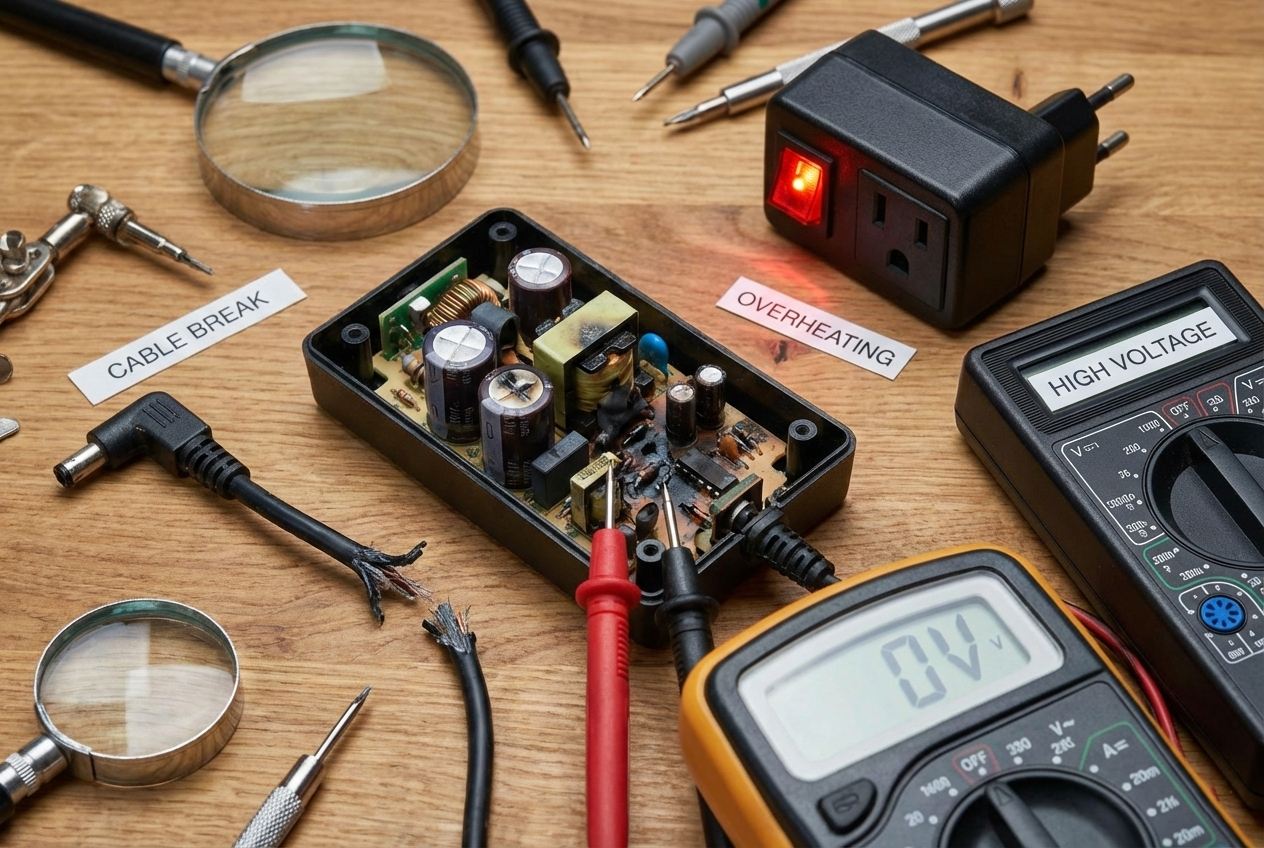
How to know if an adapter is damaged?
I use a short checklist and a multimeter[^11] to confirm damage.
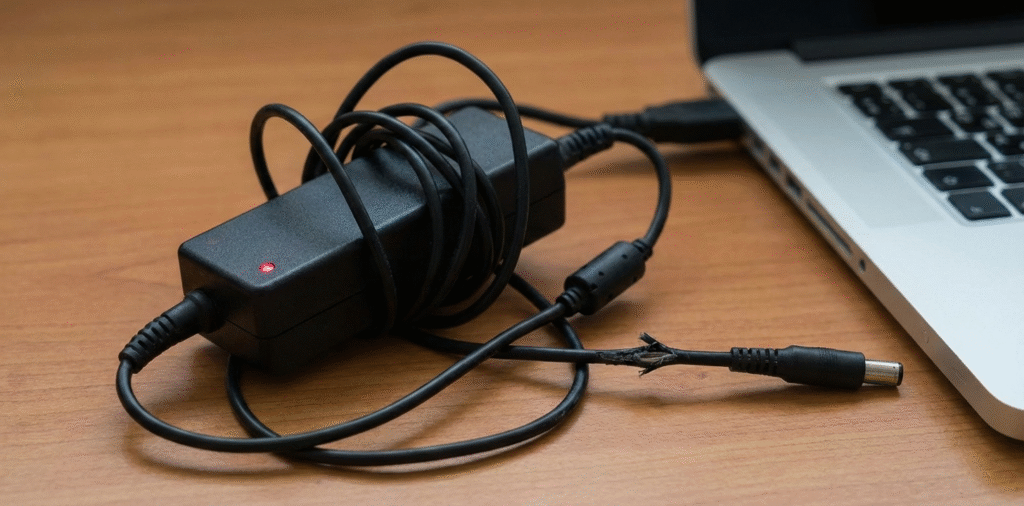
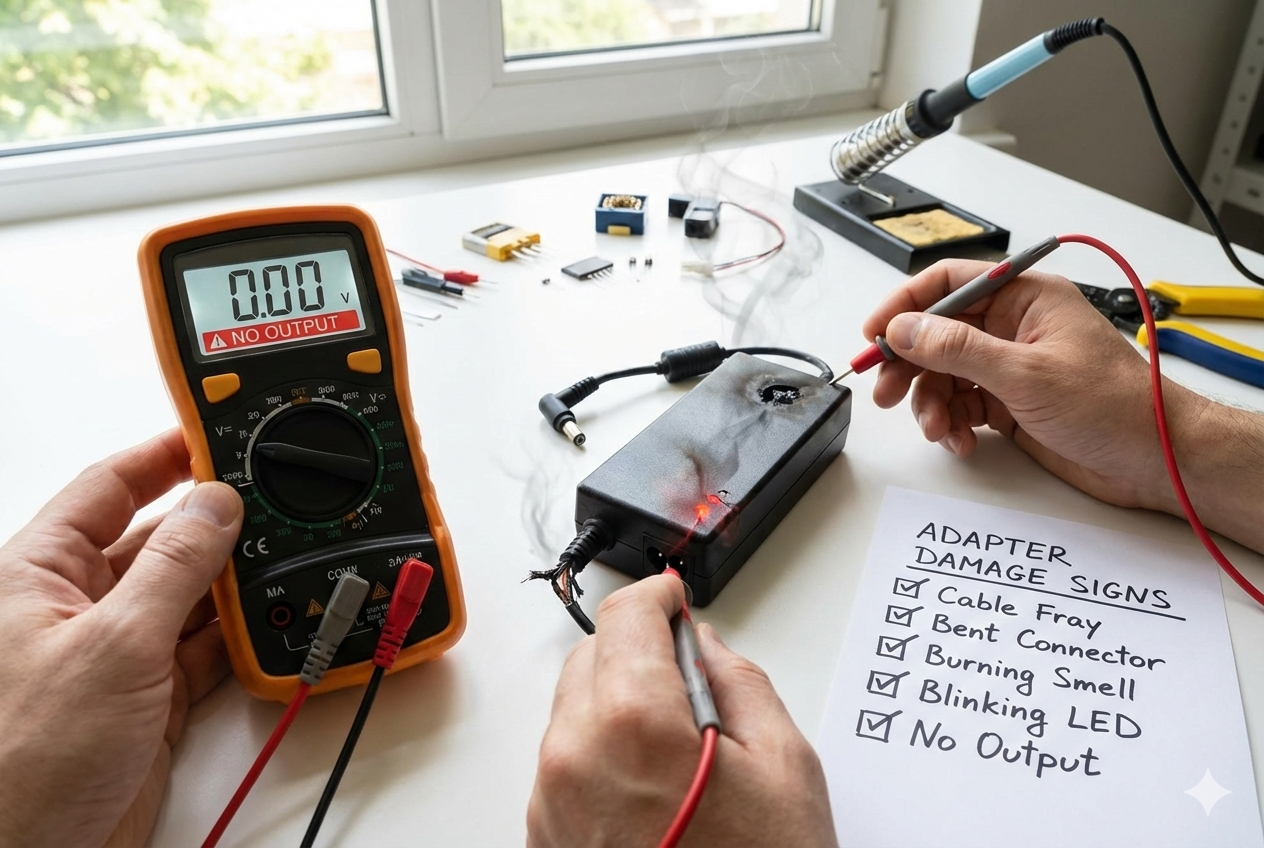
Signs of damage include no output voltage on the adapter, visible cable frays, bent or loose connectors, smell of burning, overheating[^5], blinking LEDs, intermittent power, or device not charging. A multimeter[^11] confirms output voltage.
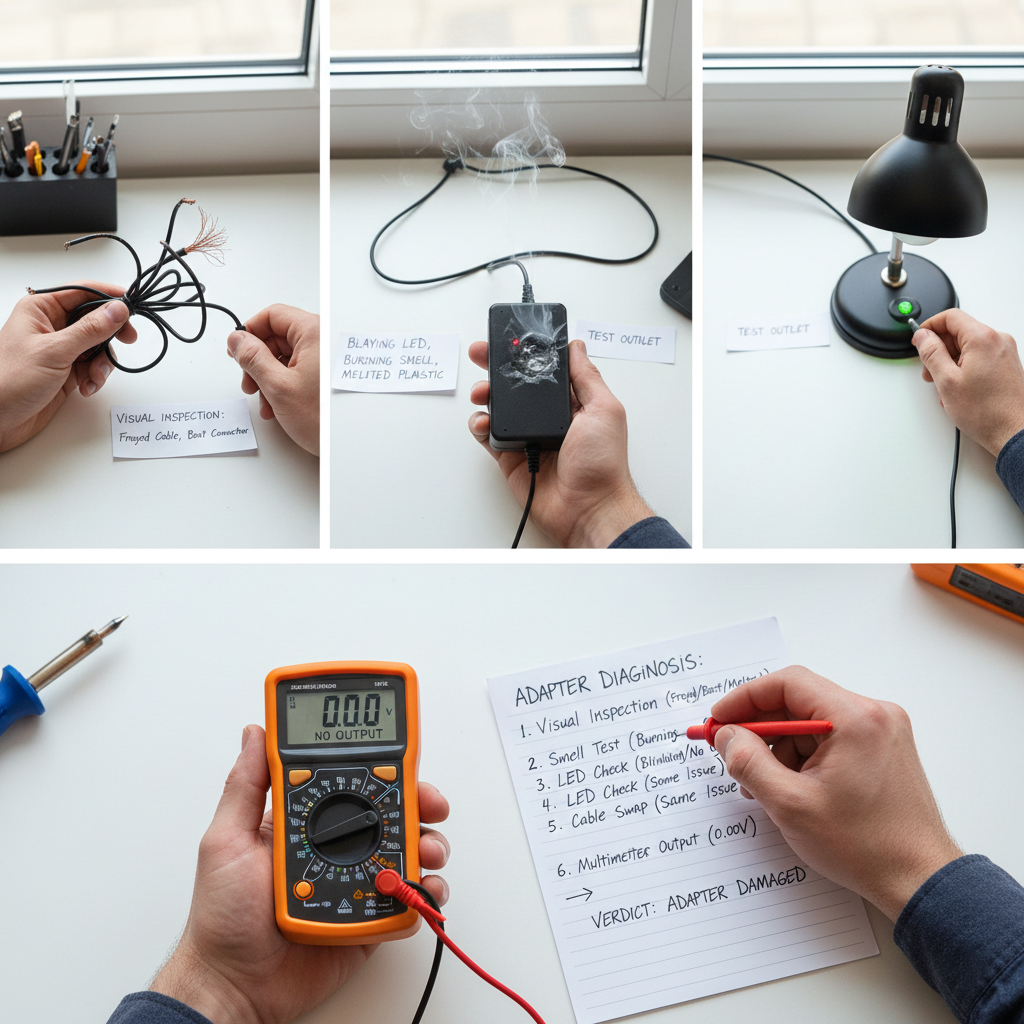
First, inspect visually. Look for frayed insulation, exposed wires, melted plastic, or a bent plug. Check the connector that inserts into the device. Wiggle it gently; any intermittent contact is a sign. Smell the adapter; burning or chemical smells mean internal failure. Check LEDs on the adapter if present; blinking or no light can mean failure or protection mode. Next, test the outlet and cable. Plug in another device to the same outlet. Try a different cable if the adapter separates from the cable. Use a known-good cable and adapter to see if the device charges. Finally, measure output with a multimeter[^11]. Set to DC volts and probe the adapter tip and ground. Compare the reading to the label. If voltage is absent or far off rating, the adapter is damaged. If voltage is present but the device still does not work, the device port or battery may be at fault.
What causes a power adapter to fail?
I fixed adapters and traced common failure patterns to specific causes.
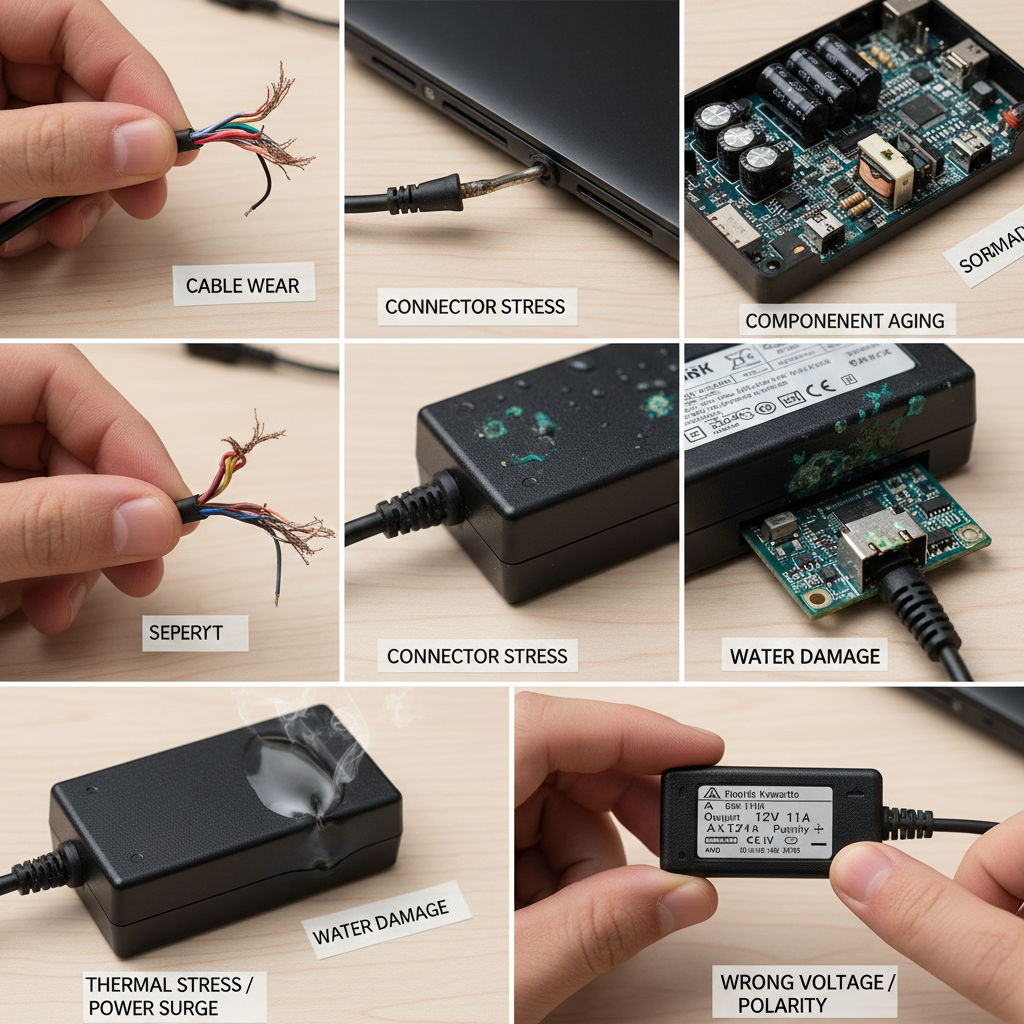
Adapters fail due to cable wear, connector stress, internal component aging, thermal stress, power surges[^4], water damage, manufacturing defects, wrong polarity or voltage, and safety trips from shorts.
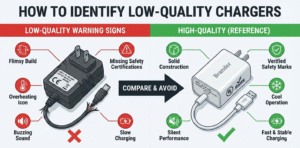
Mechanical stress is common. People bend cables at the strain relief. Repeated bending breaks conductors or shorts them. Connectors take abuse when devices yank cables. Internally, electrolytic capacitors dry out over years, reducing filtering and causing instability. Heat from long use or poor ventilation accelerates component failure. Power spikes and lightning strikes can blow input stages or fuses. Water or liquid infiltration corrodes contacts and traces. Using the wrong adapter, or an adapter with incorrect voltage or reversed polarity, can fry device circuits or the adapter itself. Cheap adapters sometimes use low-quality components that fail faster. Safety features like thermal shutdown or over-current protection may trip repeatedly if there is an internal short, and prolonged trips may permanently damage parts. I always check user habits and environment when diagnosing repeated failures.
How to fix charger adapter not working?
I fix simple adapter issues safely and replace or repair when needed.
Fix steps: inspect visually, test outlet and cable, measure output, replace detachable cable, try another known-good adapter, reset any fuse or surge protector, and if comfortable, repair internal parts or replace the adapter. For complex faults, replace the unit to stay safe.
Start safe. Unplug the adapter and let it cool. Do a visual check. If you see exposed wires, stop and replace the cable or adapter. For detachable cables, swap with a good spare. For fixed cables, test continuity with a multimeter[^11]. Replace a broken cable if possible. Next, test the wall outlet with another device. Reset the outlet or breaker if needed. If the outlet is fine, plug the adapter into a working device or measure output with a multimeter[^11]. If the adapter shows correct voltage but the device won’t charge, test the device port or battery. If the adapter shows no or unstable output, look for blown input fuses or swollen capacitors. Only attempt internal repairs if you know electronics and the adapter is out of warranty. Common internal fixes include replacing burned fuses, bulging electrolytic capacitors, and cracked solder joints. Use identical or higher quality replacement parts. If the adapter is inexpensive, damaged, or under warranty, replace it instead of repairing. For USB-C PD adapters, firmware or negotiation faults can appear; test with another PD cable and device. If a surge or lightning strike caused failure, replace the adapter and check the device for damage. Always choose a certified replacement[^12] with correct voltage, current, and polarity. For safety, buy adapters with over-voltage, over-current, short-circuit, and thermal protection.
I replace damaged adapters quickly and prefer certified spares to avoid downtime and safety risks.
Conclusion
Power adapter issues are common, but often solvable with a bit of troubleshooting[^1]. If your adapter isn’t working, the first steps are checking the power source[^2] and inspecting the adapter for visible damage[^3]. Causes of adapter failure include power surges[^4], overheating[^5], physical damage, and general wear and tear.
If the adapter is damaged beyond repair, it’s best to replace it with a high-quality, certified one to ensure your device charges safely. Always follow proper care and maintenance to prolong the life of your adapter, and consider using a surge protector to prevent electrical damage[^6].
[^1]: Explore detailed troubleshooting steps to diagnose and fix power adapter problems efficiently. [^2]: Learn how to properly check your power source to ensure it's not the cause of your adapter issues. [^3]: Identifying visible damage can save you time and help you determine if your adapter needs replacement. [^4]: Discover how power surges can damage your adapter and what preventive measures you can take. [^5]: Understanding the causes of overheating can help you maintain your adapter and prolong its life. [^6]: Learn preventive measures to protect your adapter from electrical damage and ensure its longevity. [^7]: Explore the types of internal failures that can occur in adapters and how to identify them. [^8]: Learn about the impact of cable breakage on your adapter's performance and how to prevent it. [^9]: Recognizing connector damage can help you address issues before they lead to complete failure. [^10]: Understanding safety cutoffs can help you troubleshoot and ensure safe operation of your adapter. [^11]: Learn how to effectively use a multimeter to diagnose power adapter issues. [^12]: Explore why certified replacements are crucial for safety and device longevity.