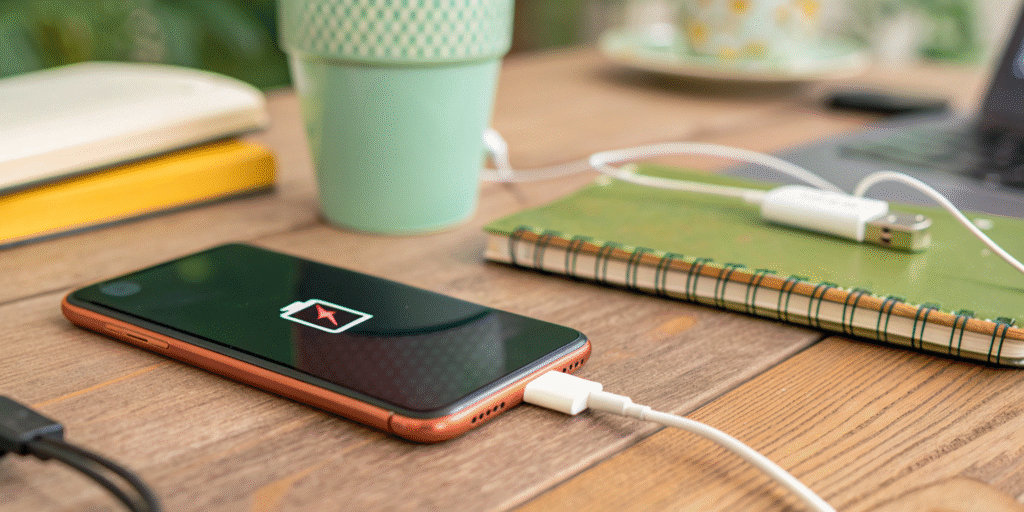
It can be frustrating to see your phone’s battery percentage[^1] going down instead of up while it’s plugged in. This issue affects both Android phones and iPhones and usually points to problems with charging power[^2], usage habits, software, or battery health[^3].
A phone can drain while charging when power draw[^4] from apps, peripherals, or heat exceeds the charger’s supply or when charging circuits[^5] or cables are faulty.
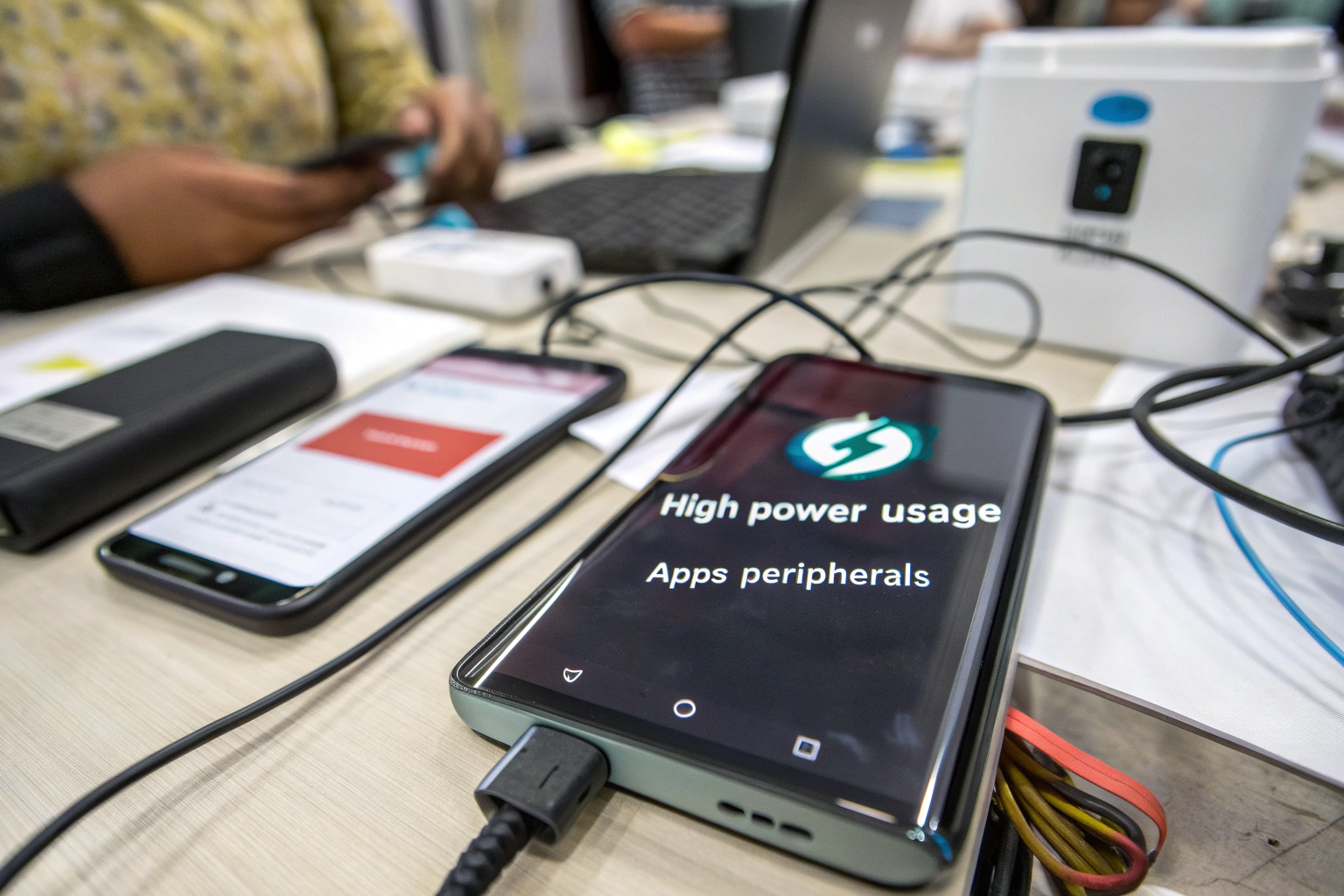
In this guide, we’ll explain why your phone battery is draining while charging, why it happens specifically on iPhones, and how to stop and fix battery drainage effectively.
Why is my iPhone battery draining while charging?
I found several iPhone-specific reasons when I dug in.
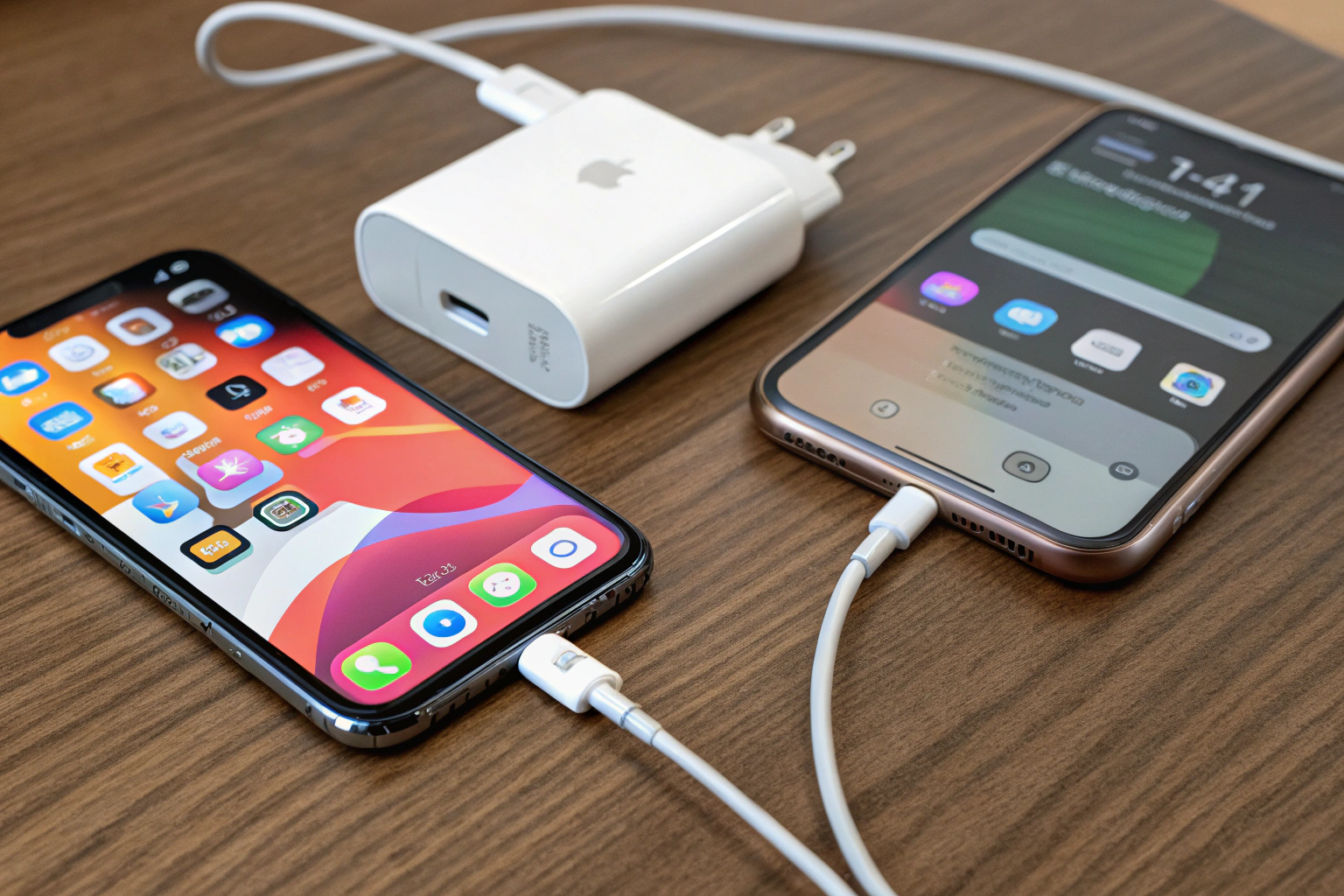
iPhones can drain while charging if the charger does not provide enough power, the cable is damaged, background apps[^6] or widgets draw heavy power, or the device overheats and limits charging.
How do I stop my battery from draining while charging?
I followed a step-by-step checklist to reduce and stop this problem.
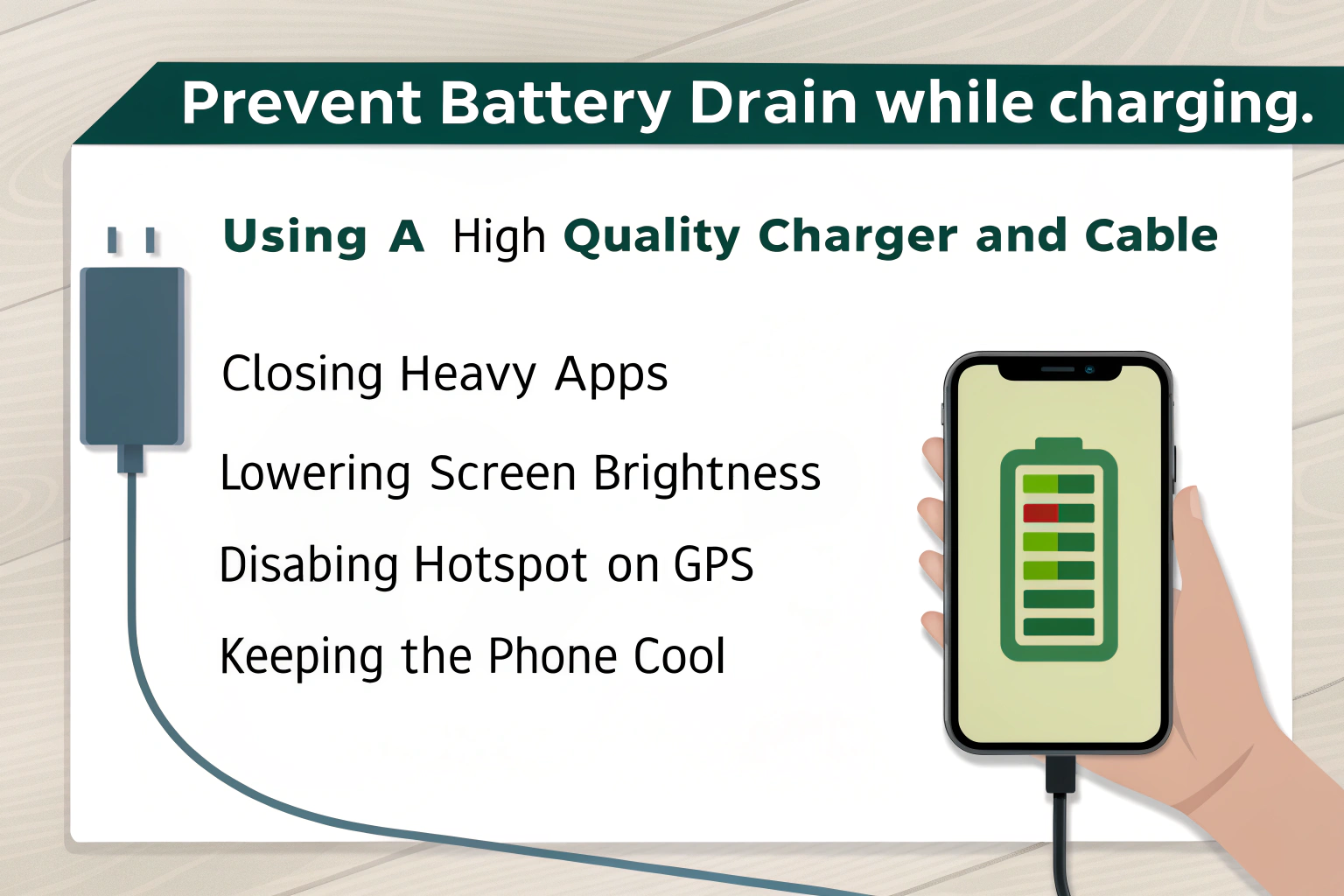
Use a proper high-quality charger[^7] and cable, close heavy apps, lower screen brightness, disable hotspot or GPS while charging, and keep the phone cool. These steps usually make charging outpace usage.
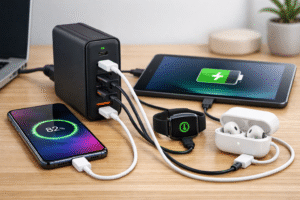
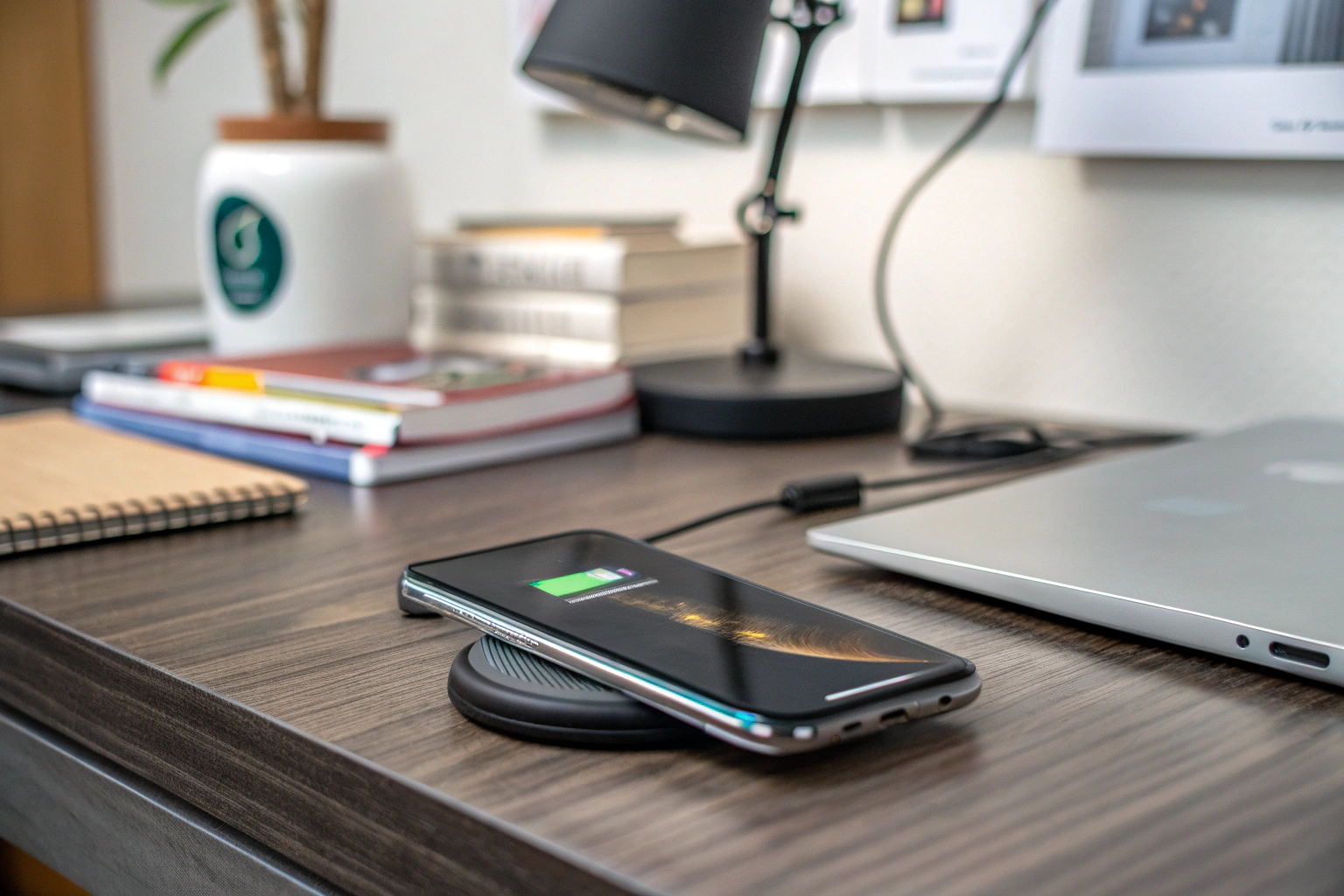
Start with hardware. Use an Apple-certified or reputable USB-C PD adapter that supplies enough wattage for your phone and usage. For iPhones, a 20W PD adapter covers fast charging needs. Use a good cable; damage can reduce current flow. If using wireless charging, use a high-quality MagSafe or Qi pad rated for your phone and avoid heavy use while charging. Next, manage software. Close apps that use location, streaming, or intensive CPU work. Turn off hotspot and Bluetooth if not needed. Reduce screen brightness and disable background app refresh temporarily. Check battery usage in settings to find power-hungry apps. Update iOS because firmware fixes can improve power management. Keep the phone cool. Remove thick cases during charging and avoid direct sunlight or hot surfaces. If battery health[^3] is poor, consider battery replacement[^8]. Finally, test with a different known-good charger and cable to isolate the issue.
How do I fix my phone battery drainage?
I take a systematic approach to find and fix the underlying cause.
Diagnose charger, cable, apps, settings, and battery health[^3]. Replace faulty parts, update software, and change usage habits to stop battery drain during charging.
Step 1 — Test power source and cable: Plug into a known good wall charger with enough wattage. Use a quality cable. Try another outlet or power bank. If the phone charges normally, the original charger or cable is the issue.
Step 2 — Check apps and settings: Open battery settings to see which apps use the most power. Force close or uninstall suspicious apps. Turn off background app refresh, location services, and push mail temporarily. Lower screen timeout and brightness.
Step 3 — Reduce active load: Stop video calls, streaming, gaming, navigation, and hotspot while charging. These consume high current and can exceed charger output. Try airplane mode briefly to see if charging improves.
Step 4 — Manage temperature: Remove the case while charging. Move to a cooler place and avoid direct sun. If the phone is warm, let it cool and then charge.
Step 5 — Update software: Install the latest OS updates. Battery and charging bugs are regularly fixed in firmware.
Step 6 — Check battery health[^3]: On iPhone, go to Battery > Battery Health. If maximum capacity is low or the phone reports service needed, a battery replacement[^8] helps. For Android, use built-in diagnostics or apps from trusted vendors.
Step 7 — Reset or restore as last resort: Back up and reset settings or perform a factory reset if software corruption seems likely. This can fix hidden processes causing drain.
Step 8 — Replace failed parts: If tests show the charger, cable, or phone port is damaged, replace them. Use certified replacements. For battery issues, use an authorized service provider.
 I fixed my own phone by switching to a 20W certified adapter, closing a misbehaving streaming app, and replacing a frayed cable. The phone then charged normally even during light use.
Conclusion
If your phone battery is draining while charging, the root cause is usually insufficient charging power[^2], excessive usage, overheating[^9], or battery aging. For iPhone users, software features like optimized charging and background processes can also play a role.
By using the right charger, minimizing phone usage while charging, keeping the device cool, and maintaining battery health[^3], you can restore normal charging behavior and extend your phone’s battery life.
[^1]: Understanding the reasons behind battery percentage drops can help you troubleshoot and fix charging issues. [^2]: Learn how charging power affects your phone's performance and battery health. [^3]: Monitoring battery health is crucial for maintaining optimal performance and preventing issues. [^4]: Understanding power draw can help you identify why your phone drains while charging. [^5]: Understanding charging circuits can help you troubleshoot charging issues effectively. [^6]: Discover how background apps can drain your battery and what you can do to manage them. [^7]: Using a high-quality charger can significantly improve charging efficiency and battery longevity. [^8]: Knowing when to replace your battery can save you from further issues and extend your phone's life. [^9]: Explore the causes of overheating and how to prevent it for better charging performance.