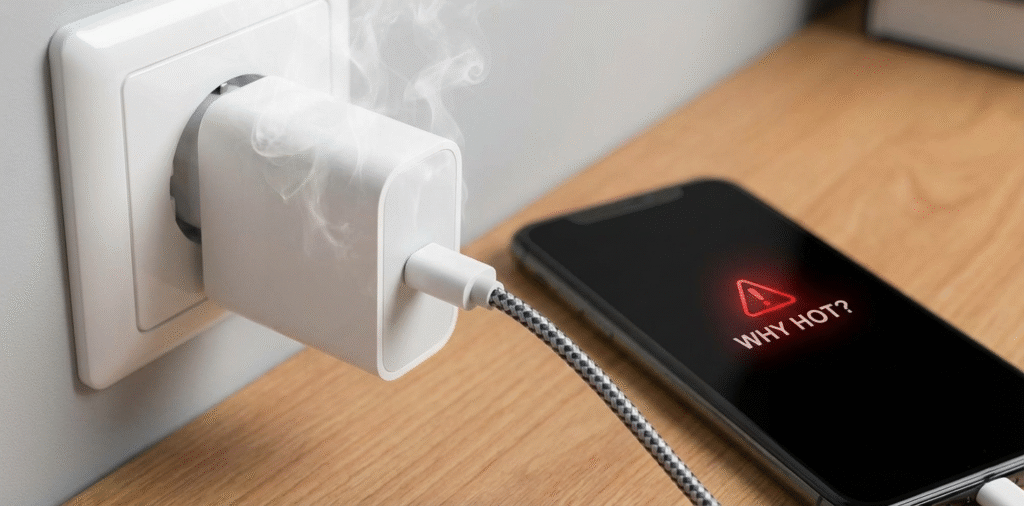
Here’s a comprehensive guide on why chargers get hot, whether it’s normal, how to determine if a charger is overheating, the risks involved, and how to prevent overheating.
Chargers heat up because of energy loss as heat during voltage conversion[^1], high current flow[^2], poor ventilation[^3], or faulty components[^4]; some warmth is normal, but excessive heat signals a problem.
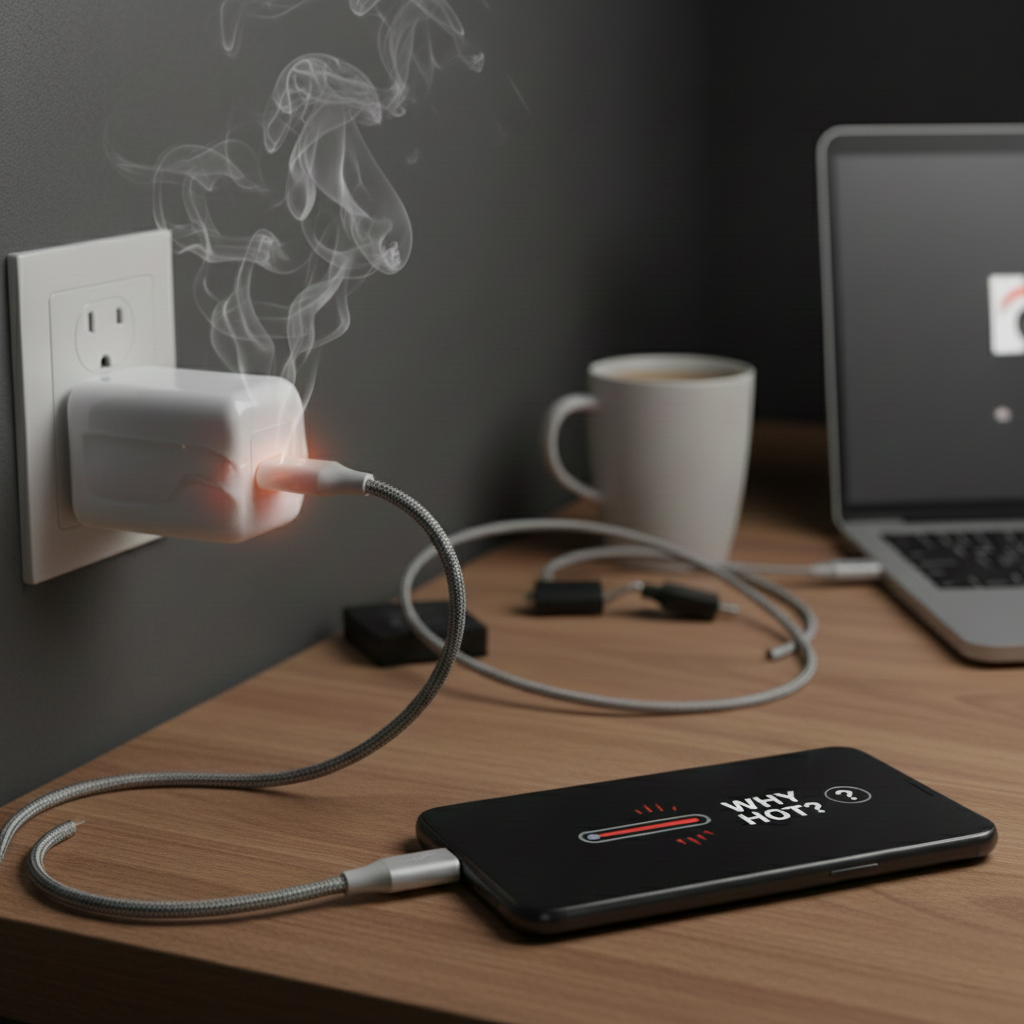
Chargers getting hot is a common occurrence, especially during extended use, but it’s important to understand why this happens and when it might indicate an underlying issue.
I check temperature, smell, and charging behavior before I keep using any suspect charger.
Is it normal for the charger to get hot?
I tested several chargers under load to see typical temperature ranges.
A little warmth is normal during charging, especially under fast charging or heavy loads; however, a charger that becomes very hot to touch, emits odor, or causes device throttling is not normal.
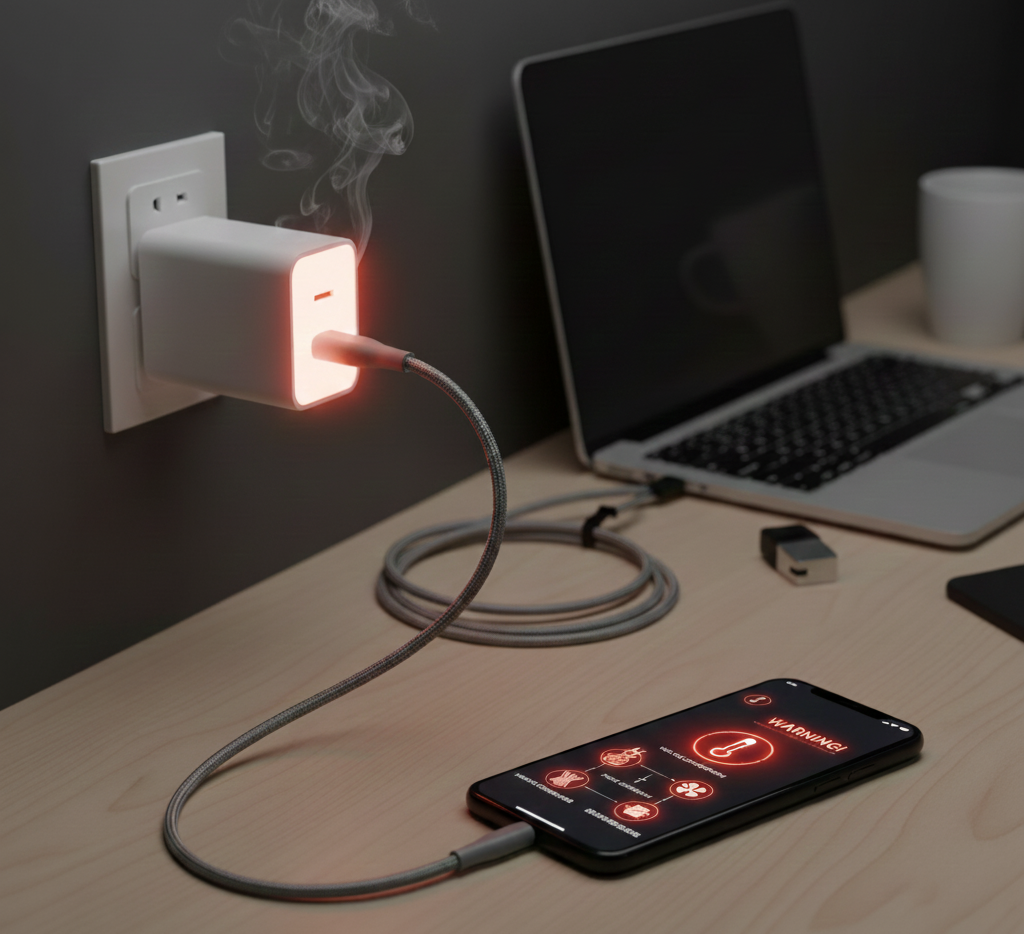
Chargers convert power. This process creates heat. Under light loads like topping up a phone, the charger usually stays mildly warm. Under fast charging or when charging a tablet or laptop, the charger may get notably warmer. Quality chargers manage heat with efficient converters, good components, and vents. Cheap or damaged chargers can run hotter because they waste more energy as heat. Also, environmental factors matter: charging in direct sun, inside a glove box, or under blankets traps heat. If a charger gets hot enough that I cannot hold it for a few seconds, or if my phone slows charging or the charger smells, I stop using it immediately and inspect for damage.
How to Determine if a Charger is Overheating
I follow a simple checklist and run small tests before trusting a charger.
Measure temperature, check for odors, monitor charging speed, inspect for physical damage, and use known-good cables and adapters to isolate the problem. If temperature exceeds safe touch levels or performance drops, consider it overheating.
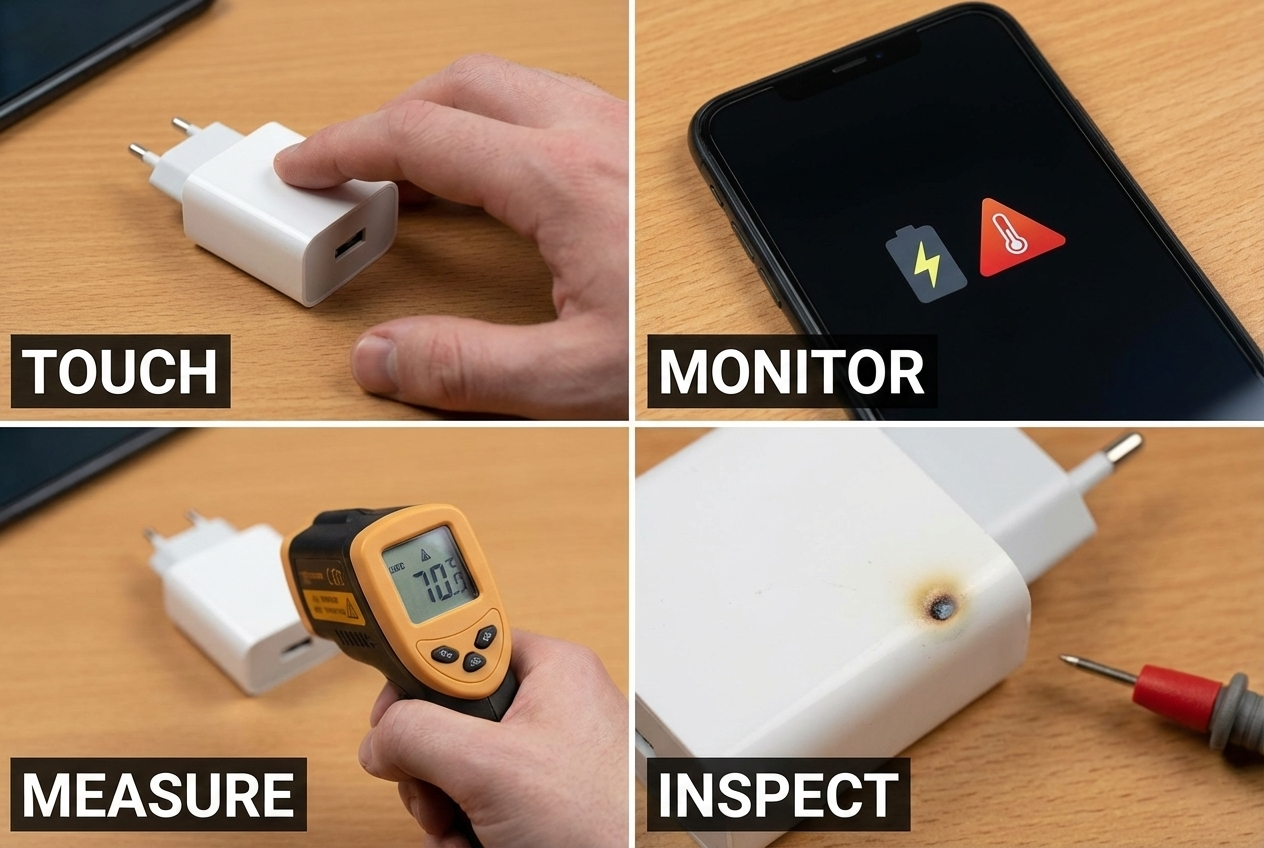
First, touch the charger carefully. A warm charger is okay. If I cannot hold it for more than a few seconds, that is a red flag. Next, smell it. Burning or chemical odors mean internal components may be failing. Then watch charging behavior. Does the device charge slower or stop charging? Does the phone show thermal warnings? Those signs point to thermal throttling[^5]. I also test with another cable and another charger port to rule out the cable or the device. A multimeter or infrared thermometer gives better data. Check the charger’s label for rated input/output and compare real behavior with expected power draw. If a charger heats right after plugging in with no device attached, stop using it immediately. Inspect for bulges, cracks, or discoloration. Finally, check certifications like UL, CE, or FCC[^6]. Certified units usually include better thermal protections.
What are the risks of a charger overheating?
I learned the hard way that heat can lead to more than just discomfort.
Overheating can cause reduced device battery life[^7], thermal throttling[^5], component failure, fire hazards[^8], electrical shorts, and even injury. It can also damage the charger, cable, or the device being charged.
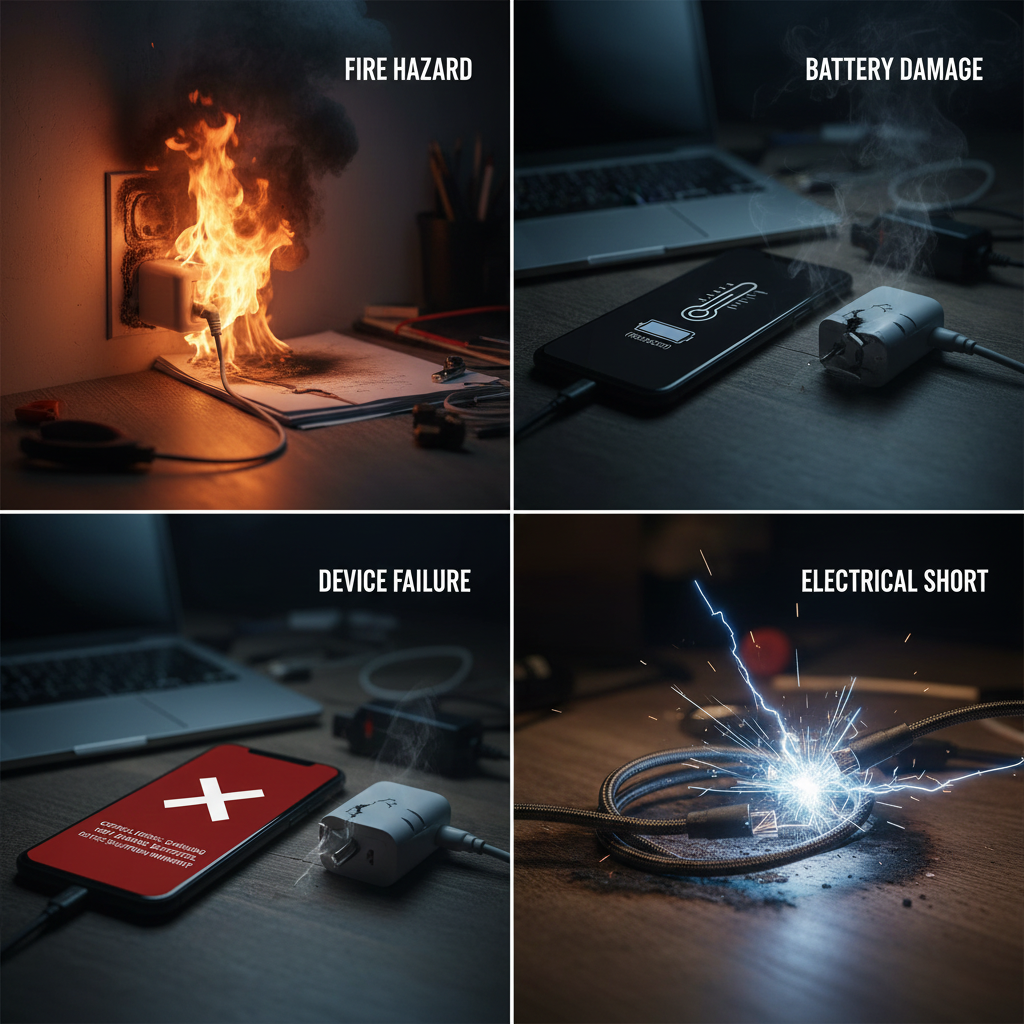
Heat accelerates chemical degradation. Batteries age faster when charged excessively hot. Electronics inside the charger can fail, producing sparks or smoking circuits. In extreme cases, overheating components can ignite surrounding materials. Overheated chargers can also cause voltage instability, which stresses the connected device. I have seen devices slow charging to protect themselves, which can ruin time-sensitive trips. A failed charger can damage a device’s charging port or USB cable. For safety, always stop using a charger that shows signs of thermal failure. Report or return faulty units. Prefer chargers with built-in protections like over-current[^9], over-voltage[^10], and thermal shutdown[^11].
How to Prevent Chargers from Overheating
I changed how I charge and what I buy after a bad experience.
Prevent overheating by buying certified, efficient chargers[^12], using correct cables, avoiding high ambient temperatures, keeping vents clear, not overloading multi-port units, and replacing damaged gear[^13].
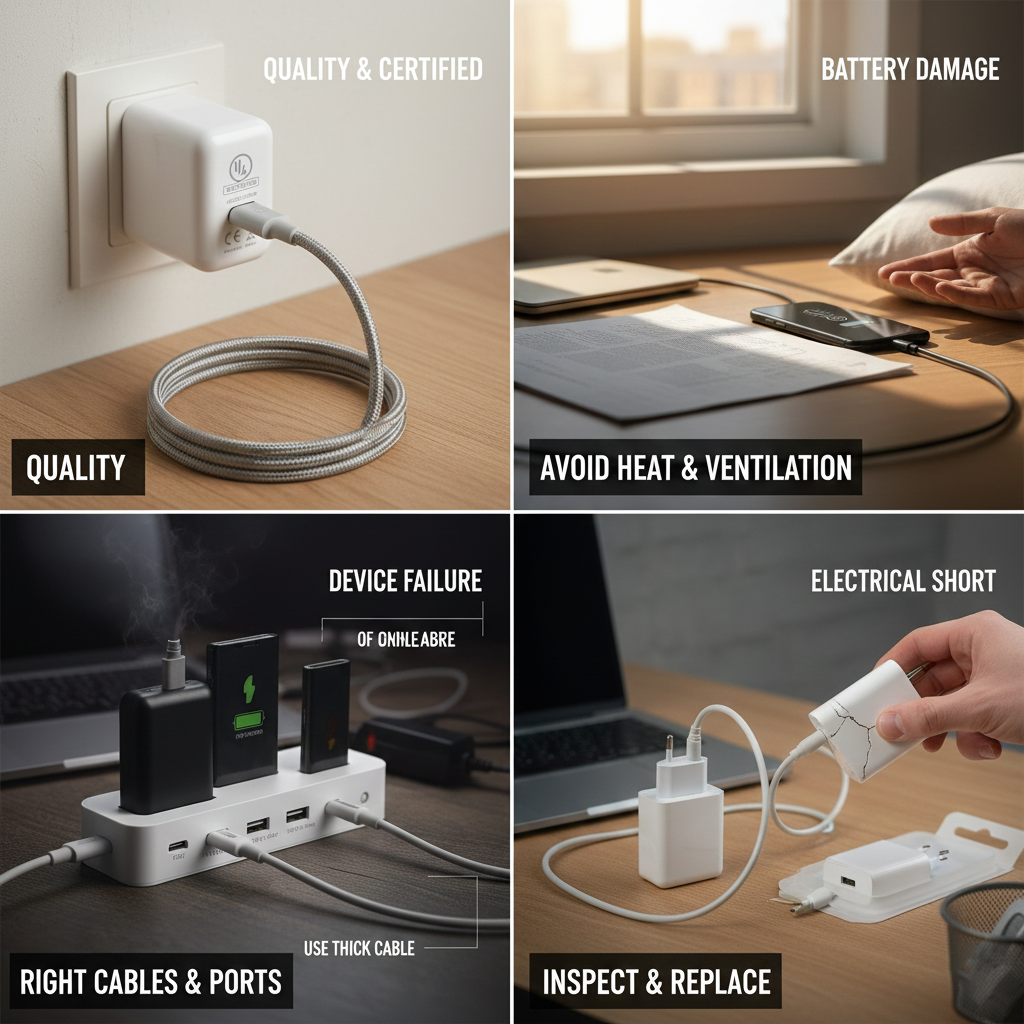
Start with a quality charger. Look for reputable brands and certifications (UL, CE, FCC). Efficient converters waste less energy as heat. Match the charger’s output to your device. Don’t use a low-quality USB cable that causes high resistance and heat. Use short, thick cables for high currents. Avoid charging in hot places like direct sun, a hot car, or under pillows. Give the charger space to breathe; don’t cover it with fabric. For multi-port chargers, check total wattage and don’t connect more devices than it can handle. Use a dedicated PD port for laptops and higher-power devices. If a charger is warm, unplug it and let it cool before reuse. Keep a spare certified charger in your bag so you don’t rely on questionable gear while traveling.
Chargers Should Stay Cool
I keep only chargers that stay pleasantly warm at most.
Good chargers stay mildly warm. If a charger gets hot enough to cause concern, stop using it and replace it with a certified, well-reviewed model. Here’s a comprehensive guide on why chargers get hot, whether it’s normal, how to determine if a charger is overheating, the risks involved, and how to prevent overheating.
A cool or slightly warm charger signals efficient design. If heat builds up quickly or the charger becomes too hot to touch, do not ignore it. Replace the charger and inspect your cables and device. Use quality cables rated for the power you need. Consider chargers with metal housings and thermal management if you travel or use high power often. Regularly check chargers for wear and tear. Safety is cheap compared to replacing a phone or risking fire.
I now toss any charger that heats excessively and keep certified spares in my kit.
Conclusion
While it’s normal for chargers to generate some heat, they should not become excessively hot. If a charger consistently gets too hot, it could be a sign of an underlying issue such as overloading, a defective charger, or an improper environment.
By following proper charging practices and using quality, certified equipment, you can ensure that your chargers remain safe, efficient, and long-lasting.
[^1]: Learn about voltage conversion to understand how it affects charger performance and safety. [^2]: Explore the impact of high current flow on charger efficiency and overheating risks. [^3]: Discover why proper ventilation is crucial for charger safety and longevity. [^4]: Understanding faulty components can help you avoid dangerous situations with your chargers. [^5]: Learn about thermal throttling to understand how it protects your devices from overheating. [^6]: Learn about these certifications to ensure you're using safe and reliable chargers. [^7]: Find out how overheating can shorten your device's battery life and what to do about it. [^8]: Understanding fire hazards can help you take necessary precautions when using chargers. [^9]: Learn about over-current protection to ensure your charger is safe and reliable. [^10]: Explore the importance of over-voltage protection for safe charging practices. [^11]: Understanding thermal shutdown can help you recognize when a charger is malfunctioning. [^12]: Discover the features of efficient chargers that help prevent overheating. [^13]: Learn how to spot damaged charging gear to avoid potential hazards.