A power adapter[^1] (also known as a charger or power brick) is a crucial component for powering devices like laptops, smartphones, and tablets. If your power adapter[^1] isn’t working, it can be frustrating and disrupt your ability to charge or power your device. There are several reasons why an adapter may stop functioning, ranging from physical damage to internal component failure.
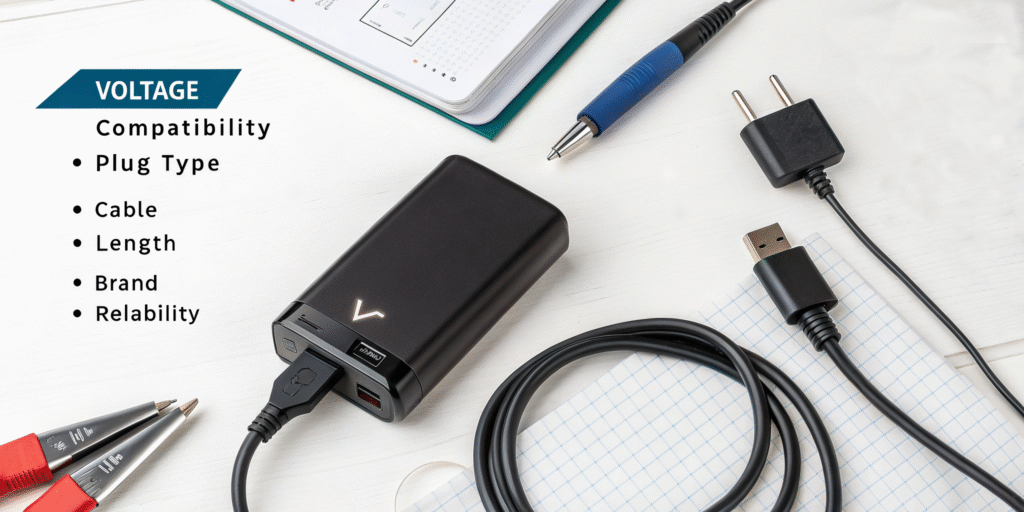
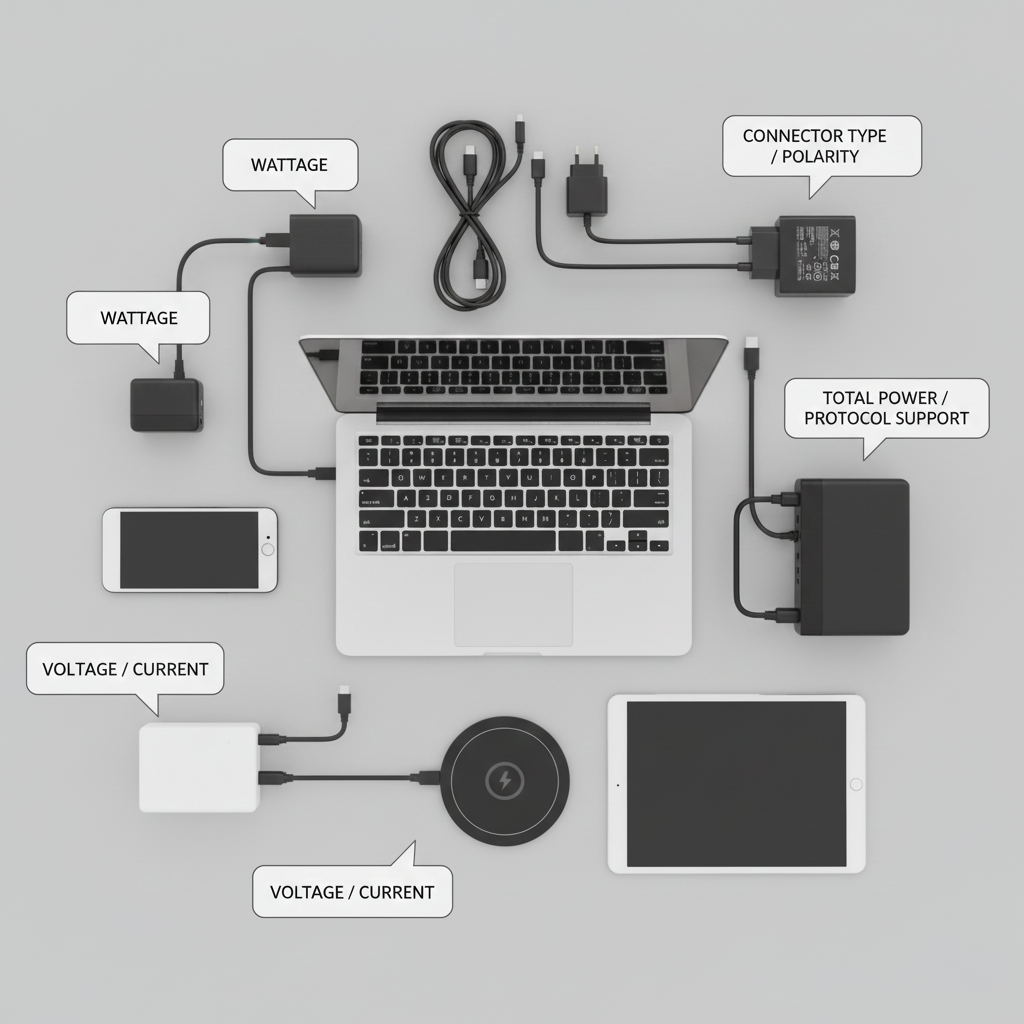
Match voltage, current[^2], polarity, connector type[^3], safety certifications[^4], and total power. Buy quality brands and correct protocol support for fast charging.
Factors to Consider When Selecting a Power Adapter
I use a checklist every time I shop for an adapter.
Check rated output voltage and current[^2], connector type[^3] and polarity, total wattage, safety certifications[^4], efficiency rating[^5], supported charging protocols[^6], build quality[^7], and warranty[^8].
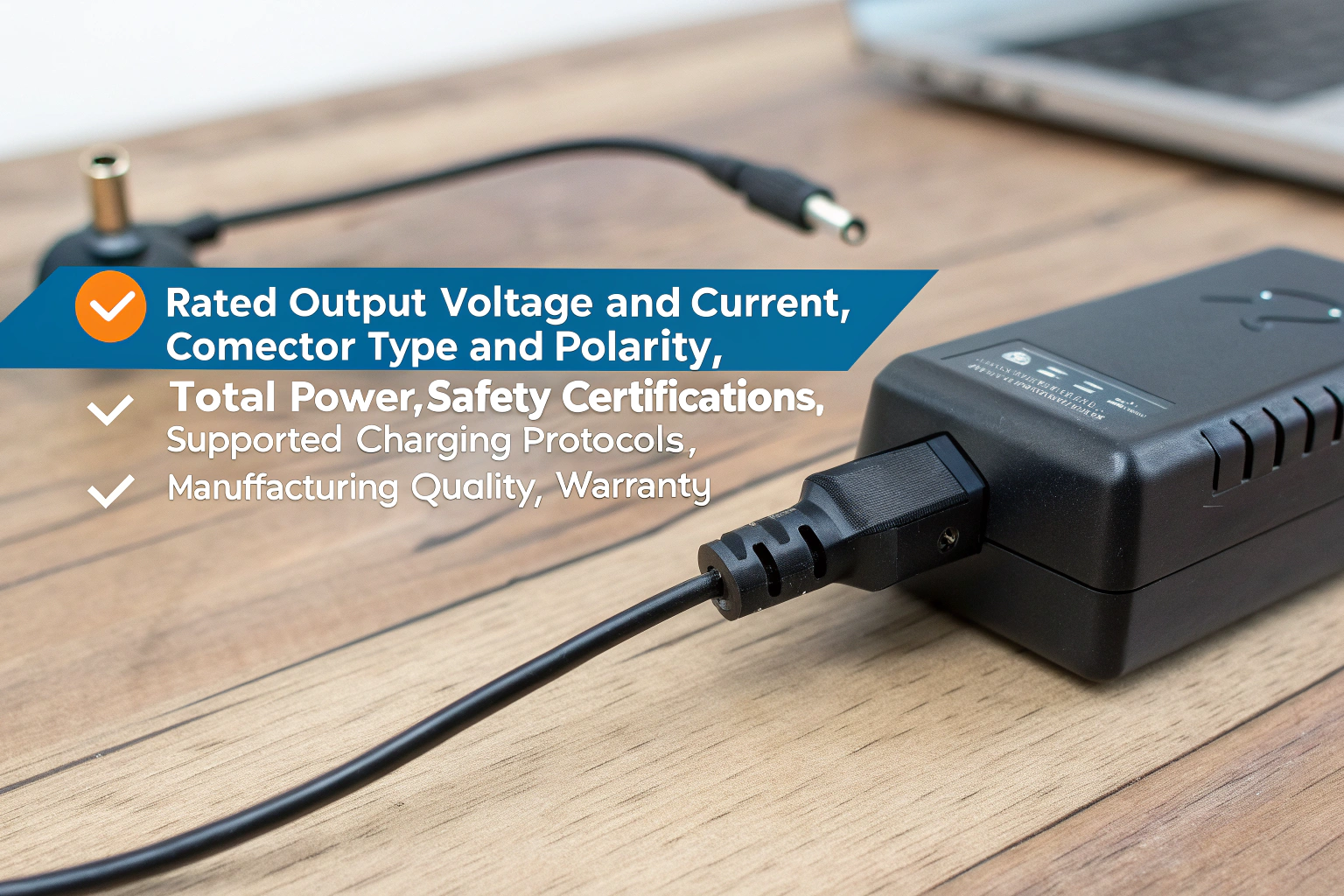
Start with the device label. It shows required voltage (V) and current[^2] (A) or wattage (W). The adapter must match voltage exactly. Current can be equal or higher than required. Higher available current[^2] is fine; the device draws what it needs. Confirm connector size and polarity for barrel plugs. For USB-C, confirm PD support and the power profile. Check total wattage when using multi-output adapters. Verify the adapter has safety certifications[^4] like UL, ETL, CE, or FCC. Look for efficiency marks and low standby power. Read about protections: over-voltage, over-current[^2], short-circuit, and thermal shutdown. Inspect build quality[^7]: solid casing, strain relief, and quality cables. Prefer known brands or reputable OEMs. Finally, check user reviews for real-world heating and durability. Keep warranty[^8] and return policy in mind.
How do I know what adapter I need?
I match device specs and use protocol knowledge to pick the right adapter.
Find the device’s required voltage and current[^2] on its label or manual, note the connector type[^3], and choose an adapter with matching voltage, equal or greater current[^2], correct polarity, and required protocol support (e.g., PD, QC).
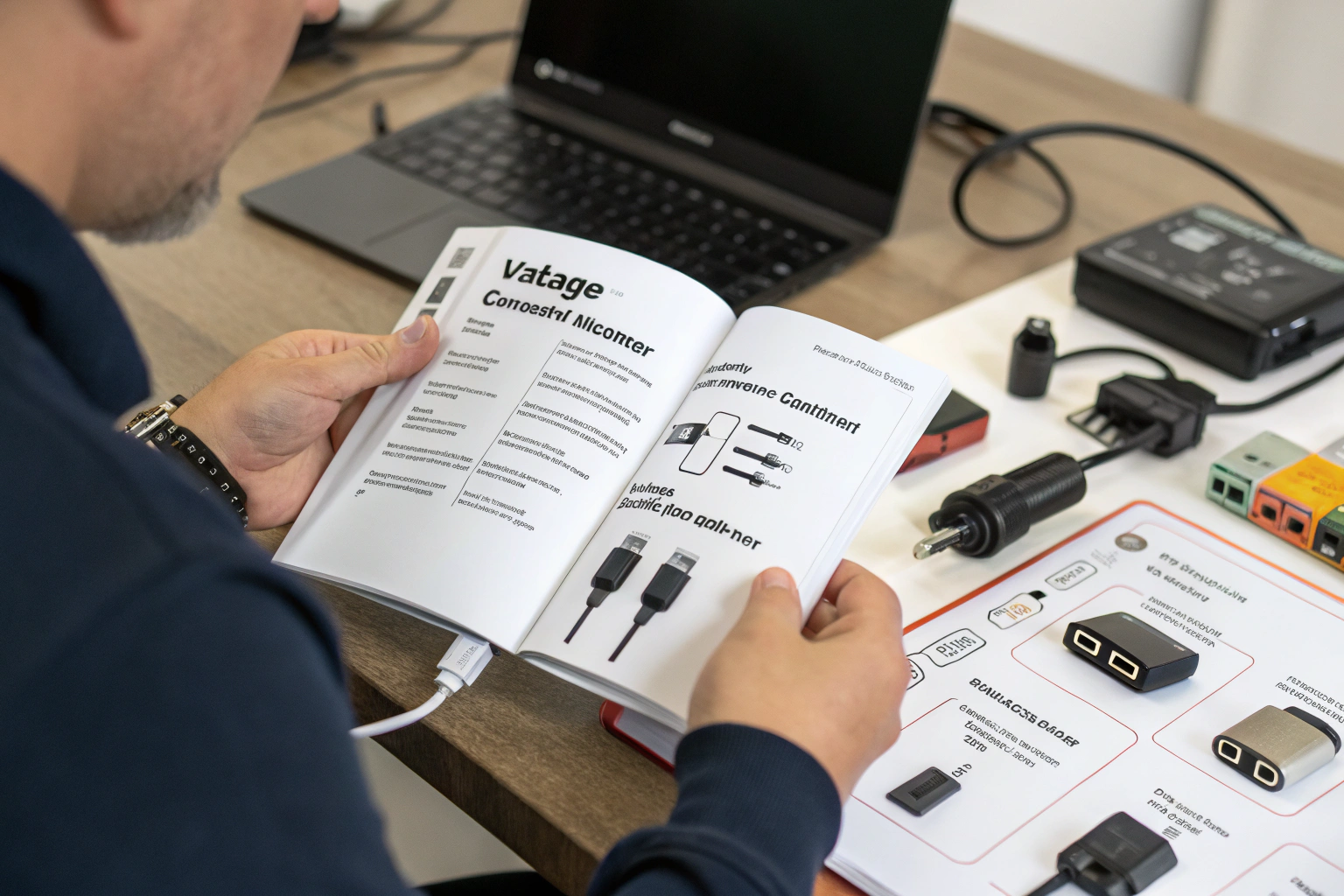
Look on the device, battery, or old adapter for a label with numbers. For example, a router might say 12V 1A. Choose a 12V adapter rated at 1A or higher. For laptops, the label often shows wattage like 65W; choose an adapter that supplies 65W or more. For USB-C devices, check whether they use USB Power Delivery[^9] and what voltage/current[^2] profiles they expect. If the device supports multiple voltages (5V, 9V, 12V, 20V), pick an adapter or PD charger that negotiates the correct profile. Confirm the physical connector fits snugly. If you are unsure, contact the device maker or use the model number to find official specs. Avoid adapters with ambiguous labeling or vague “universal” claims unless they list compatible models and include correct tips.
How does a power adapter[^1] work? How can we ensure the safe use of electronic devices?
I explain simply how adapters convert and protect, and how to use them safely.
A power adapter[^1] converts AC mains to DC or a stable voltage, using transformers, rectifiers, and regulators. Safe use means matching specs, using certified adapters, keeping adapters cool, avoiding damaged cables, and using surge protection[^10].
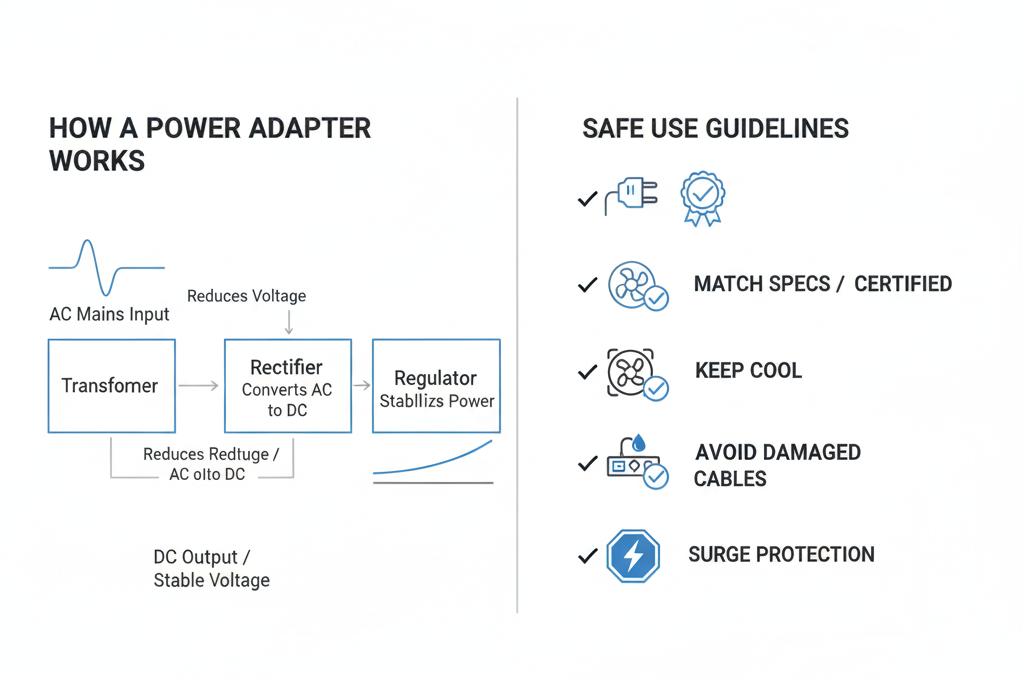
A typical adapter first steps down mains AC voltage. Then it rectifies AC to DC and filters it. Finally, it regulates output voltage and current[^2]. Modern adapters use switching regulators to stay efficient and small. They also include protection circuits that cut output on overload, short, or overheating. To ensure safe use, always match voltage and polarity. Do not force a wrong connector. Use cables rated for the current[^2] you need. Keep adapters in well-ventilated places. Avoid charging on soft surfaces like beds or under pillows that trap heat. Replace frayed cables and damaged bricks. Use surge protectors or UPS for sensitive equipment to guard against spikes. Choose adapters with safety certifications[^4] and known thermal behavior. For high-value devices, prefer adapters with multiple protections: over-voltage, over-current[^2], short-circuit, thermal shutdown, and surge protection[^10]. If an adapter smells, smokes, or gets very hot, unplug it immediately. For USB-C PD devices, use certified PD cables and chargers that negotiate correct voltage and current[^2]. Periodically inspect adapters for bulges, discoloration, or loose connectors. Finally, keep a spare certified adapter to avoid using unknown or dubious replacements in emergencies.
I never ignore adapter heating or damage and always keep a certified spare in my kit.
Conclusion
Power adapter issues are common, but often solvable with a bit of troubleshooting. If your adapter isn’t working, the first steps are checking the power source and inspecting the adapter for visible damage. Causes of adapter failure include power surges, overheating, physical damage, and general wear and tear.
If the adapter is damaged beyond repair, it’s best to replace it with a high-quality, certified one to ensure your device charges safely. Always follow proper care and maintenance to prolong the life of your adapter, and consider using a surge protector to prevent electrical damage.
[^1]: Understanding the function of a power adapter is essential for safe and effective device charging. [^2]: Knowing the right current can prevent device damage and ensure efficient charging. [^3]: Choosing the right connector type is vital for compatibility with your devices. [^4]: Safety certifications ensure that your adapter meets industry standards for safe use. [^5]: An efficiency rating indicates how well an adapter converts power, impacting energy use. [^6]: Understanding charging protocols helps in selecting the right adapter for fast charging. [^7]: High build quality ensures durability and safety; learn what to look for. [^8]: A good warranty can protect your investment and ensure product reliability. [^9]: USB Power Delivery is essential for fast charging; learn its benefits and functionality. [^10]: Surge protection can save your devices from electrical spikes; find out how.