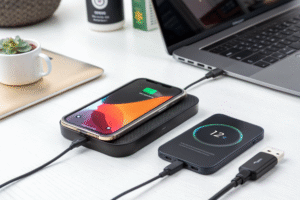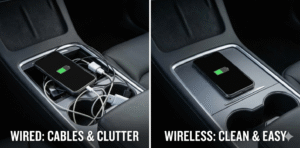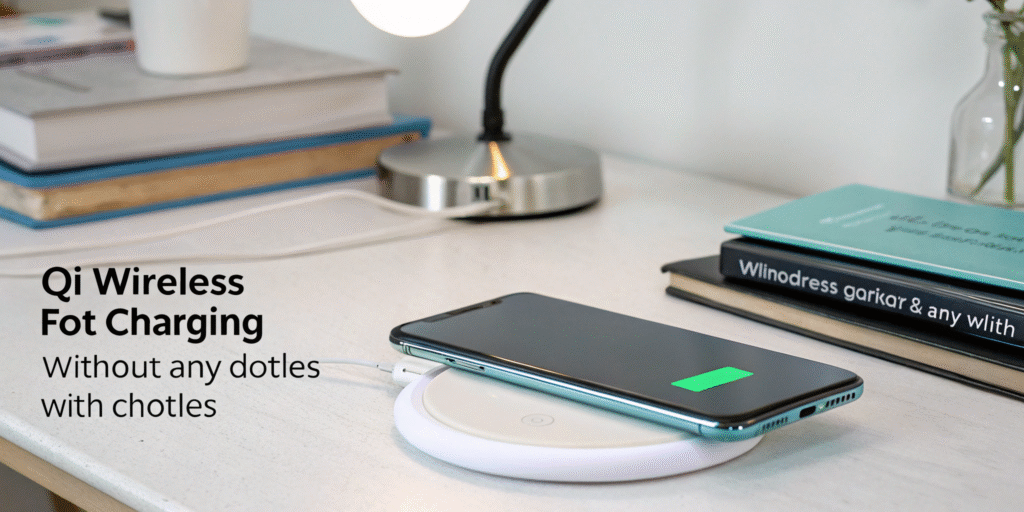
Qi wireless charging[^1] is a technology that allows you to charge your devices without the need for physical cables. Instead of plugging in a charger, you simply place your device on a Qi-enabled charging pad[^2] or dock. Qi (pronounced "chee") is the most widely adopted wireless charging standard[^3] and is used by many smartphone manufacturers and device makers. Qi wireless charging[^1] is a standard that uses electromagnetic induction[^4] to transfer power between a charging pad[^2] and a compatible device without a cable connection.
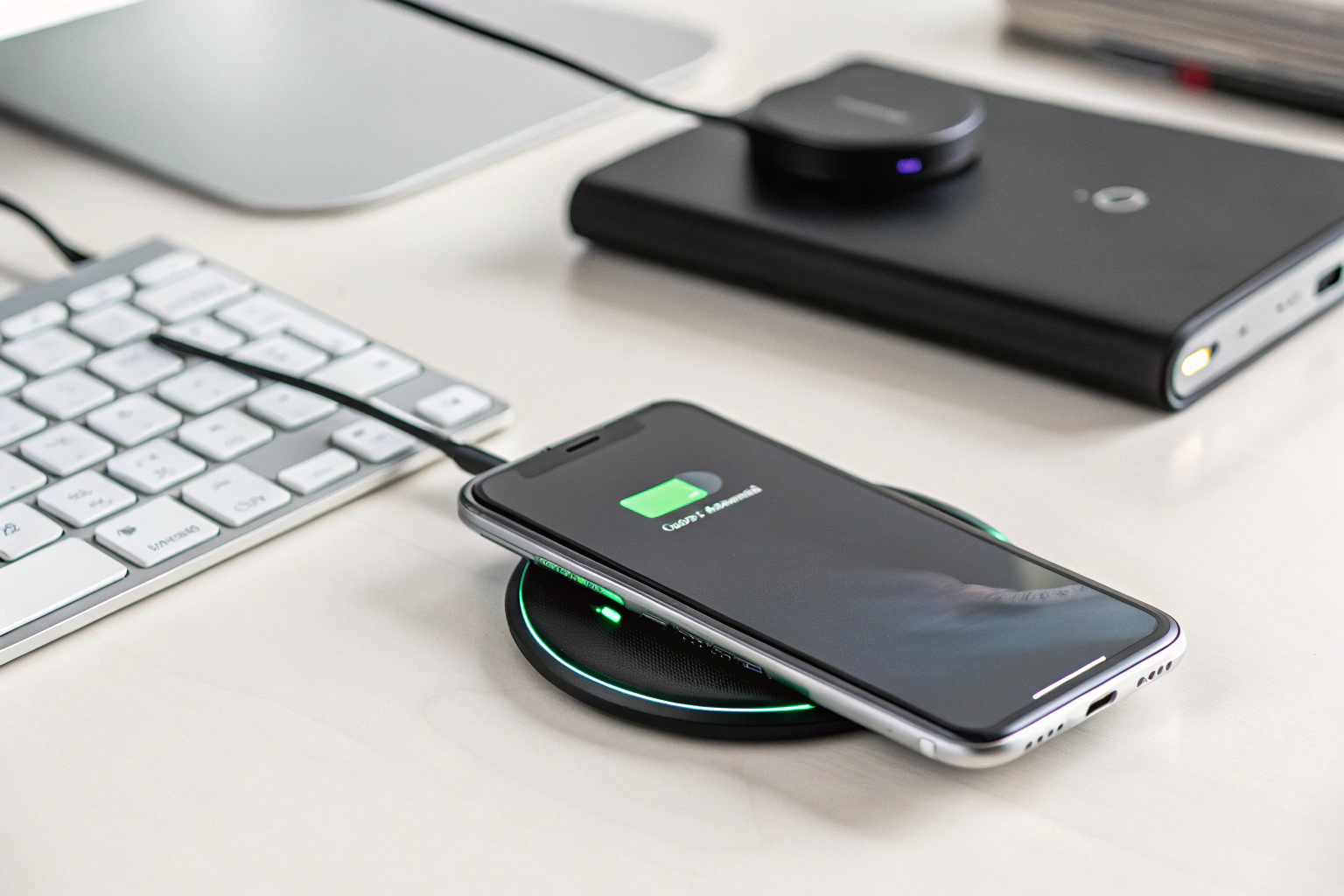
This technology uses electromagnetic induction[^4] to transfer energy between two coils—one in the charging pad[^2] and one in the device—enabling a cable-free charging experience[^5].
What is the difference between Qi and wireless charging?
I heard people use the terms interchangeably and that caused confusion.
Qi is a specific wireless charging standard[^3] from the Wireless Power Consortium[^6]. “Wireless charging” is the general term for any contactless power transfer method. Qi is the most common standard for phones.
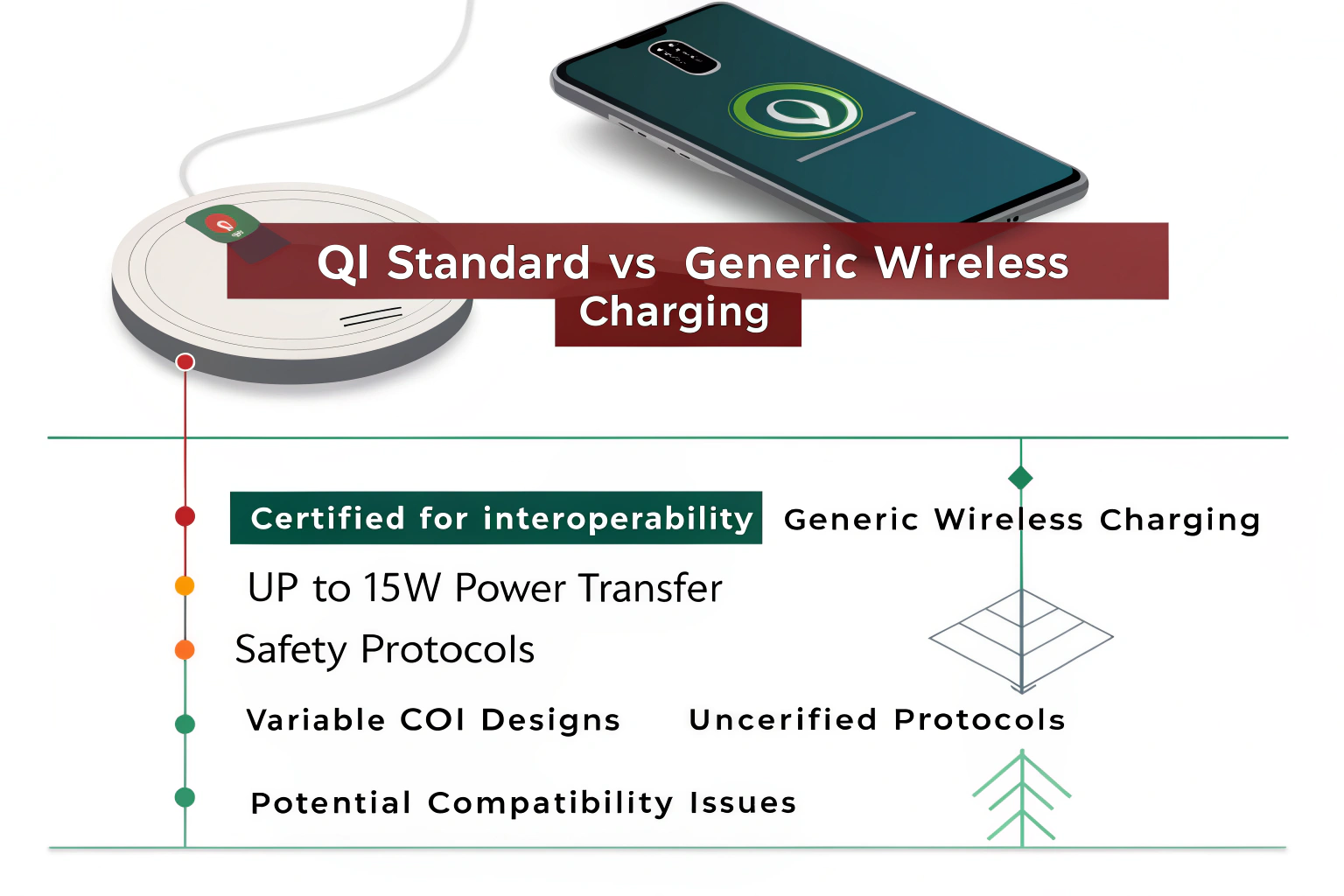
Qi defines the technical rules for power transfer, coil alignment, communications, and safety. Other wireless systems exist but are less common for phones. Qi covers both low-power pads (5W) and higher-power variants (up to 15W and beyond with Fast Wireless Charging[^7]). When a charger or phone says “Qi-certified[^8],” it means it met testing for interoperability and safety. Using a Qi-certified[^8] pad reduces the risk of overheating, incompatible power delivery[^9], and device damage. Non-Qi wireless systems might use different coil designs, power ranges, or communication protocols. For consumers, Qi support means a wide choice of pads, stands, car mounts, and accessories that work across brands. I always check for the Qi logo or certification when buying a pad to avoid compatibility surprises.
How do I know if my phone has Qi?
I checked the phone specs and the settings to confirm wireless support quickly.
Check the phone’s official specifications page or the user manual. Look for “Qi wireless charging[^1]” or “wireless charging.” You can also try placing the phone on a Qi pad to see if charging starts.
Most modern flagship and many midrange phones include Qi. If you own an iPhone 8 or later, it likely supports Qi. Many Android phones from Samsung, Google, Huawei, and others also support Qi. If specs are unclear, search the model name plus “Qi” or “wireless charging” online. Another quick test is to place the phone on a known Qi pad. If the pad lights up and the phone shows charging, it supports Qi. Note that some phones may support Qi only at lower power or may require specific alignment or a compatible case. Thin cases usually work, but metal or very thick cases can block charging. I keep a small test pad at my desk to confirm compatibility before buying accessories.
How does a Qi wireless charger work?
I opened a basic pad long ago and saw the coils and control board inside.
Qi wireless charging[^1] uses two coils. The pad has a transmitter coil that creates an alternating magnetic field. The phone has a receiver coil that converts that field back to electric current to charge the battery.
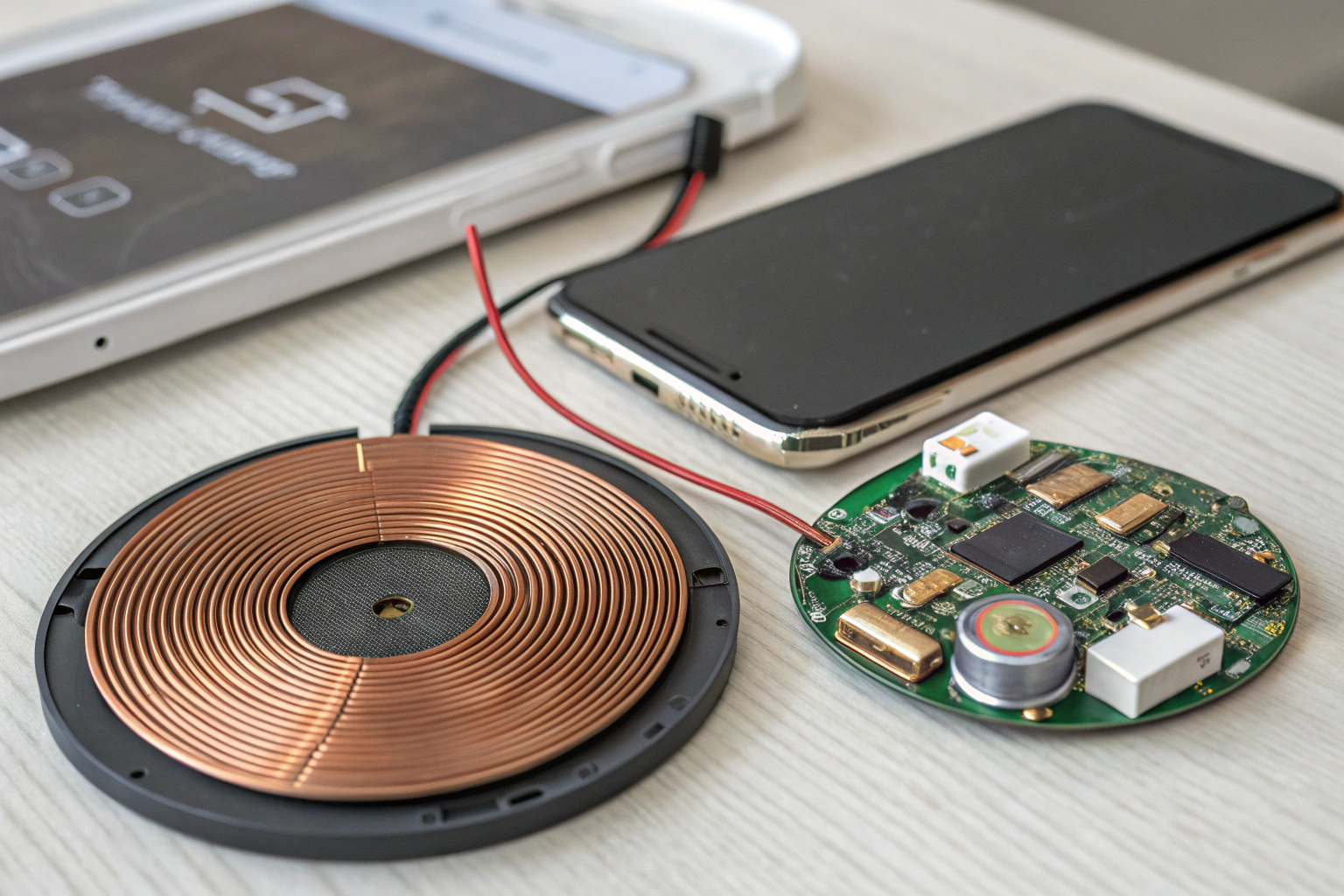
The system uses electromagnetic induction[^4]. The charger drives current through its coil at a specific frequency. This creates a changing magnetic field. When a compatible receiver coil on the phone sits near the pad, the magnetic field induces an alternating current in the phone’s coil. The phone’s power circuitry then rectifies and regulates this AC into DC and charges the battery. Qi also defines a communication channel between pad and phone. This lets the devices negotiate the power level, check alignment, and control temperature. The pad can reduce power if the phone gets hot. Qi systems include protections for over-voltage, over-current, and foreign object detection[^10]. Foreign object detection stops power when metal objects block the gap, preventing heating. Newer Qi pads use multiple coils or coil arrays. That allows freer placement and better alignment. Higher-power Qi implementations use more efficient coils, better cooling, and stronger communications to maintain safe, faster charging.
Which phones are Qi-compatible[^11]?
I track phone specs when buying so I know which models work with my pads.
Most modern flagship phones from Apple, Samsung, Google, and many Android makers support Qi. Common Qi-compatible[^11] groups include iPhone 8 and later, Samsung Galaxy S and Note series (recent models), and many Pixel phones. Check model-specific lists for exact compatibility.
Examples of Qi-compatible[^11] phones:
- Apple: iPhone 8, X, XR, XS, 11, 12, 13, 14, 15 series (and newer).
- Samsung: Galaxy S6 (some models) and newer S-series, Note 8 and newer, many A-series midrange models.
- Google: Pixel 3 and newer (many Pixel models support Qi).
- Others: Huawei, LG, Sony, and many phone makers added Qi to their higher-end models.
Compatibility can vary by region and sub-model. Some phones support Qi only at lower power or require specific firmware. Also, some phone cases block Qi. For laptops and earbuds, some devices also support Qi-based wireless charging. If you are unsure, check the official spec sheet or the Wireless Power Consortium[^6]’s compatibility listings. I make a short compatibility checklist before buying a pad to avoid surprises.
Practical tips for using Qi wireless charging[^1]
I follow simple steps to get reliable charging from pads and stands.
- Use Qi-certified[^8] chargers and pads to ensure safety and compatibility.
- Remove thick or metal cases before charging. Thin cases usually work fine.
- Align the phone on the pad; use pads with multiple coils for easier placement.
- Expect slower charging than wired methods. Use wireless for convenience, not speed.
- Avoid using the phone for heavy tasks while wirelessly charging to reduce heat.
- Keep the pad and phone vents clear. Replace chargers that get very hot or smell.
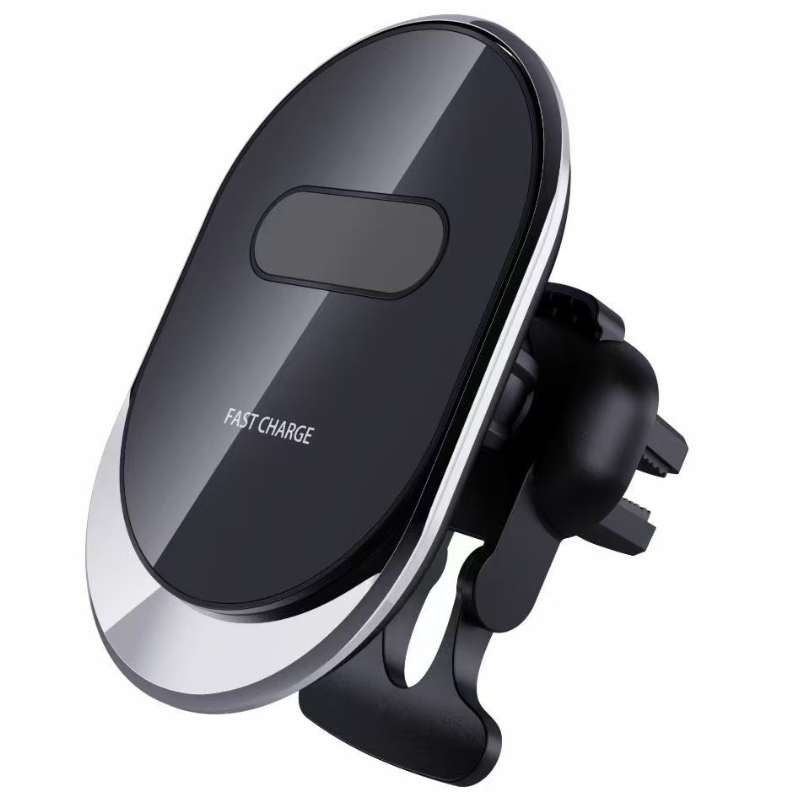
- For cars, pick certified Qi car mounts with good cooling and secure mounting.
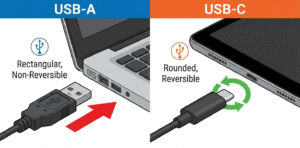
I use wireless charging for desk top-ups and bedside charging. For quick fast charges, I switch to a wired USB-C or Lightning PD charger.
Conclusion
Qi wireless charging[^1] is a safe, standard way to charge phones without cables. Check specs for Qi support, use certified pads, and expect convenience over speed.Qi wireless charging[^1] offers a convenient, cable-free way to power up your devices. It works through electromagnetic induction[^4], transferring power from a charging pad[^2] to a receiver in the device. Qi is the most widely used wireless charging standard[^3], and it’s supported by a variety of devices, including smartphones[^12], earbuds, and smartwatches.
If you’re not sure if your phone supports Qi, check the manual, look for a charging symbol[^13], or test it with a Qi-enabled charging pad[^2]. Whether you’re using it for your iPhone, Samsung Galaxy, or another Qi-compatible[^11] device, this technology is a game-changer for charging convenience.
[^1]: Explore this link to understand the fundamentals of Qi wireless charging and its benefits. [^2]: Get tips on selecting the best Qi charging pad for your devices to ensure optimal performance. [^3]: Explore the essential features of wireless charging standards and their impact on device compatibility. [^4]: Learn about the science behind electromagnetic induction and its role in wireless charging technology. [^5]: Discover the benefits of wireless charging and how it enhances user convenience. [^6]: Discover the organization behind Qi standards and how it ensures compatibility and safety. [^7]: Understand the advantages of Fast Wireless Charging and how it enhances the charging experience. [^8]: Find out why Qi certification is crucial for safety and compatibility in wireless charging. [^9]: Understand the concept of power delivery and its significance in wireless charging. [^10]: Learn how foreign object detection enhances safety during wireless charging. [^11]: Check this resource for a comprehensive list of devices that support Qi wireless charging. [^12]: Find out which popular smartphones are equipped with Qi wireless charging capabilities. [^13]: Learn about the charging symbol and what it signifies for wireless charging compatibility.