What Is a Power Adapter? Full Definition and Usage Guide
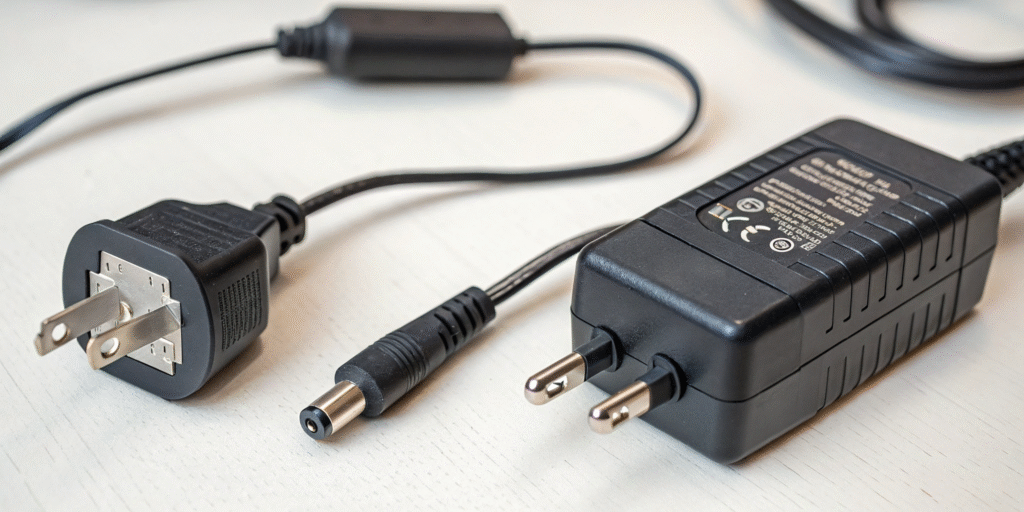
A power adapter[^1] is a device that converts AC (alternating current)[^2] from a wall outlet into DC (direct current)[^3] that electronic devices can safely use. Whether it’s a smartphone, tablet, laptop, router, monitor, or small household appliance, most devices rely on a power adapter[^1] to operate safely and steadily. It is also commonly referred to as a “charger[^4],” “power converter,” or “AC adapter.”
How a Power Adapter Works
A power adapter[^1]’s main purpose is to convert high voltage → low voltage, while performing rectification and voltage regulation[^5]. The process typically includes:
Step-down – Converts 110V / 220V to a safe low voltage.
Rectification – Changes AC into DC power.
Voltage regulation – Maintains a stable output to prevent damage.
Protection features – Includes over-voltage, over-current, and short-circuit protection.
What does a power adapter[^1] do?
I used to think all plugs do the same job until my laptop failed to power up.
A power adapter[^1] takes alternating current (AC) from the outlet and converts it to direct current (DC) at the right voltage and current. It also stabilizes the power and adds protection against spikes.
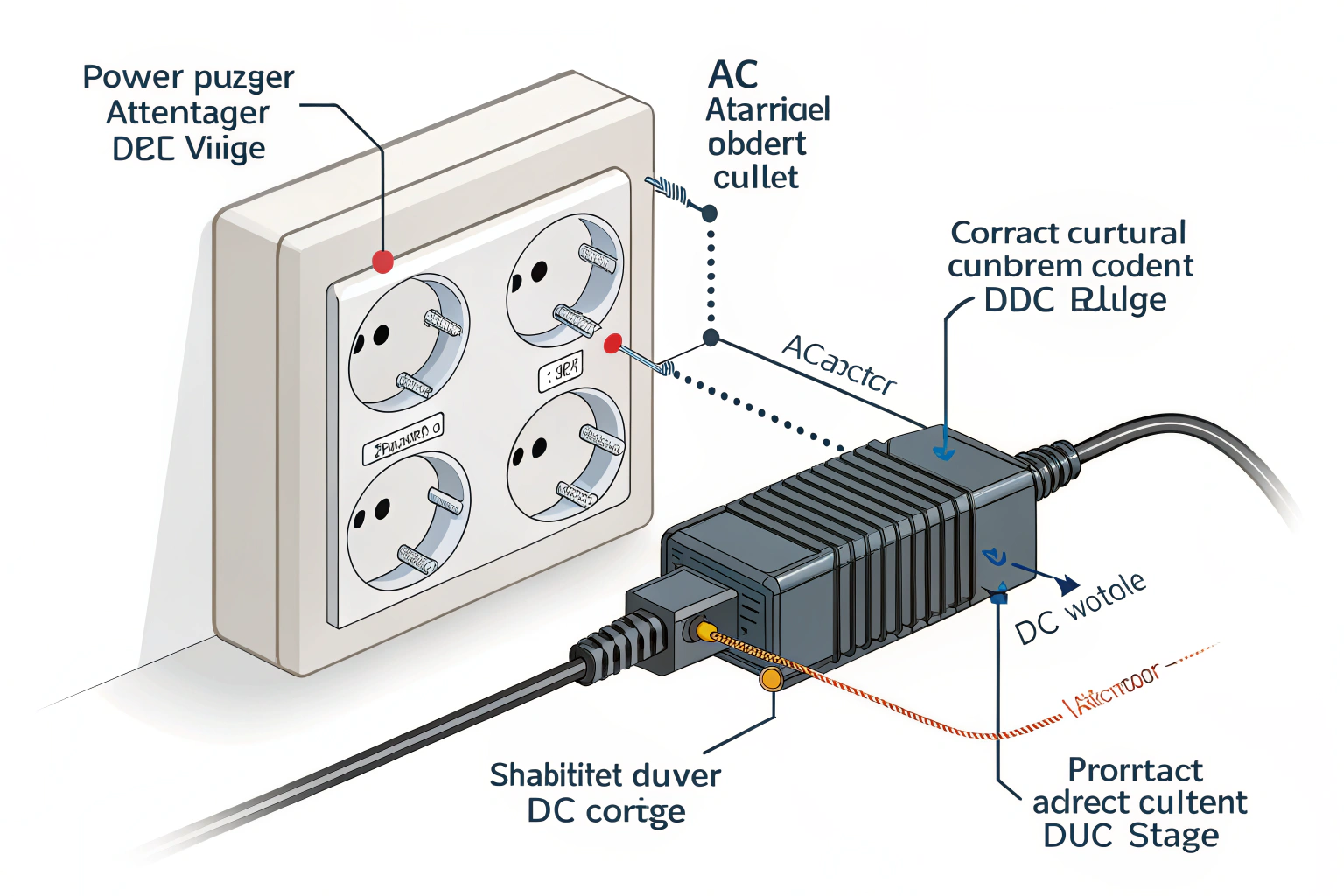
A power adapter[^1] contains a transformer or electronic converter. It steps voltage down or up and then rectifies AC to DC. It regulates the output so the device receives steady power. Good adapters also protect against over-voltage, over-current, short circuits, and overheating. Some modern adapters include smart chips that communicate with the device. That allows better negotiation of voltage and current for fast charging. For example, USB Power Delivery[^6] uses communication to set appropriate voltage levels. Without correct conversion, the device may not work, may charge slowly, or may be damaged. I always check the adapter’s output specs and safety marks before use.
What is the difference between a charger[^4] and a power adapter[^1]?
I mixed these terms for years. They overlap but are not identical.
A charger[^4] is a device that replenishes a battery. A power adapter[^1] supplies power to a device and may or may not charge a battery. Chargers often include adapter functions, but not all adapters are charger[^4]s.
A charger[^4] contains electronics that manage battery charging cycles, monitor battery state, and stop charging when full. Examples include phone charger[^4]s and laptop charging bricks that charge internal batteries. A power adapter[^1] may simply provide power at a fixed voltage to run a device that has no battery, such as a router or monitor. In many modern products, the adapter and charger[^4] are combined into one unit. A laptop adapter both powers the laptop and charges its battery. The key difference is battery management. Chargers include charge control firmware or circuits. Adapters focus on converting and regulating power. When buying, check if the product supports battery management if your device has a battery.
How should I choose the right power adapter[^1]?
I follow a short checklist to avoid mistakes and protect devices.
Match voltage, current (or wattage), connector type, and safety certifications[^7]. Prefer adapters from reputable brands and check protocol compatibility for smart charging[^8].
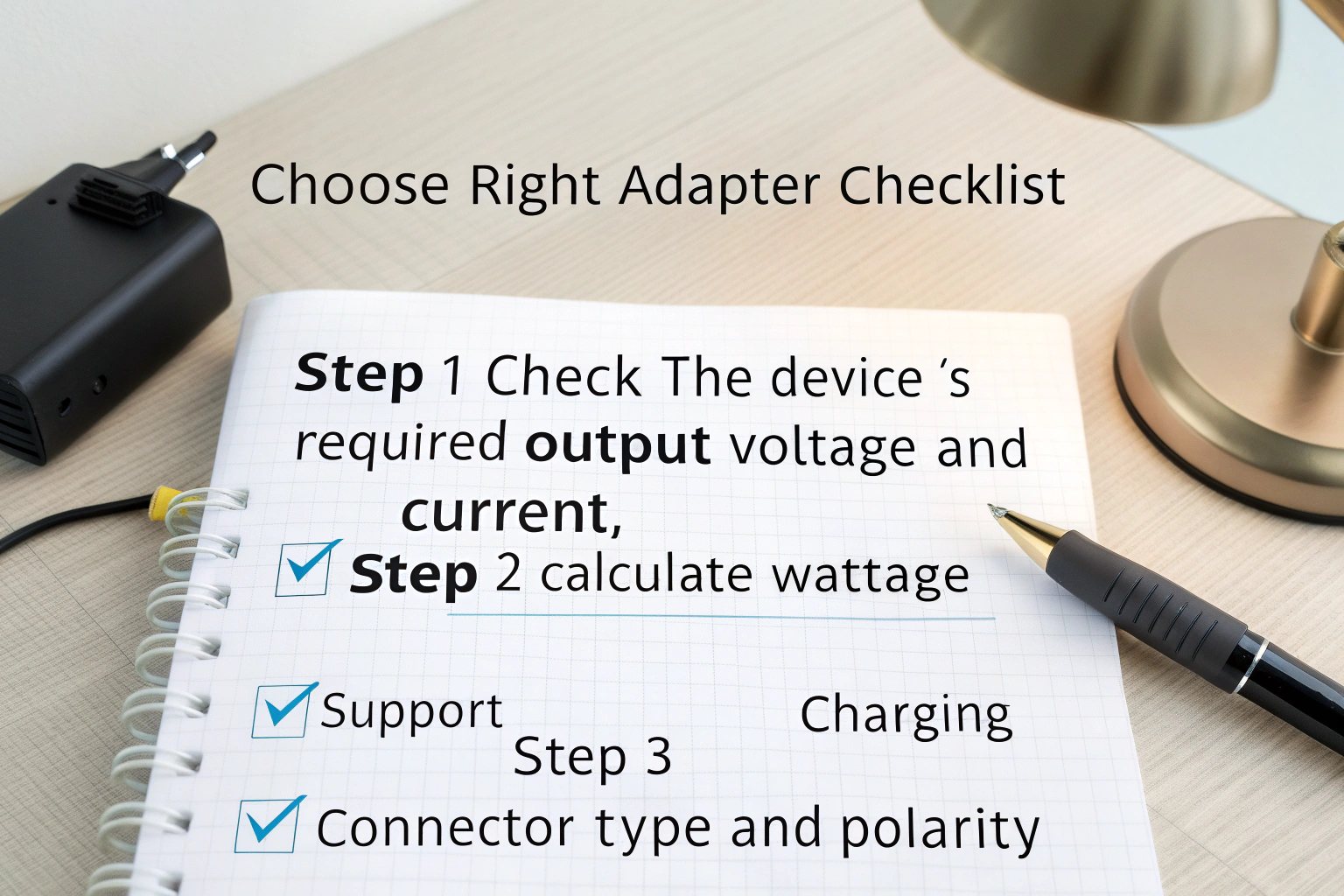
Step 1: Check the device’s required output voltage and current. The label on the device or original adapter shows values like 5V 3A or 20V 3.25A. Step 2: Calculate wattage if needed (W = V × A). Use an adapter that matches the voltage exactly. A higher voltage can damage the device. For current, the adapter should provide equal or greater current than required. Step 3: Confirm connector type and polarity. Many DC barrel plugs differ in size and center polarity. Using the wrong plug can prevent power or cause damage. Step 4: Look for protocol support for smart charging[^8]. For USB-C devices, ensure the adapter supports USB Power Delivery[^6], QC, or PPS if the device requires it. Step 5: Choose adapters with safety certifications[^7] like UL, CE, FCC. Finally, pick reputable brands and read reviews. I always replace lost adapters with a certified equivalent rather than a cheap knockoff.
Types of Power Adapters
I have used many adapter types over the years. Here is a clear breakdown.
Common adapter types:
- AC-DC wall adapters[^9] (common phone and router bricks)
- USB charger[^4]s (USB-A and USB-C wall adapters)
- Laptop power bricks (higher wattage AC-DC converters)
- Automotive adapters (12V car plug converters)
- External power supplies (desktop power bricks for larger devices)
- AC-AC adapters (voltage converters for different mains voltages)
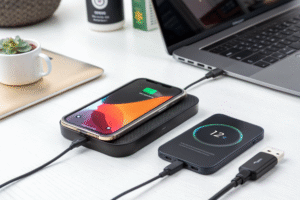
- Wireless power transmitters (Qi pads that deliver power wirelessly)
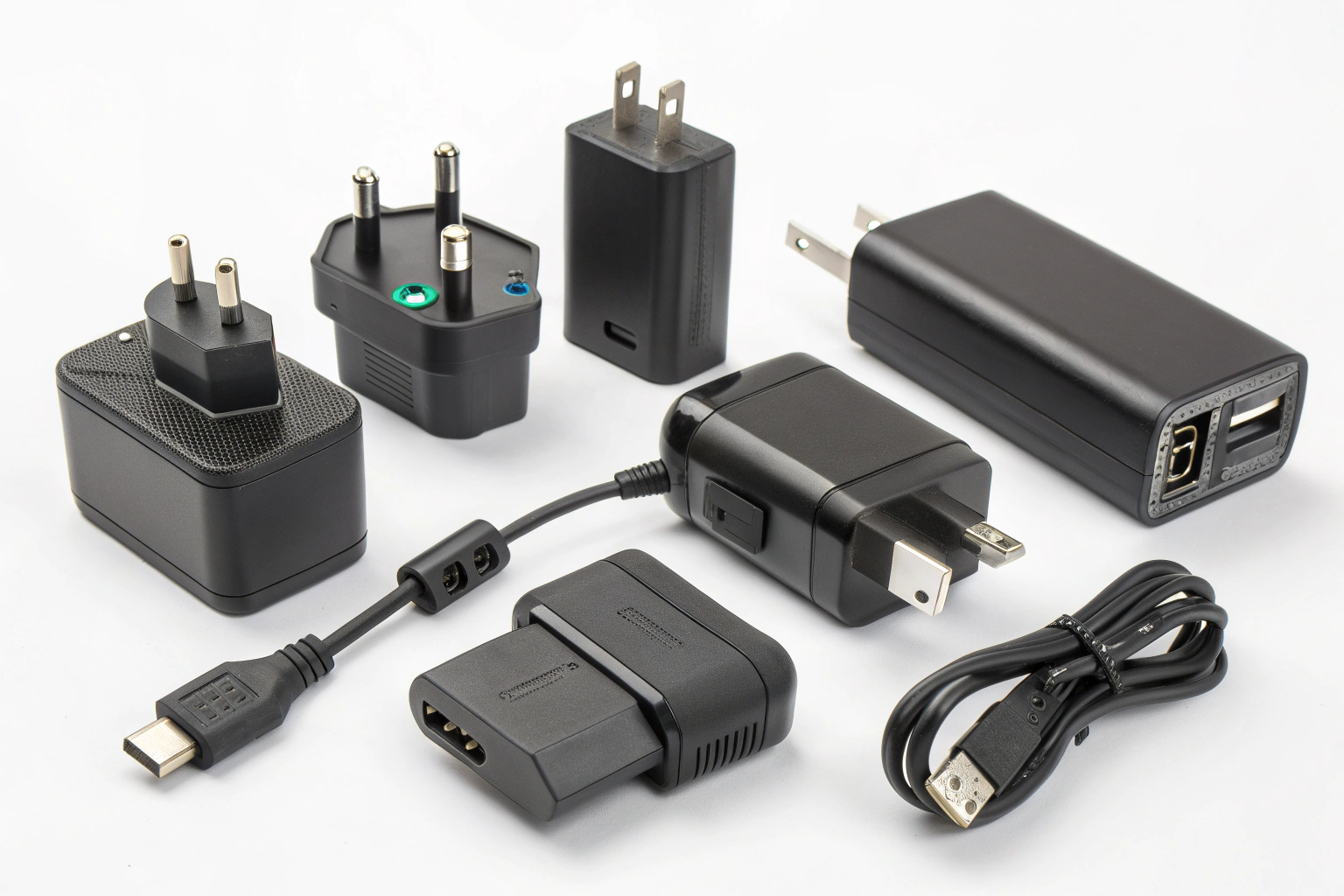
Wall AC-DC adapters convert mains to low-voltage DC for small electronics. USB charger[^4]s are a subset with standardized connectors. Laptop power bricks handle higher power and often include active cooling or smarter negotiation. Automotive adapters convert car 12V DC to needed voltages, often with less regulation than wall adapters. Voltage converters or travel adapters adapt between 110V and 220V mains, but they must match the device’s input type. Wireless charging uses resonant or inductive transfer and includes its own receiver electronics in the device. Each type has its own safety and efficiency trade-offs. I choose the type that matches my device’s power needs and usage context.
Why High-Quality Power Adapters Matter
I once saved my laptop by using a certified replacement after a cheap adapter caused problems.
High-quality adapters protect devices, run cooler, and last longer. They include better components, safety protections, and stable regulation. Cheap adapters can overheat, fail, or harm electronics.
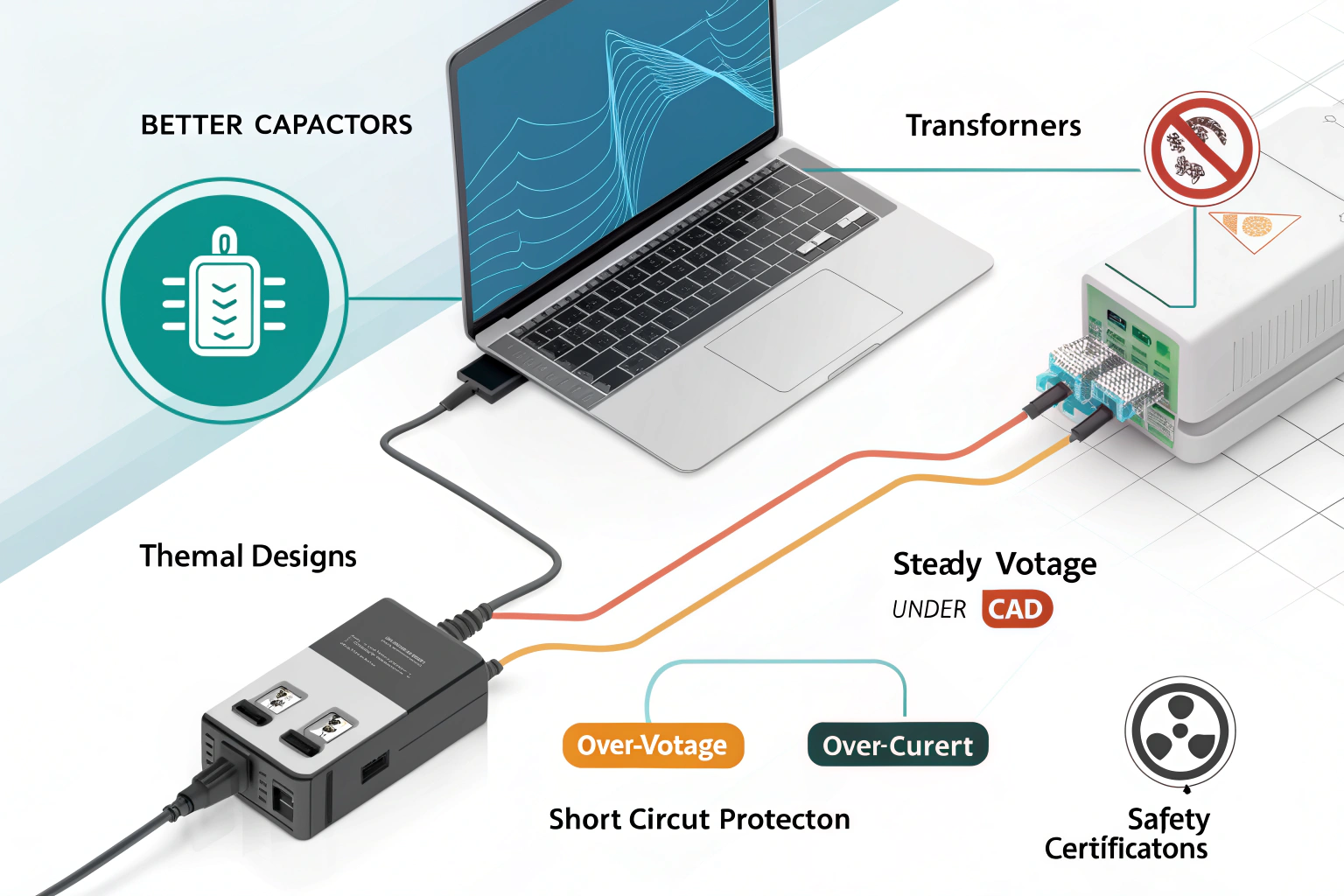
Good adapters use better capacitors, transformers, and thermal designs. They maintain steady voltage under load and include protections like over-voltage, over-current, and short-circuit protection. Safety certifications mean the adapter passed tests for insulation and fire risk. Cheap adapters may skip these safeguards. They can deliver noisy or unstable power. That raises the risk of device malfunction, faster battery wear, or permanent damage. For devices with batteries, poor charging profiles can shorten battery life. For expensive devices like laptops, a bad adapter may cause motherboard damage. I invest in certified replacements from known brands or OEM parts. That small cost saves me from bigger repairs later.
Conclusion
A power adapter[^1] converts mains to the correct DC power, and choosing the right one protects your device. Match specs, use certified parts, and prefer reputable brands.
[^1]: Understanding power adapters is crucial for ensuring your devices operate safely and efficiently. [^2]: Learn about AC and its role in powering devices, which is essential for grasping how adapters function. [^3]: Discover why DC is vital for electronics and how it differs from AC, enhancing your tech knowledge. [^4]: Clarify the distinction between chargers and adapters to make informed purchasing decisions. [^5]: Explore voltage regulation to understand how it protects your devices from damage. [^6]: Find out how USB Power Delivery enhances charging efficiency and device compatibility. [^7]: Understand the importance of safety certifications to ensure the reliability of your power adapters. [^8]: Discover how smart charging technology optimizes power delivery for faster and safer charging. [^9]: Gain insights into AC-DC wall adapters, a common type of power supply for many devices.