I worked with cables and chargers for years before I learned all USB details.
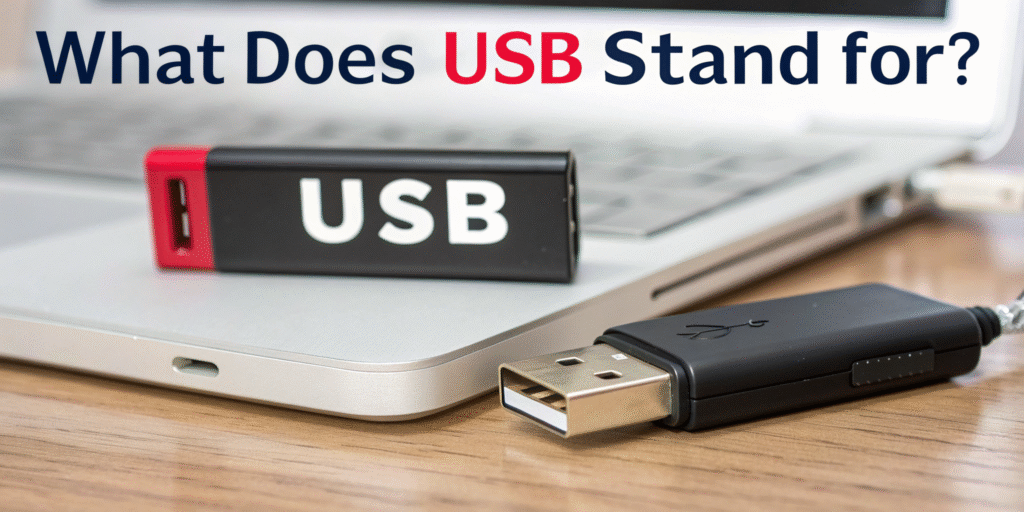
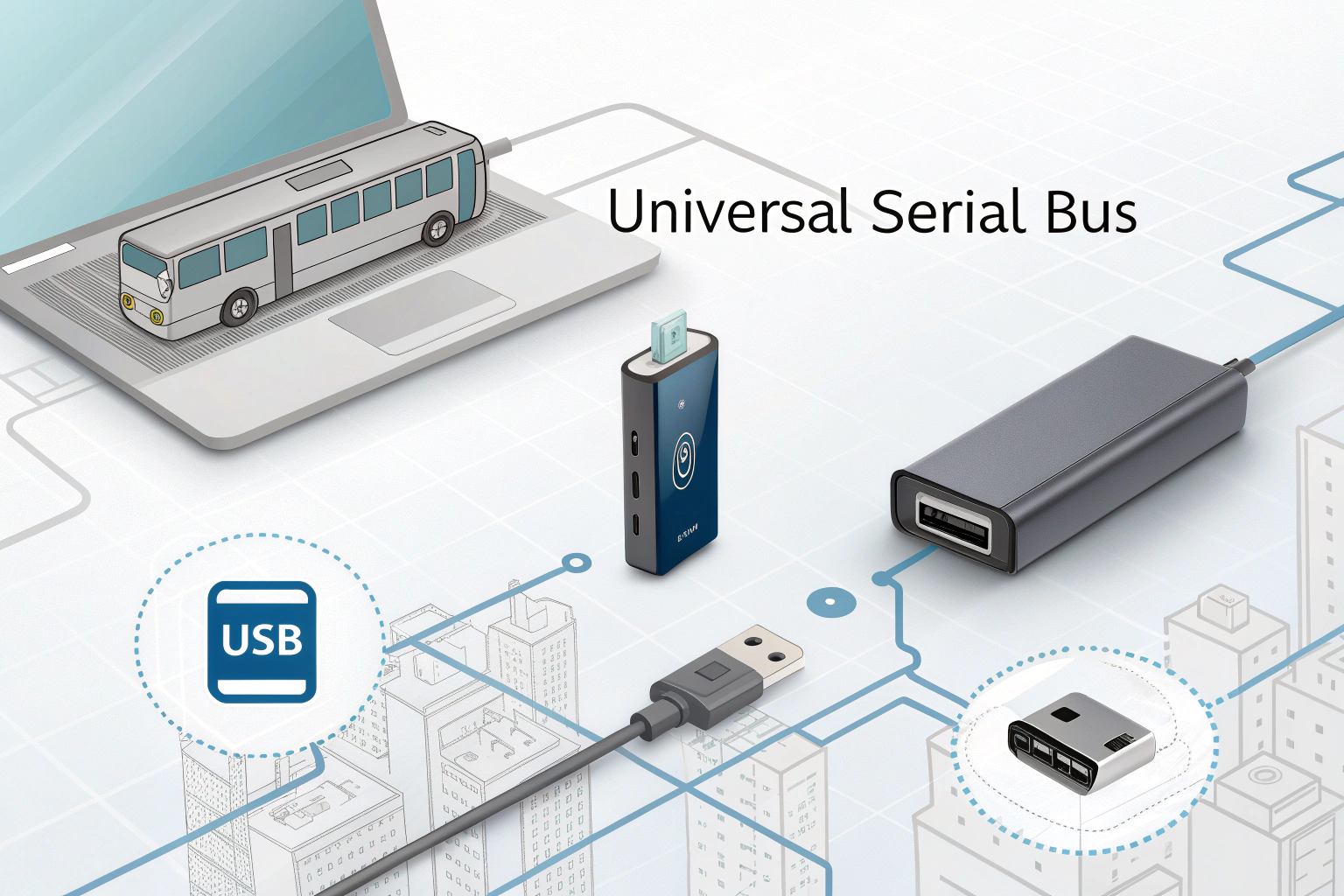
USB stands for Universal Serial Bus[^1], the standard interface for connecting and powering many electronic devices.
 I see USB on almost every charger, cable, and peripheral I handle. The name tells the purpose: a universal way to move data serially and deliver power. USB replaced many older, device-specific ports and made connections simpler. It also evolved to carry more power and faster data. Knowing the meaning helps when you shop for cables and chargers. It also clarifies why USB appears with many versions and connector shapes.
I now check USB version[^2] and connector type before I buy a cable or accessory.
Why is USB called Universal Serial Bus[^1]?
I read the USB spec history and talked with engineers early in my career.
It’s called Universal Serial Bus[^1] because it provides a single, standard serial communication "bus" that works across many devices and manufacturers. This universality replaced many incompatible ports.
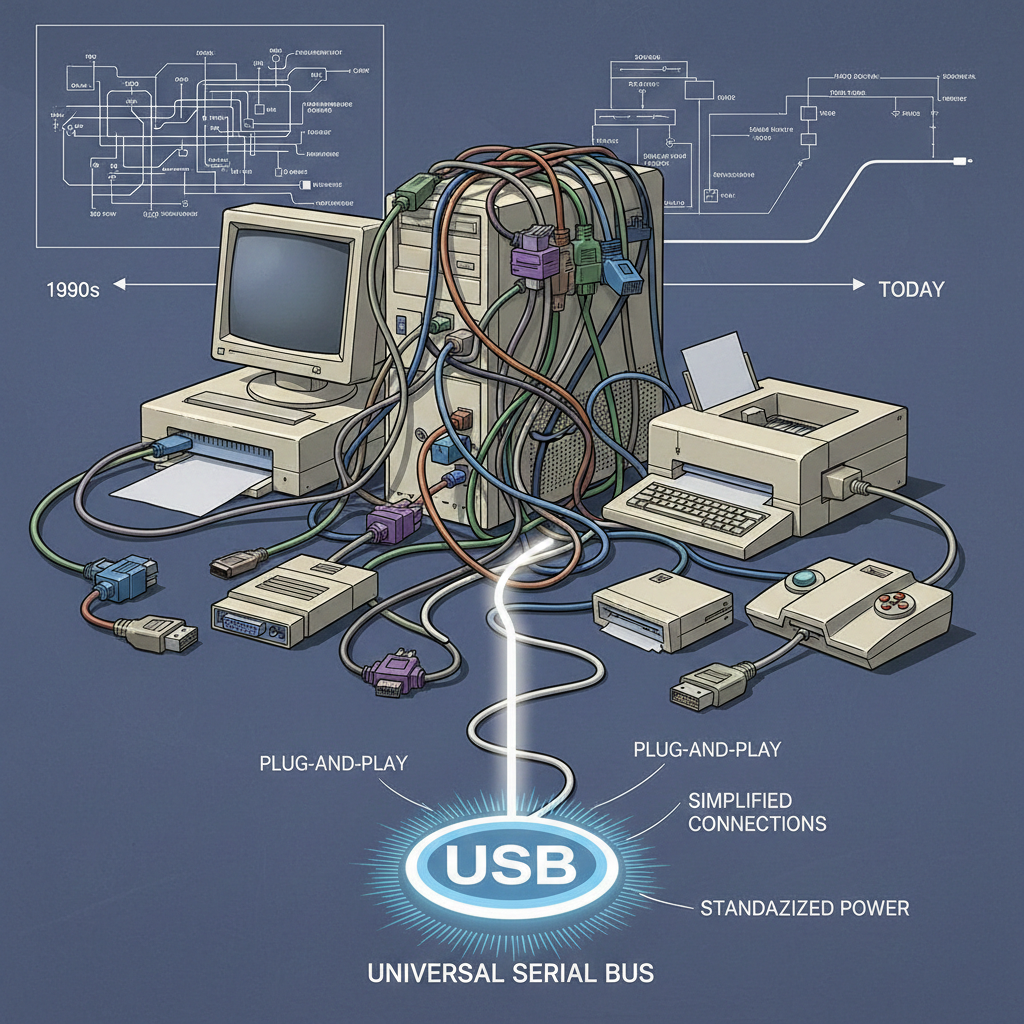
In the 1990s, computers had many ports: serial, parallel, PS/2, SCSI, and more. That made cables and drivers complex. USB designers wanted one common interface. "Universal" means it works across many devices. "Serial" means data flows one bit at a time over a pair of wires. "Bus" means multiple devices can connect to the same host through hubs. USB simplified connections, standardized power delivery[^3], and supported plug-and-play[^4]. Manufacturers adopted it because it reduced costs and made life easier for users. Over time, the standard added faster speeds and more power. The name stuck because it still describes the core idea: a universal, serial data bus that also provides power.
What Are the Different Types of USB Connectors?
I sorted through boxes of cables and tested many connector types with chargers and devices.
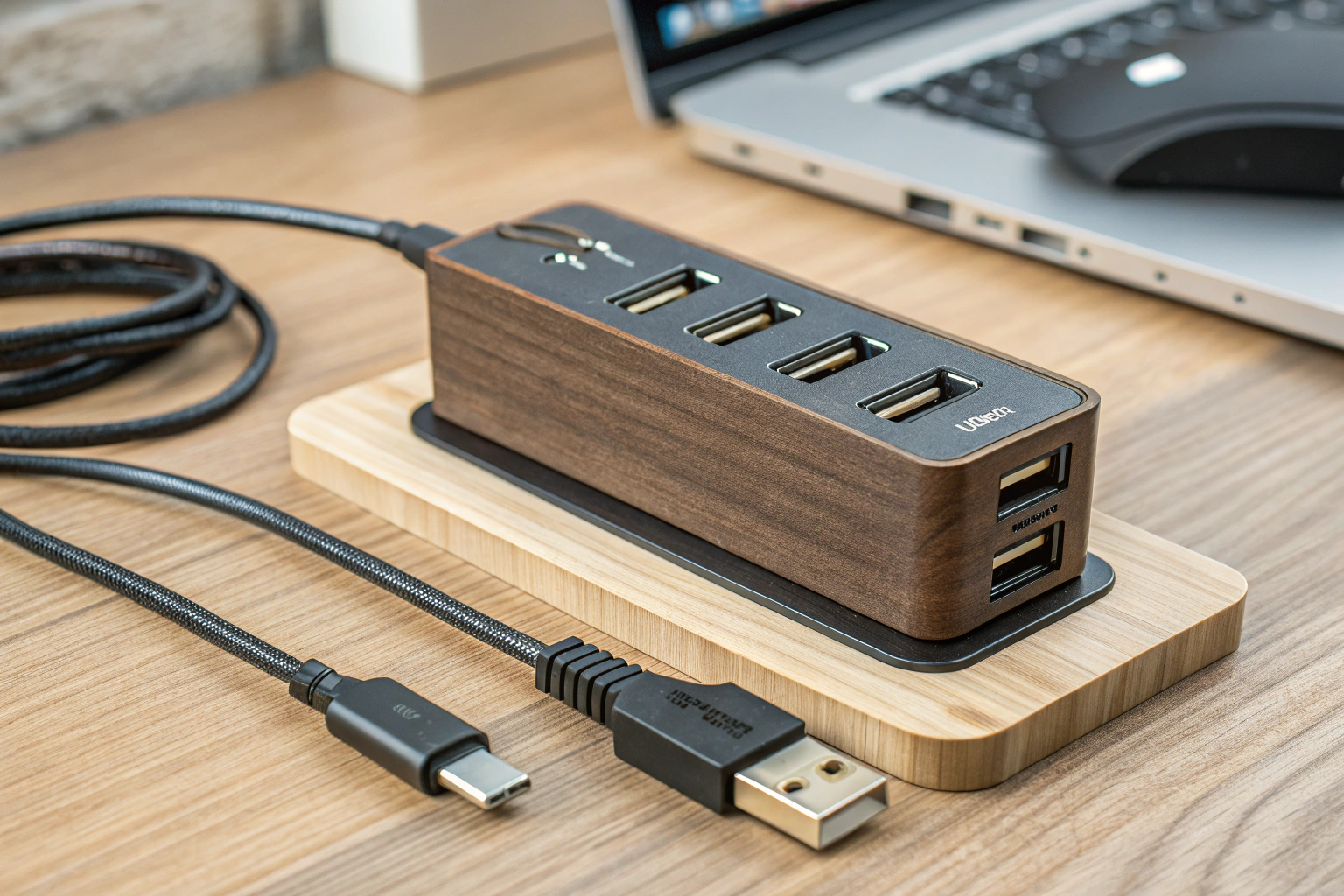
Main connector families are USB-A[^5], USB-B, Mini-USB, Micro-USB, and USB-C[^6]. Each has variants and gendered plugs and sockets for different devices and uses.
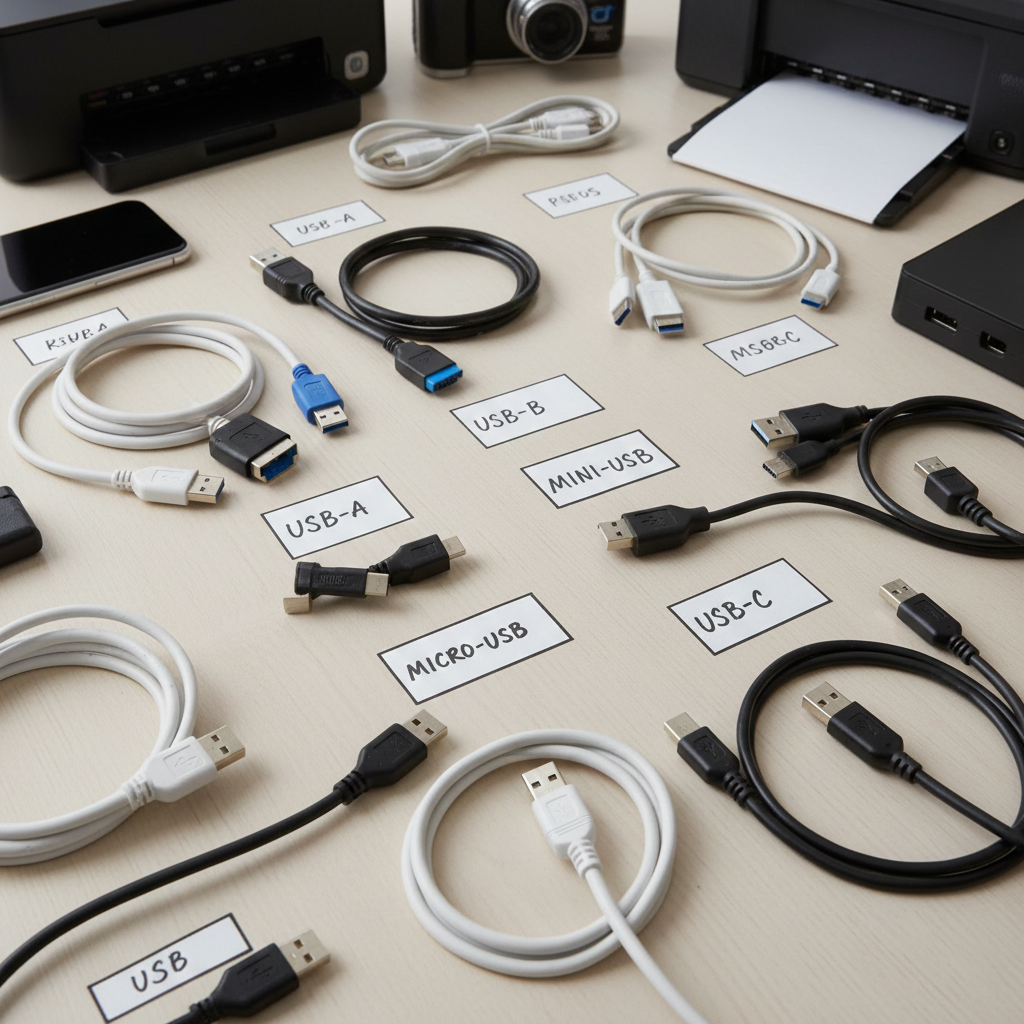
USB-A[^5] is the classic rectangular plug found on hosts like computers and chargers. USB-B is squarish and used on printers and some peripherals. Mini-USB and Micro-USB were common on older phones and small devices. They are smaller and fragile compared with newer types. USB-C[^6] is the newest, reversible connector that supports high power and fast data. It replaces many older ports. There are also variations like USB 3.0/3.1/3.2 versions with extra pins for higher speeds. Connectors can be host (Type-A female) or device (Type-A male), and cables can be A-to-C, C-to-C, or A-to-micro, etc. Choose cables based on device ports, data needs, and power requirements.
How Does USB Work?
I built simple USB circuits and watched packet traffic on analyzers to see the protocol in action.
USB connects a host (like a PC or charger) to devices through a layered protocol. It uses differential serial data pairs[^7], VBUS power, and standardized transactions to move data and provide power.
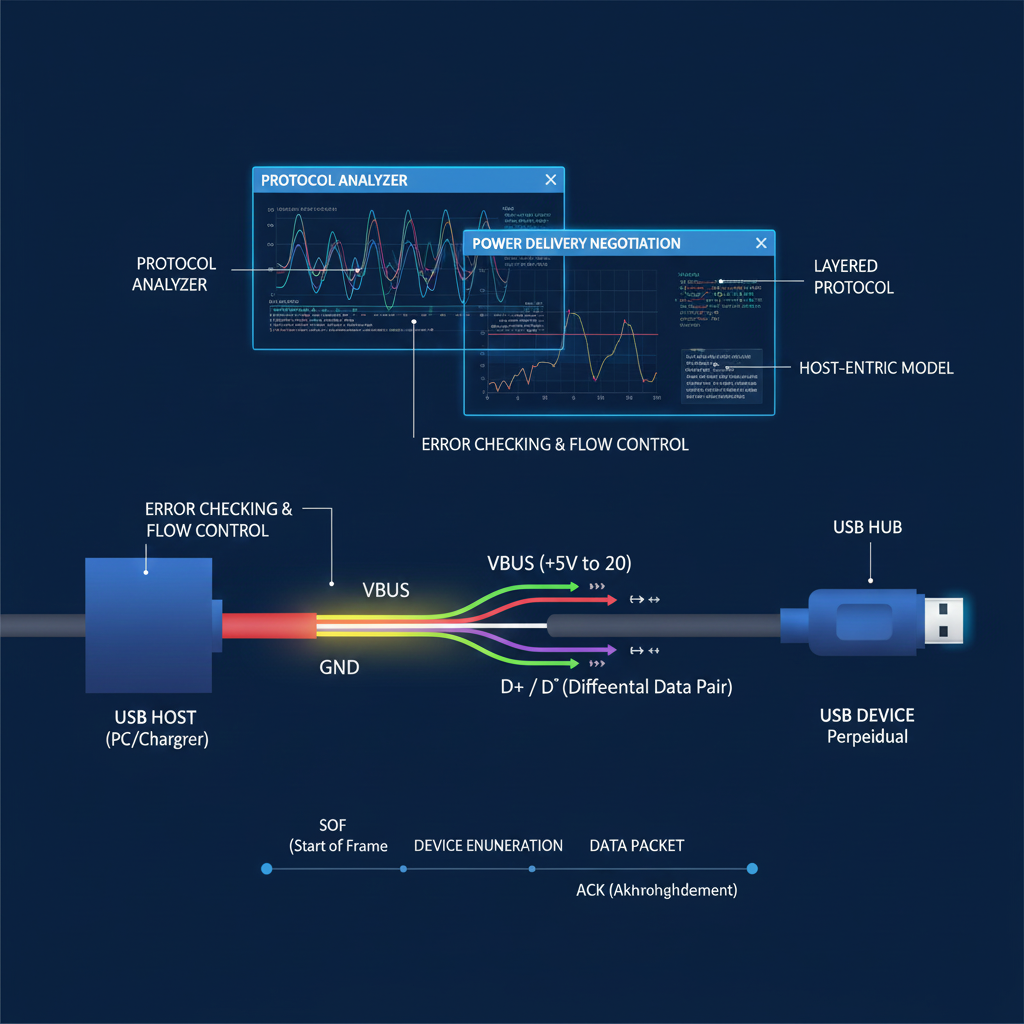
USB follows a host-centric model. The host controls the bus and polls devices for data. Devices identify themselves with descriptors when plugged in. Data moves over D+ and D- differential pairs in packets. The host schedules transfers in frames or microframes depending on the USB version[^2]. Power flows on the VBUS line (usually 5V in older USB, higher with Power Delivery). The USB protocol includes device enumeration[^8], configuration, and class drivers so many device types work without custom drivers. Error checking and flow control keep transfers reliable. Higher-speed versions use more complex signaling and extra pins. USB also supports hubs to expand ports. In chargers, USB often supplies only power, but many power negotiation schemes use data lines or PD protocol to set voltage and current.
I now match cables and chargers to the device’s USB version[^2] and power needs for the best, safest results.
Conclusion
USB (Universal Serial Bus[^1]) is an essential technology used to connect and communicate between devices. It has evolved significantly since its inception, offering faster data transfer[^9], improved power delivery[^3], and universal compatibility. Understanding the different types of USB connectors (such as USB-A[^5], USB-C[^6], and USB-B) and how USB works can help you make better decisions about the devices and accessories you use.
[^1]: Explore the history and importance of USB as a universal standard for device connectivity. [^2]: Learn about the various USB versions to understand their capabilities and improvements. [^3]: Learn about USB Power Delivery to optimize charging and power management for devices. [^4]: Explore the concept of plug-and-play and how it simplifies device connectivity. [^5]: Find out about USB-A, its applications, and why it's still widely used today. [^6]: Understand the benefits of USB-C, including its versatility and high-speed capabilities. [^7]: Delve into the technical aspects of USB data transmission for a deeper understanding. [^8]: Understand the process of device enumeration for seamless USB connections. [^9]: Gain insights into the mechanics of data transfer in USB for better tech comprehension.