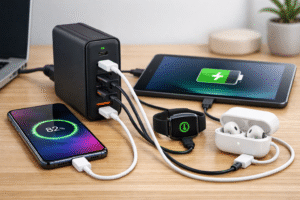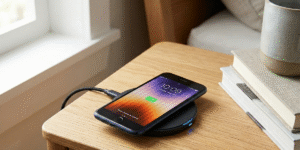
As smartphones continue to evolve, charging technology[^1] has also undergone significant advancements.
MagSafe[^2] is convenient for wireless charging[^3] but USB-C[^4] wired charging is generally faster for iPhone models that support high-wattage USB Power Delivery[^5].
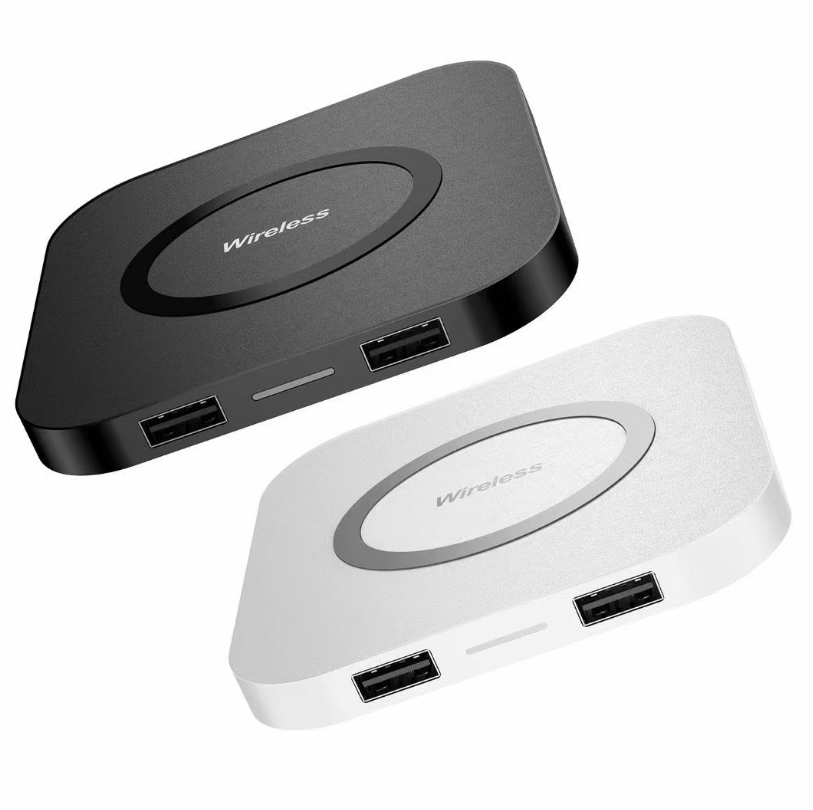
Among the most notable charging technologies for iPhones are MagSafe[^2] and USB-C[^4]. Both offer unique advantages, but when it comes to speed and efficiency, how do they compare? In this article, we’ll dive into the differences between MagSafe[^2] and USB-C[^4] charging, discuss the advantages and disadvantages of each, and help you decide which one is better for your iPhone.
What are the disadvantages of MagSafe[^2] charging?
I liked the snap-on convenience until I noticed slower speeds and more heat.
MagSafe[^2] charges slower than wired fast charging[^6], generates more heat, and sticks to a single alignment. It also drains battery faster during heavy use and requires a compatible case or adapter.
MagSafe[^2] is a form of wireless charging[^3] with magnetic alignment. That solves placement problems for traditional Qi pads. Still, wireless power transfer is less efficient than wired. MagSafe[^2] tops out at about 15W for iPhones that support it. In real use, heating reduces effective charging speed[^7]. Heat also stresses the battery and can slow charging to protect battery health[^8]. MagSafe[^2] needs a compatible iPhone model and often a MagSafe-compatible case[^9]eddit.com/r/iphone/comments/uocqs4/people_who_own_magesafe_chargers_whats_the_benefit/)[^2]-compatible case to work well. You cannot use MagSafe[^2] to the same effect on older phones or unapproved accessories. Another downside is that you must align the phone; magnets help, but movement during use can disrupt charging. Finally, portable or in-car MagSafe[^2] chargers tend to be bulkier and less versatile than USB-C[^4] power banks and cables.
Is it better to charge an iPhone with MagSafe[^2] or USB-C[^4]?
I choose based on the situation. Speed wins for wired. Convenience wins for MagSafe[^2].
USB-C[^4] wired charging is better for speed and efficiency. MagSafe[^2] is better for convenience, quick docks, and hands-free use. Choose USB-C[^4] for fast top-ups, MagSafe[^2] for short, simple top-ups.
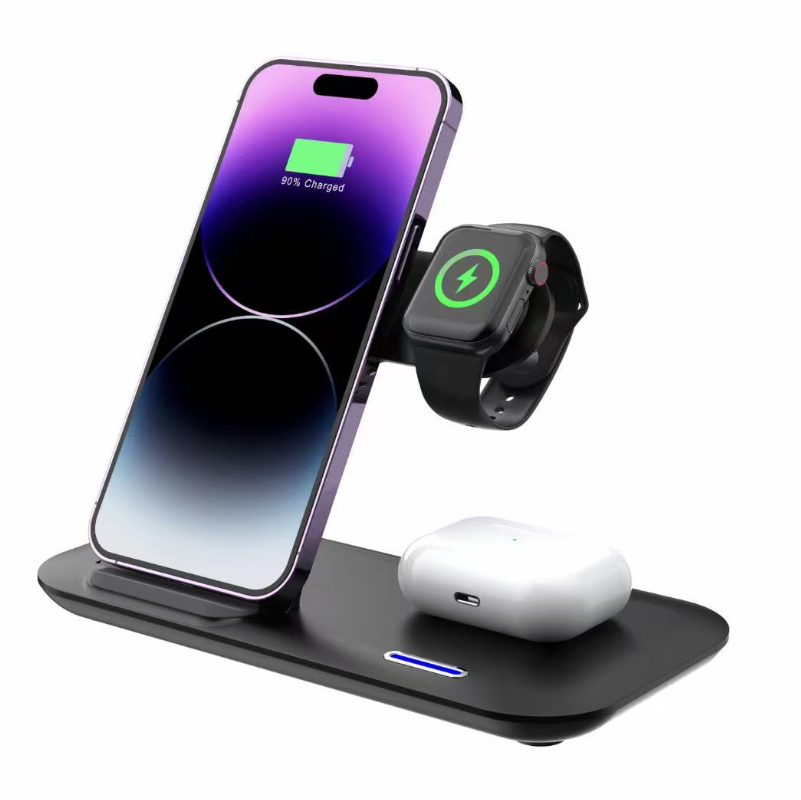
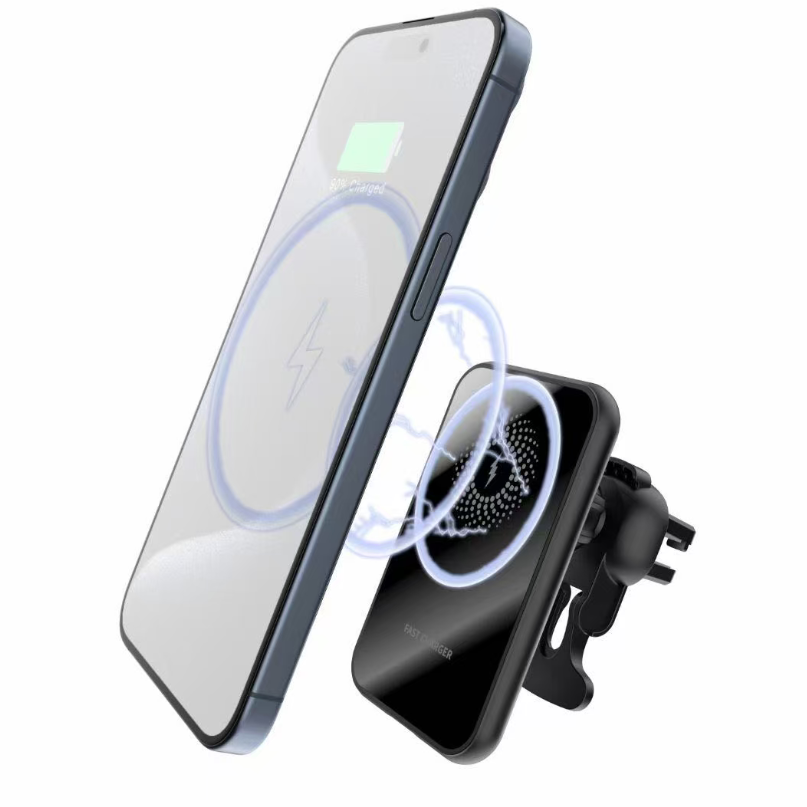
For long charging sessions or when you need a fast top-up, USB-C[^4] with Power Delivery is the clear choice. It delivers higher wattage and less heat loss. For casual topping up while working, driving, or placing the phone on a stand, MagSafe[^2] is easier. MagSafe[^2] shines in situations where you want one-handed mounting, like in a car with a MagSafe[^2] mount or on a desk stand. I avoid MagSafe[^2] when I need the fastest charge or when the phone is under heavy use while charging, such as gaming or video calls. In those cases, wired USB-C[^4] keeps the phone cooler and charges faster. For battery longevity, wired charging at stable lower temps is usually better.
How fast are MagSafe[^2] and USB-C[^4] respectively?
I measured real-world numbers versus advertised specs to compare actual speeds.
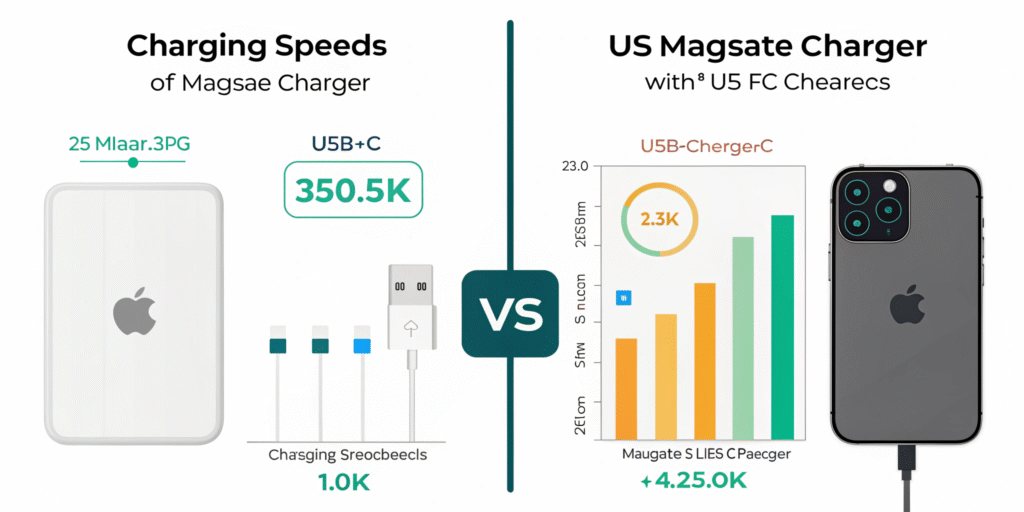
MagSafe[^2]: up to 15W (advertised), real-world effective speed often lower due to heat and negotiation.
USB-C[^4] (PD/PPS): ranges from 18W to 100W+ depending on charger and device; iPhones typically accept up to 27W–35W for fast charging[^6].
Typical observed charging times:
- MagSafe[^2] 15W: 0–50% in about 30–40 minutes for some iPhone models, but heat can slow this.
- USB-C[^4] 20–30W PD: 0–50% in about 25–30 minutes on compatible iPhones.
- USB-C[^4] 45–65W or higher: benefits larger devices; iPhone will still limit draw to its supported max (often around 27–35W).
Actual numbers vary by phone model, battery health[^8], ambient temperature, and whether the phone is in use. Wireless charging inefficiency means more energy turns into heat. PD and PPS negotiation[^10] over a USB-C[^4] cable reduces waste and keeps the phone cooler. For repeated daily fast charging[^6], USB-C[^4] is usually faster and less heat-stressed.
Advantages and disadvantages of MagSafe[^2] and USB-C[^4]
I compared both across common user needs: speed, convenience, heat, versatility, and longevity.
MagSafe[^2] — Advantages
- Easy magnetic alignment and quick attachment.
- Good for one-handed use and car mounts.
- Cleaner desk setup with no cable wear on ports.
- Works through compatible cases.
MagSafe[^2] — Disadvantages
- Lower peak power (around 15W) and lower efficiency.
- Produces more heat which can slow charging.
- Requires MagSafe[^2]-compatible accessories for best performance.
- Not ideal for heavy use while charging.
- More expensive accessories.
USB-C[^4] Wired — Advantages
- Faster charging with USB Power Delivery[^5] or PPS.
- Higher efficiency and lower heat for same power delivered.
- Versatile: works with phones, tablets, laptops, and power banks.
- Cheaper cables and chargers widely available.
- Better for frequent fast charging[^6] and battery care.
USB-C[^4] Wired — Disadvantages
- Less convenient to plug and unplug.
- Cable and port wear over time if used heavily.
- Need correct cable rating to get full speed.
- One wrong connector can be awkward in the car or when multitasking.
I make choices based on context. For travel and fast laptop charging, USB-C[^4] is best. For short top-ups while driving or hands-free convenience, MagSafe[^2] wins.
Practical tips for choosing and using MagSafe[^2] or USB-C[^4]
I follow a few simple rules I learned from experience.
- Use USB-C[^4] PD with a quality charger and cable for fastest charges.
- Use MagSafe[^2] when you need convenience or a secure magnetic mount.
- Avoid heavy phone use while wirelessly charging to reduce heat.
- Prefer certified accessories and check safety markings.
- If you charge daily fast, monitor battery health[^8] and avoid extreme temperatures.
- Keep a small USB-C[^4] PD charger in your bag and a MagSafe[^2] charger in the car if you like both benefits.
I keep both options ready. That covers fast home charging and convenient in-car top-ups.
Conclusion
In the battle between MagSafe[^2] and USB-C[^4] charging, it ultimately depends on what you prioritize. If you’re looking for faster charging, USB-C[^4] is the better option, especially if you have a charger that supports Power Delivery. However, if you value convenience, wireless charging[^3], and a cleaner setup, MagSafe[^2] could be the way to go, even though it comes with slower speeds.
For those who need a fast charge and don’t mind using cables, USB-C[^4] is the superior choice. But if you're after a more seamless, hands-free experience, MagSafe[^2] is an excellent addition to your charging routine.
[^1]: Stay updated on the latest innovations in smartphone charging technology. [^2]: Explore the advantages of MagSafe for iPhone charging, including convenience and ease of use. [^3]: Discover the benefits and drawbacks of wireless charging technology. [^4]: Learn about the efficiency and speed of USB-C charging compared to MagSafe. [^5]: Understand how USB Power Delivery enhances charging speed and efficiency. [^6]: Get insights into fast charging technology and its benefits for smartphone users. [^7]: Find tips and tricks to enhance your smartphone's charging speed. [^8]: Learn how different charging methods impact your smartphone's battery longevity. [^9]: Understand the significance of using a MagSafe-compatible case for optimal performance. [^10]: Learn about PPS negotiation and how it optimizes charging efficiency.