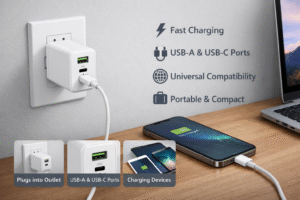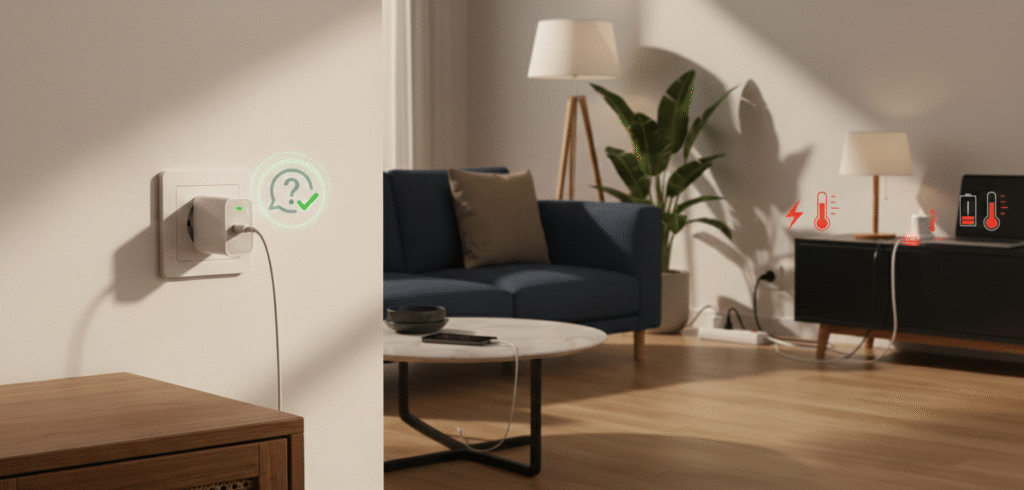
Many people leave their phone or laptop chargers plugged into the wall all day, even when no device is connected. While this is common, is it actually safe? And does it affect energy consumption[^1], device lifespan, or safety?
Leaving a charger plugged in is usually low risk with quality chargers, but it wastes a small amount of power, raises tiny safety risks[^2] with damaged units, and can shorten charger life in poor conditions.
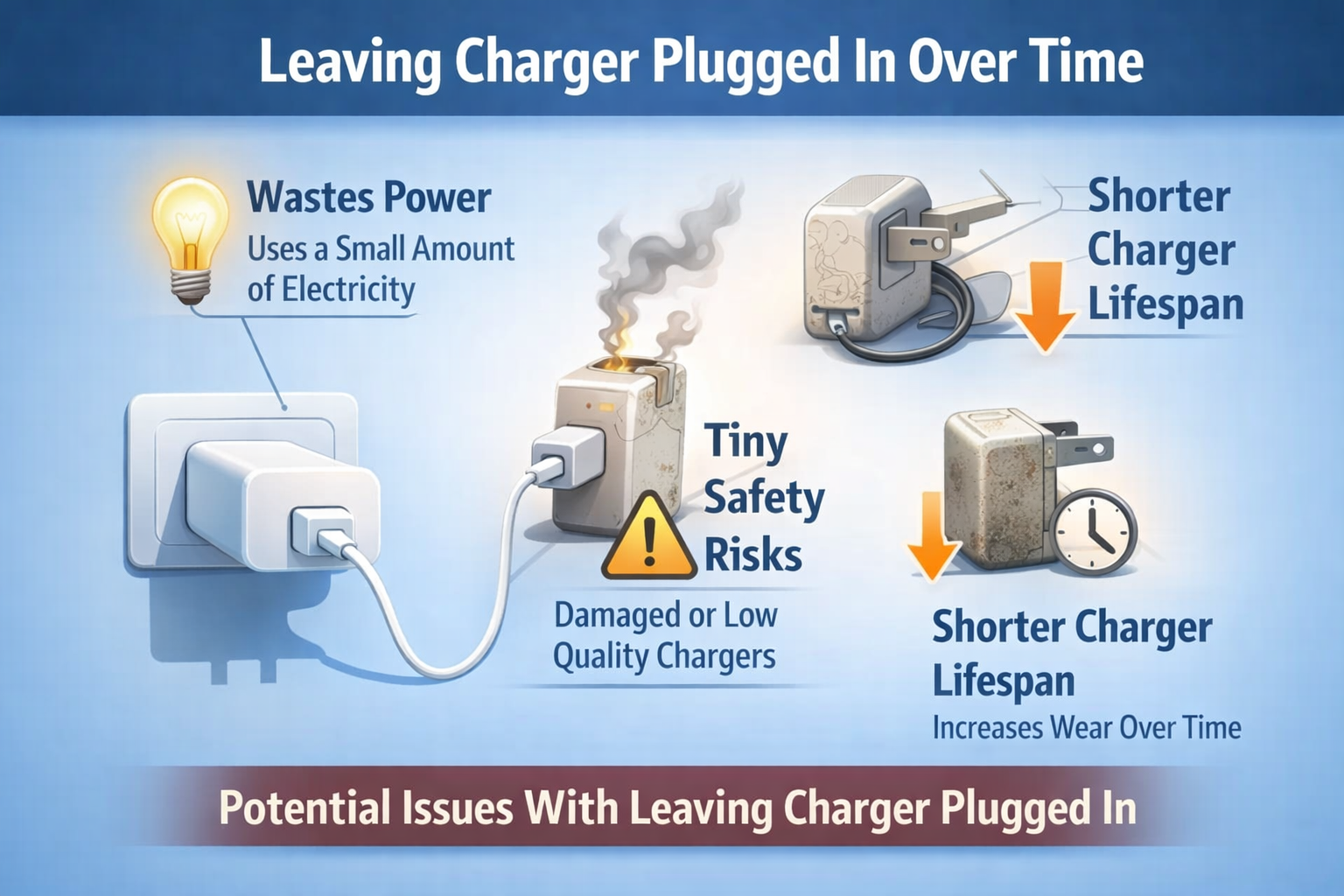
Should I unplug the charger when not in use?
I asked electricians and read safety guidance to give a clear, practical answer.
Unplugging is a simple, low-effort way to save a little energy and remove a small safety risk. For most people, unplugging rarely used chargers or using switched outlets is a good habit.
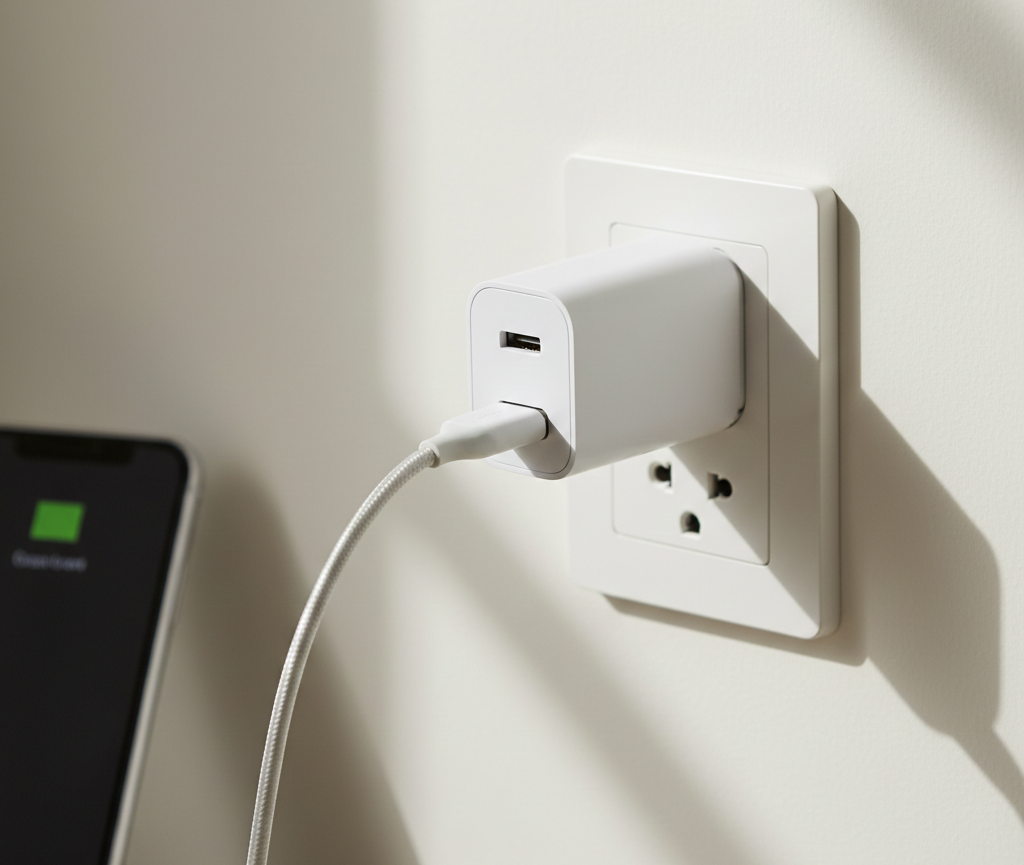
Leaving a high-quality, certified charger plugged in is unlikely to cause immediate harm. Idle draw is usually tiny, often under 0.5W for modern chargers. Over a year that adds up, and in many homes it matters. Cheap or counterfeit chargers can have poor insulation, no thermal protection, or faulty components. Those are more likely to fail or overheat. If a charger is damaged, hot, or noisy, unplug it immediately. For convenience, use a power strip with a switch[^3]. Turn off the strip when you are done. That prevents standby power[^4] draw and gives an easy way to disconnect multiple chargers at once. For long trips or when leaving the house for a long time, unplug sensitive chargers and devices to cut any risk of faults while you are away.
What happens if you leave a device plugged in even after it is charged 100%?
I examined battery management systems[^5] and long-term effects to explain what really happens.
Most modern devices stop charging at 100% and use trickle or top-off charging. Leaving a device plugged in can keep it at high state-of-charge and slightly accelerate long-term battery aging[^6] due to heat and voltage stress.
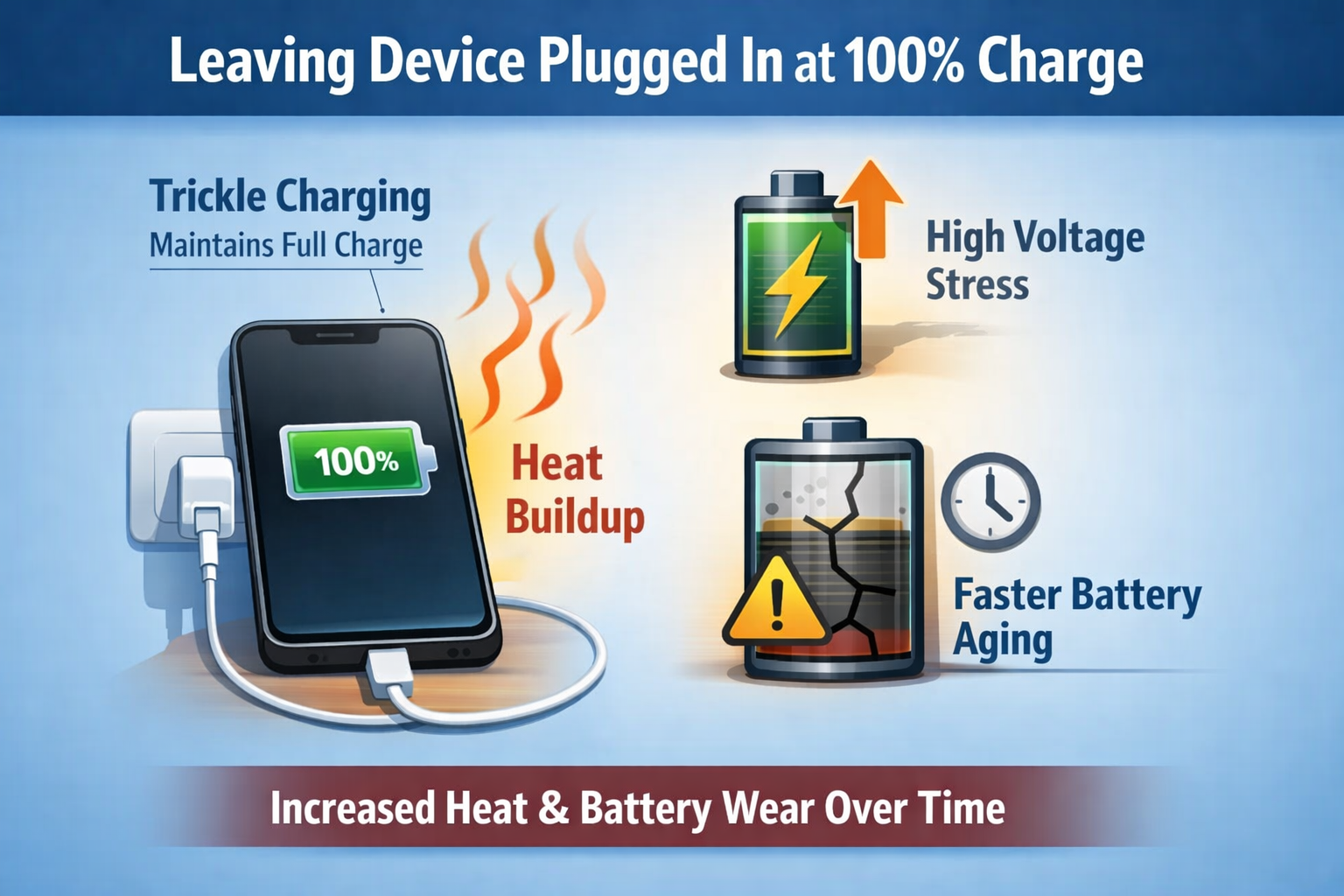 Phones and laptops include battery management. When a battery reaches 100%, the charger usually stops supplying current. The device runs from the adapter instead. Over time, small discharges occur. The charger top-ups the battery to 100% intermittently. This keeps the battery near full charge. Batteries age faster when kept at high state-of-charge and when hot. If you charge to 100% regularly and keep the device plugged in, you expose the battery to higher average voltage and possibly heat. That accelerates capacity loss over months and years. Modern systems limit this by slowing charging at 95–100% and by offering adaptive charging features that delay the final top-up until you need it. For laptops, some makers offer battery care modes that limit maximum charge to 80–90% to extend life. If long battery life is important, avoid constant 100% storage and keep devices cool when plugged in.
Chargers consume power even when not charging
I break down how much power idle chargers use and why it matters for bills and the environment.
Chargers in standby draw a small but measurable amount of power. High-quality chargers use less than 0.5W. Older or cheap chargers[^7] can draw multiple watts, which adds to annual energy use.
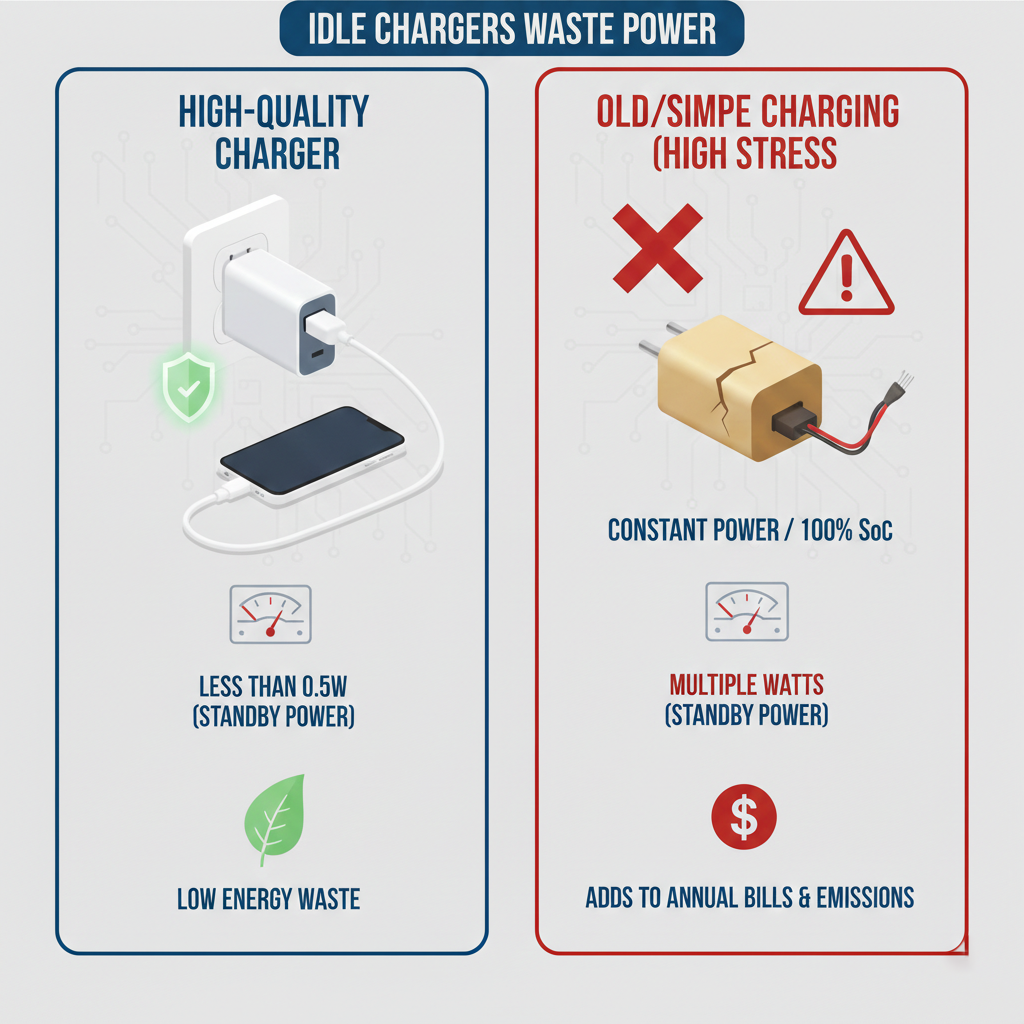
Standby power is the small load required to keep internal circuits ready to negotiate with devices or to run indicator LEDs. Modern certified chargers minimize this. For example, a modern GaN or PD charger may draw under 0.1–0.5W when idle. A cheap, older switch-mode charger might draw 1–3W or more. That seems small, but over time it adds up. If you leave ten cheap chargers[^7] plugged in, that could be 10–30W continuously. Over a year, that adds to your electricity bill and carbon footprint. LEDs on chargers also use tiny power. The worst-case scenario is a defective charger that wastes energy and risks overheating. Using energy-efficient chargers, unplugging unused ones, or using switched power strips reduces waste. In many homes, the cost savings are modest, but the environmental benefit and reduced risk are real.
How should I treat my chargers?
I give practical habits and simple rules that I follow to keep chargers safe and lasting longer.
Treat chargers like small appliances: buy quality, inspect often, avoid heat and moisture, unplug when not needed, and replace damaged units promptly.
Buy certified chargers from reputable brands. Look for safety marks like UL, CE, or equivalent. Avoid very cheap, unbranded units, especially for high-watt charging. Inspect regularly. Check cables and plugs for fray, discoloration, bulging, or loose connections. If a charger feels hot, hums, or gives off a smell, unplug it immediately. Keep chargers ventilated. Do not charge devices under pillows or on soft surfaces that trap heat. Store chargers in dry places and avoid humidity or salty air that causes corrosion. Use the right cable and connector. Use cables that match the charger’s rating and are in good condition. Plug and unplug by the plug, not the cable. Use switched strips or smart plugs for convenience. Turn off power to multiple chargers at once. For long storage, unplug chargers and keep them in a dry box. Replace old chargers every few years if you see wear. Recycle responsibly. Don’t hoard damaged chargers[^8] as backups. Old electronics can create fire hazards. I keep one quality spare charger for travel and unplug all others at night.
These simple habits lower risk, save small amounts of power, and extend the life of my chargers.
Conclusion
Leaving a charger plugged in all the time is generally safe with modern, certified chargers, but it’s not the most efficient or safest habit in the long run.
Unplugging unused chargers helps:
Save energy
Extend charger lifespan
Reduce heat and safety risks[^2]
Treat your chargers as electrical devices—not just accessories—and they’ll last longer, perform better, and stay safer.
[^1]: Explore how energy consumption impacts your bills and the environment, and learn ways to reduce it. [^2]: Knowing the safety risks can help you make informed decisions about your charging habits. [^3]: Find out how a power strip with a switch can enhance convenience and safety. [^4]: Understanding standby power can help you save money and reduce energy waste. [^5]: Discover how battery management systems optimize charging and prolong battery life. [^6]: Explore the factors that contribute to battery aging and how to mitigate them. [^7]: Learn why investing in quality chargers is crucial for safety and device longevity. [^8]: Learn the proper steps to take with damaged chargers to ensure safety and compliance.