I used the wrong charger once and my phone charged slowly all day. Choosing the right charger is simple when you know a few facts.
Match the charger’s power and protocol to your phone’s needs. Prefer USB-C Power Delivery (PD)[^1] for fast, safe charging and use a cable rated for the wattage.
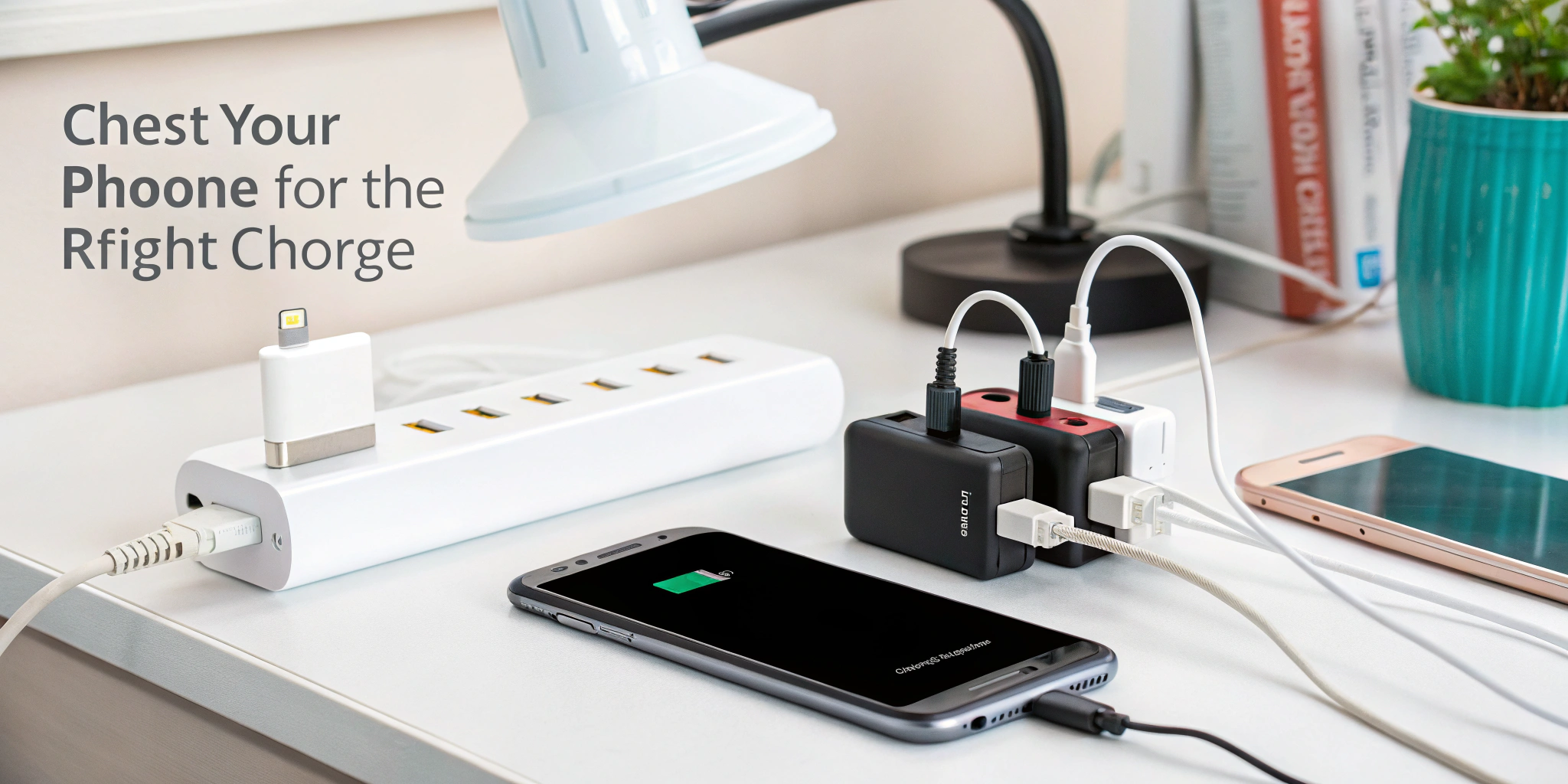
I learned this after carrying multiple adapters. Now I check my phone specs and the charger's label before plugging in. Read on to avoid common mistakes and speed up charging.
Is a 20W or 30W charger faster?
I once swapped a 20W brick for a 30W one and saw the difference only for a short time.
A 30W charger can be faster if the phone accepts more than 20W. If the phone caps at 20W, a 30W charger gives no extra speed. Always match charger power to the phone’s supported input.
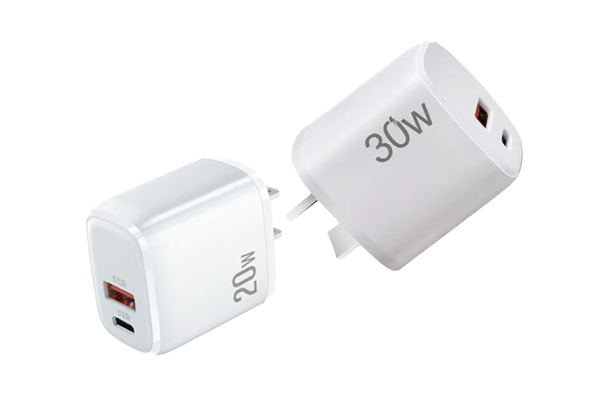
Most modern phones use intelligent charging. The phone and charger negotiate voltage and current using protocols like USB Power Delivery (PD). If the phone supports 30W or higher, the 30W charger charges faster. If the phone only supports 20W, both 20W and 30W chargers charge at the same speed. Also fast charging works best at certain battery levels. Phones often charge fastest from 0–50% and then slow down to protect battery health[^2]. To benefit from a higher-watt charger, ensure your phone supports higher input and use a good USB-C to USB-C cable rated for the power.
How do I figure out which charger I need?
I follow a short checklist every time I buy a charger.
Check your phone’s maximum charging wattage[^3], supported protocols (PD, QC, PPS), and use a cable rated for the wattage. Then pick a charger that meets or slightly exceeds the phone’s max input.
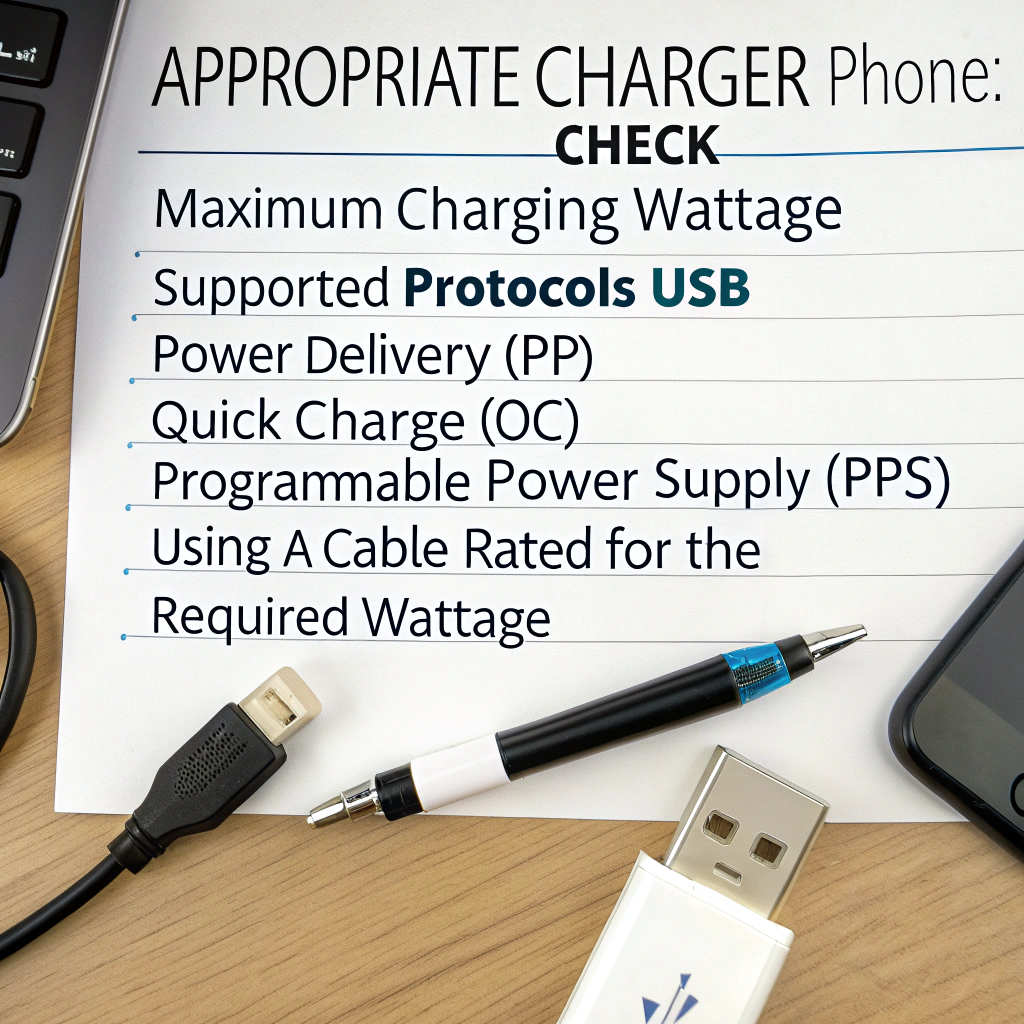
First, check the phone’s spec sheet or the manufacturer’s support page for “charging input” or “fast charging” details. Look for numbers like 18W, 30W, 45W, or phrases like “USB Power Delivery” or “Quick Charge[^4].” If you cannot find specs, search model + “charging wattage[^3].” Next, check charger labels. A charger that says 20V/1.5A gives 30W (V×A = W). For USB-C PD, pick a charger that supports the protocol. For phones that support PPS (programmable power supply[^5]), choose a PPS-capable charger for better efficiency and lower heat. Finally, use a cable rated for the required current. For >60W use 5A or e-marked cables[^6]. Follow this process and you will pick a charger that is fast and safe.
Which is better, USB A to C or C to C?
I used both cables and found one works better for fast charging.
USB-C to USB-C is better for fast charging. It supports USB Power Delivery and higher wattage. USB-A to USB-C works for older chargers but limits power and features.
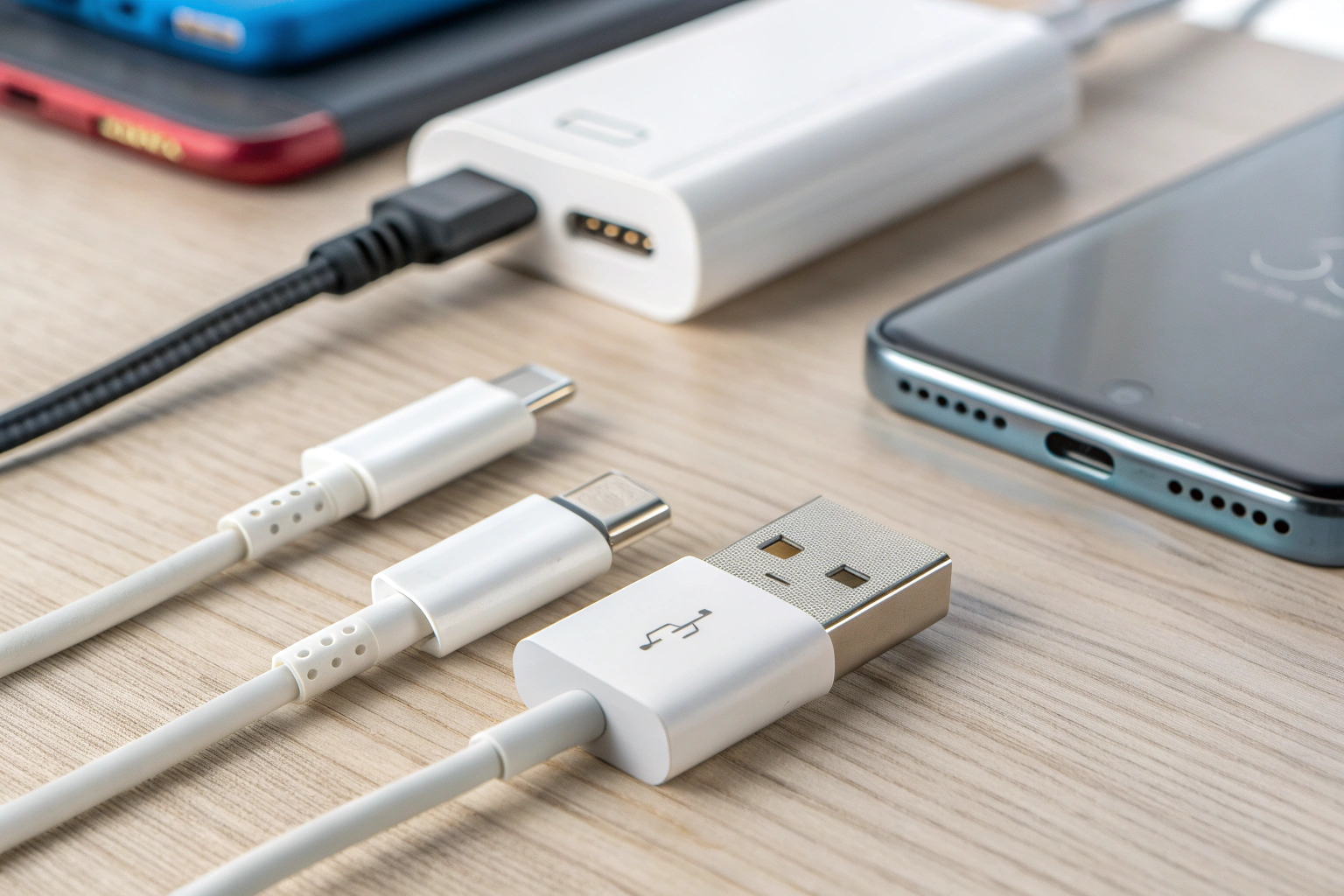
USB-A to USB-C cables come from the era of USB-A chargers. They usually deliver 5V at limited current. That caps fast charging and prevents advanced negotiation. USB-C to USB-C cables support USB PD, higher voltages, and higher currents. They also allow data speeds tied to USB-C specs and support PPS and other modern features. For phones that fast charge via PD, use USB-C to USB-C. For legacy devices or chargers, USB-A to USB-C still works but at lower speeds. Also be mindful of cable ratings. Cheap cables might not carry higher current safely. For >60W charging, choose e-marked or 5A certified cables to avoid risk.
Practical tips for buying and using chargers
I follow a few simple rules to avoid trouble and get fast charges.
- Match charger wattage to your phone’s supported input.
- Prefer USB-C PD chargers for modern phones.
- Choose chargers from reputable brands with safety certifications[^7].
- Use high-quality cables rated for the power (5A or e-marked for >60W).
- Look for PPS support if your phone uses it for efficient charging.
- Avoid cheap no-name chargers that lack protections.
- If you travel, choose a compact GaN charger[^8] with multiple ports.
- For battery health[^2], avoid keeping the phone at 100% for long periods.
I use a 65W GaN USB-C PD charger that handles my phone and laptop. It saves space and works well because my devices support PD. I keep an extra 30W PD brick for quick phone-only charging.
Conclusion
Choose a USB-C PD charger that matches or slightly exceeds your phone’s max input, use a proper cable, and prefer reputable brands for fast, safe charging.
[^1]: Understanding USB-C PD is crucial for fast and safe charging, ensuring you choose the right charger for your devices. [^2]: Maintaining battery health is vital for longevity; exploring tips can help you optimize your charging habits. [^3]: Knowing your phone's charging wattage helps you select the most compatible and efficient charger for optimal performance. [^4]: Exploring Quick Charge technology can help you understand its benefits and how it compares to other charging protocols. [^5]: Learning about PPS can enhance your charging efficiency and battery health, especially for modern smartphones. [^6]: E-marked cables are essential for high-wattage charging, ensuring safety and performance for your devices. [^7]: Understanding the importance of safety certifications can help you avoid potential hazards and ensure reliable charging. [^8]: GaN chargers are compact and efficient, making them ideal for fast charging multiple devices without taking up much space.