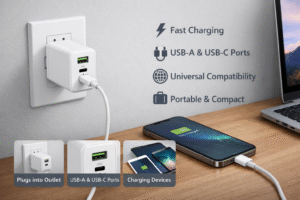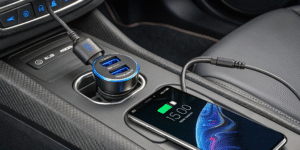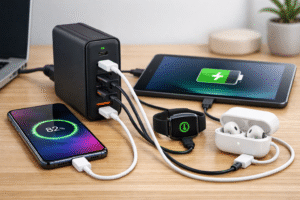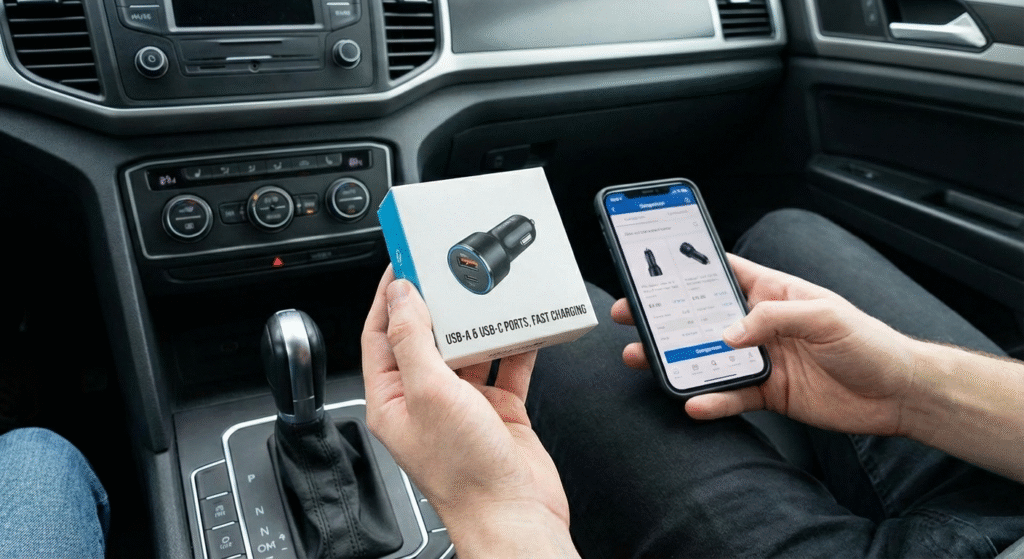
Here’s a detailed guide on how to choose a car charger with multiple USB ports, how charging is affected when using multi-port chargers, and the advantages and disadvantages of using them:
Pick a multi-port car charger[^1] by checking total power[^2], per-port output[^3], protocols (PD/QC), safety protections, and build quality[^4] to match your devices and driving needs.
 I keep a multi-port charger in every car now. It saves time and avoids fights over the only USB socket. A good charger gives steady power, supports fast charging for the main device, and lets passengers top up without killing the driver’s phone. I look at wattage, port types, smart negotiation, and certifications. Cheap models may look useful but can slow charging or overheat. I test chargers with real phones, tablets, and a laptop once in a while to confirm claims.
I compare specs and real-world behavior before I buy, and I discard chargers that run hot or deliver unstable current.
How to choose a USB car charger?
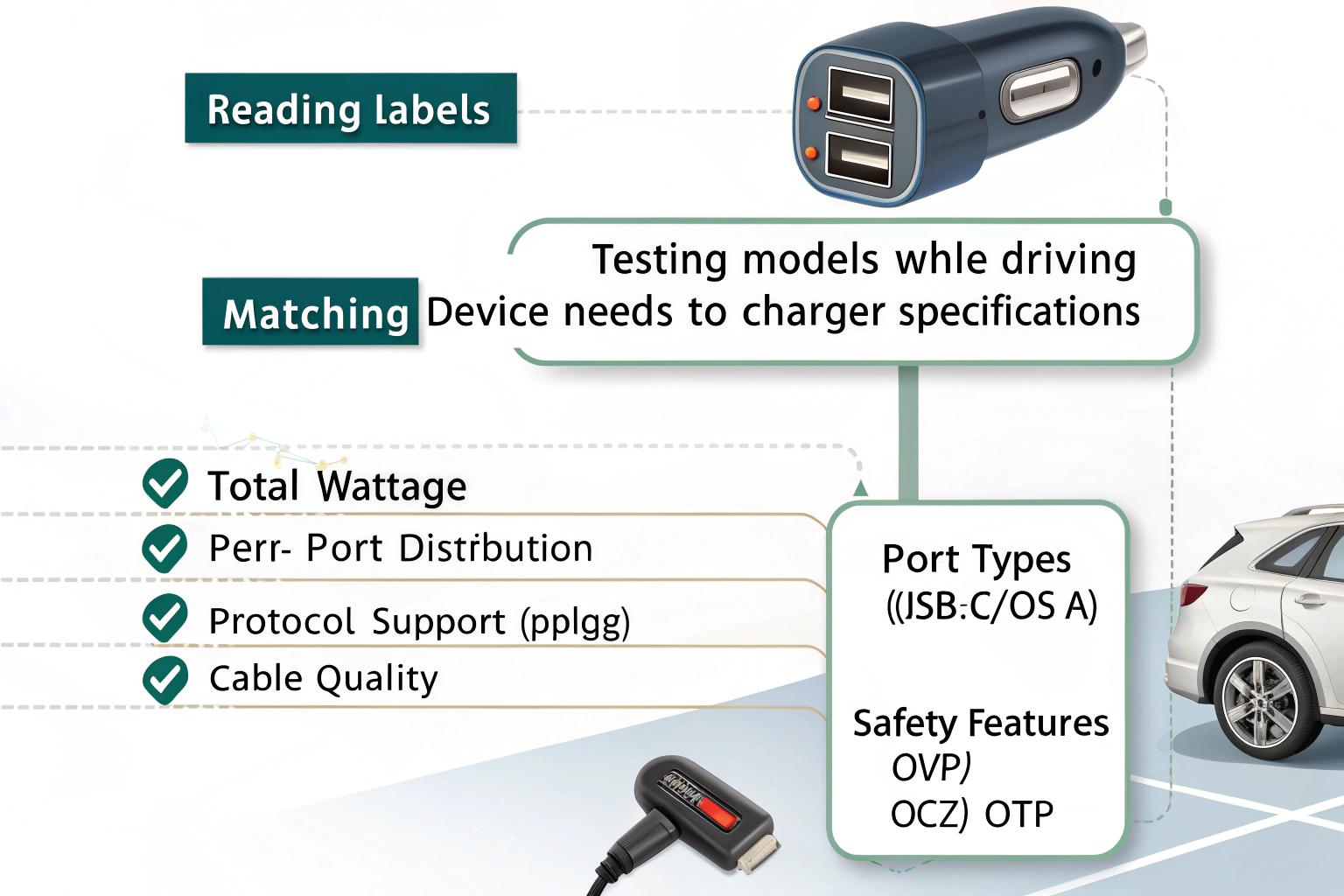
I read labels and tested several models while driving on highways and city streets.
Choose a USB car charger by matching device needs to charger specs: check total wattage, per-port distribution, protocol support (PD/QC), port types (USB-C/USB-A), cable quality, and safety features like OVP/OCP/OTP.
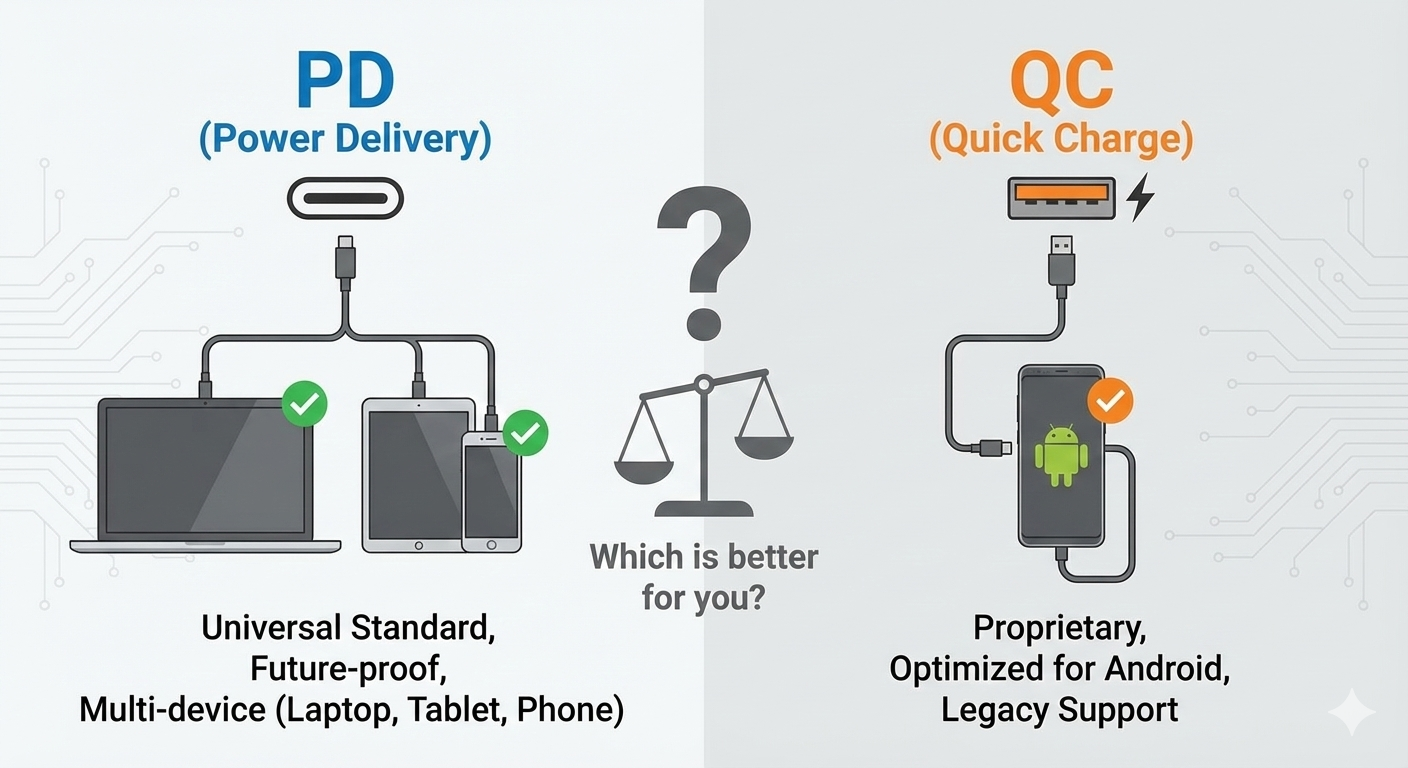
Start with total power[^2]. If the charger supplies 60W total, it can run multiple devices faster than a 30W unit. Check per-port limits. Some chargers share power across ports and slow down when many devices connect. Look for a dedicated high-watt USB-C PD port (for laptops and fast phone charging) plus extra USB-A ports for accessories. Prefer chargers that list real-world outputs like "PD 45W + 18W + 12W" instead of vague totals. Support for fast charging standards helps. USB Power Delivery charges laptops and many phones quickly. Qualcomm Quick Charge[^5] helps many Android phones. If you have an iPhone, PD is best. Choose short, high-quality cables because cables also limit speed. Verify safety certifications (CE, FCC, RoHS) and protections like over-voltage (OVP), over-current (OCP), short-circuit (SCP), and thermal shutdown. Metal housings and good heat dissipation[^6] reduce throttling. Finally, read user reviews[^7] for long-term reliability and real throughput during drives.
Does charging slow down with a multi-port car charger[^1]?
I measured charging on single‑port and multi‑port sessions to see real effects.
Yes. Charging can slow down when you use multiple ports because the charger splits total power[^2] among devices; but quality chargers use smart distribution or dedicated high-power ports to minimize slowdowns.
Multi-port chargers either share a fixed power budget or provide dedicated outputs. A cheap 30W charger with three ports may only give 10W each if you use all ports. By contrast, a better 60W charger might keep one port at 45W PD while supplying 7.5–12W to other ports. Smart chargers detect device needs and shift power where needed. Factors that cause slowdown include total wattage limit, port sharing design, cable resistance, and vehicle voltage fluctuations (car alternator vs battery). During heavy accessory use or when the engine is off, voltage can dip and reduce charging. Heat also forces chargers or phones to throttle. To avoid slowdowns, choose a charger with a high-power dedicated PD port and separate ports for phones. Use short, thick cables and run the engine on longer trips for stable voltage.
Advantages and Disadvantages of Multi-Port Car Chargers
I weigh the pros and cons from daily use and testing across several trips.
Multi-port car chargers give convenience and flexibility but can face power-sharing limits and heat issues; choose high-quality models to get the benefits and minimize the downsides.
Advantages:
- Charge multiple devices at once. This saves time and keeps passengers happy.
- Fewer adapters. One charger handles phones, tablets, and accessories.
- Dedicated PD ports can charge laptops or fast-charge phones while other ports serve small devices.
- Cost-effective long term. One good charger replaces several single-port units.
- Port variety. You can get USB-C and USB-A in the same unit for older and newer devices.
Disadvantages:
- Power sharing can reduce per-port speed if total wattage is low.
- Poorly made chargers can run hot, throttle, or fail early.
- Vehicle electrical noise and low battery can affect performance.
- Some chargers claim high totals but limit maximum on each port, causing confusion.
- Extra ports add size and sometimes block adjacent car sockets.
| Factor | Why it matters |
|---|---|
| Total wattage | Determines how many devices can charge quickly at once |
| Per-port rating | Shows realistic max power for each device |
| Protocol support | PD for laptops/phones, QC for some Android phones |
| Cable quality | Bad cables reduce delivered power |
| Heat dissipation | Affects long-term performance and throttling |
| Certifications | Safety and long-term reliability indicators |
| Physical size | Fit in your car's socket and passenger comfort |
I choose a multi-port charger with a high-watt PD USB-C port, at least one QC or 18W USB-A, and total output that exceeds my typical simultaneous load. I avoid the cheapest models. Spending a little more buys better parts, lower heat, and real sustained speeds. I also swap in good cables and test the charger at home to confirm labeled outputs before relying on it on a long trip.
After testing, I keep a trusted multi-port PD charger in each car and replace cheap ones quickly if they run hot or underperform.
Conclusion
When choosing a multi-port car charger[^1], it’s important to consider the number of ports you need, the total power[^2] output, device compatibility, and safety features. While charging can slow down when multiple devices are connected to a lower wattage charger, high-quality multi-port chargers with smart power management can ensure fast charging speeds for all devices.
[^1]: Explore this link to find top-rated multi-port car chargers that offer convenience and efficiency for all your devices. [^2]: Understanding total power can help you choose a charger that meets your needs for fast and efficient charging. [^3]: Learn about per-port output to ensure each device charges at optimal speed without compromise. [^4]: High build quality ensures durability and performance; find out which materials are best for car chargers. [^5]: Find out how Qualcomm Quick Charge enhances charging speed for Android users. [^6]: Understanding heat dissipation can help you select chargers that maintain performance without overheating. [^7]: User reviews provide real-world insights; explore them to make an informed decision on your charger.