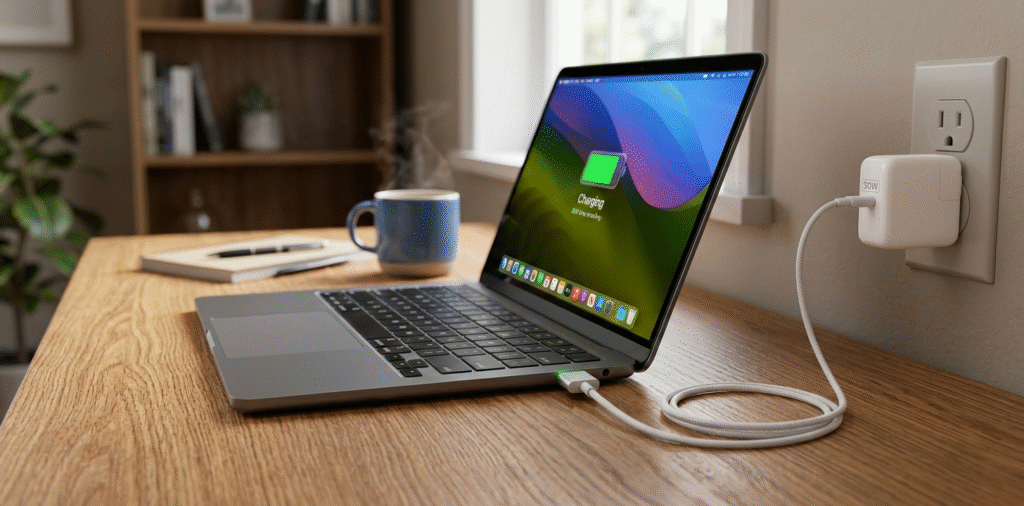
When it comes to charging your MacBook Air, the charging wattage[^1] is a key consideration. The amount of power a MacBook Air requires for charging depends on the model you own and the type of charger you use. Here's a breakdown of the charging requirements for the MacBook Air and what wattage you should look for:
MacBook Air models charge at different wattages. Most recent 13-inch M1/M2 MacBook Airs use 30W USB-C power delivery[^2]. Older Intel models used 45W or 60W chargers. Check your model to be sure.
MacBook Air (M1, 2020)[^3] and MacBook Air (M2, 2022)[^4]: Both of these models require 30W of charging power. Apple provides a 30W USB-C charger with the device when you purchase it.
Older Intel-based MacBook Air (2018-2020): These models also require a 30W charger.
So, whether you have the newer M1 or M2 models or an Intel-based MacBook Air, you will need a charger that can supply around 30W of power to keep your device charged efficiently.
What wattage does a MacBook Air need to charge?
I worried whether a low-watt charger would be enough.
Most modern MacBook Air models (M1, M2) charge fine with a 30W USB-C PD charger. Intel MacBook Airs and older models may need 45W or more. The Mac negotiates power, so a higher-watt charger is safe; a lower one may charge slowly or only maintain charge.
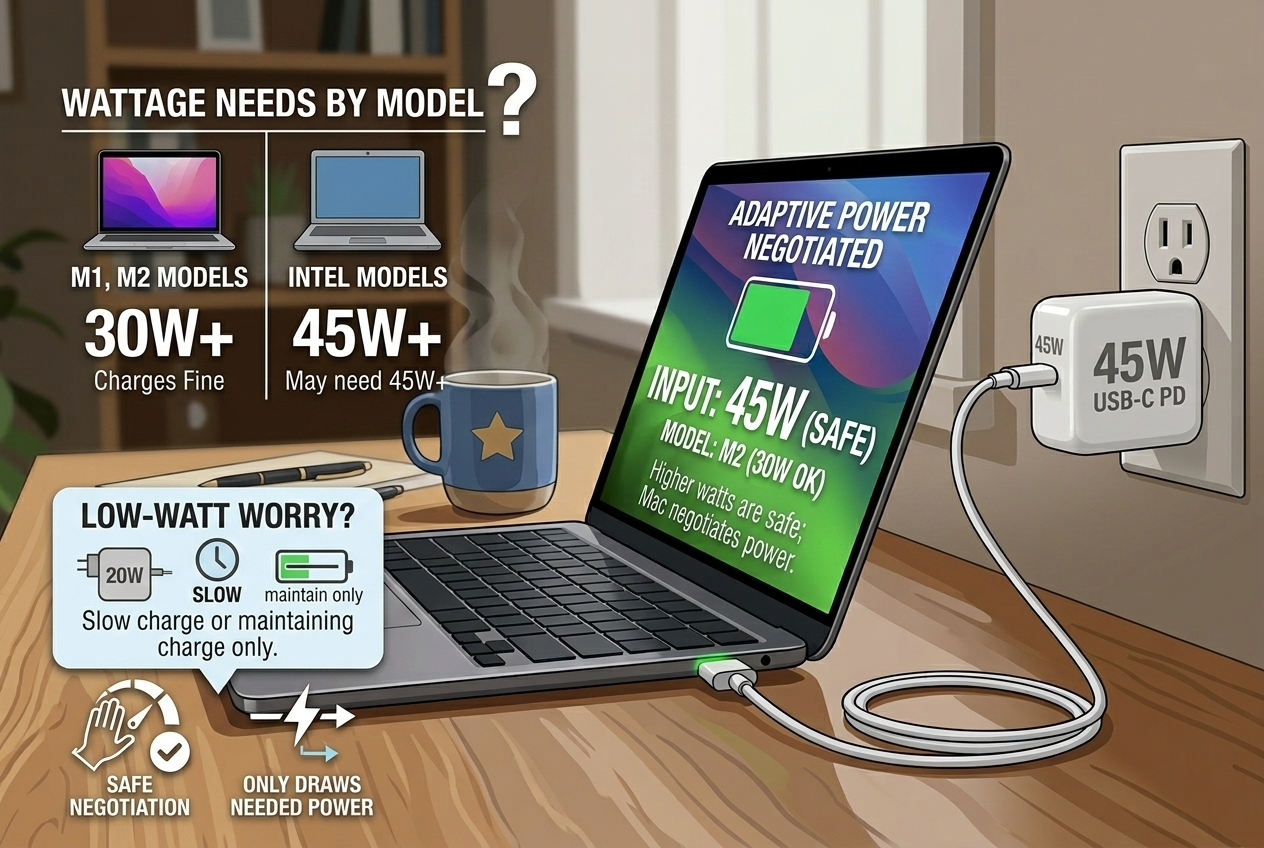
I checked Apple's specs and saw 30W listed for recent Airs. That gave me confidence to buy a compact 30W PD charger.
models, power needs, and how PD negotiation works Apple lists charger recommendations per model. The M1 and M2 MacBook Airs shipped with a 30W USB-C power adapter. The older Intel-based Air models often shipped with 45W MagSafe or USB-C adapters. Power Delivery (PD)[^5] lets charger and laptop talk. The MacBook requests a voltage and current profile. If the adapter supports that profile, it supplies the requested power. A higher-watt charger can offer the same profile safely because the laptop draws only what it needs. A lower-watt adapter may still charge but at a slower rate. If you run heavy workloads while plugged into a low-watt charger, the battery may drain slowly or the adapter may run hot. For everyday use and light tasks, a 30W PD charger keeps an M1/M2 Air topped up. For sustained heavy CPU/GPU tasks, a higher-watt adapter prevents slow drain and reduces stress on the charger.
Can I use a 65W charger for my MacBook Air?
I wondered if bigger meant better.
Yes. You can use a 65W USB-C PD charger[^6] with a MacBook Air. The laptop will only draw the power it needs. A 65W charger can charge faster when the Air allows higher draw and it stays within safe negotiation. Ensure the charger is PD-compliant and from a reputable brand[^7].
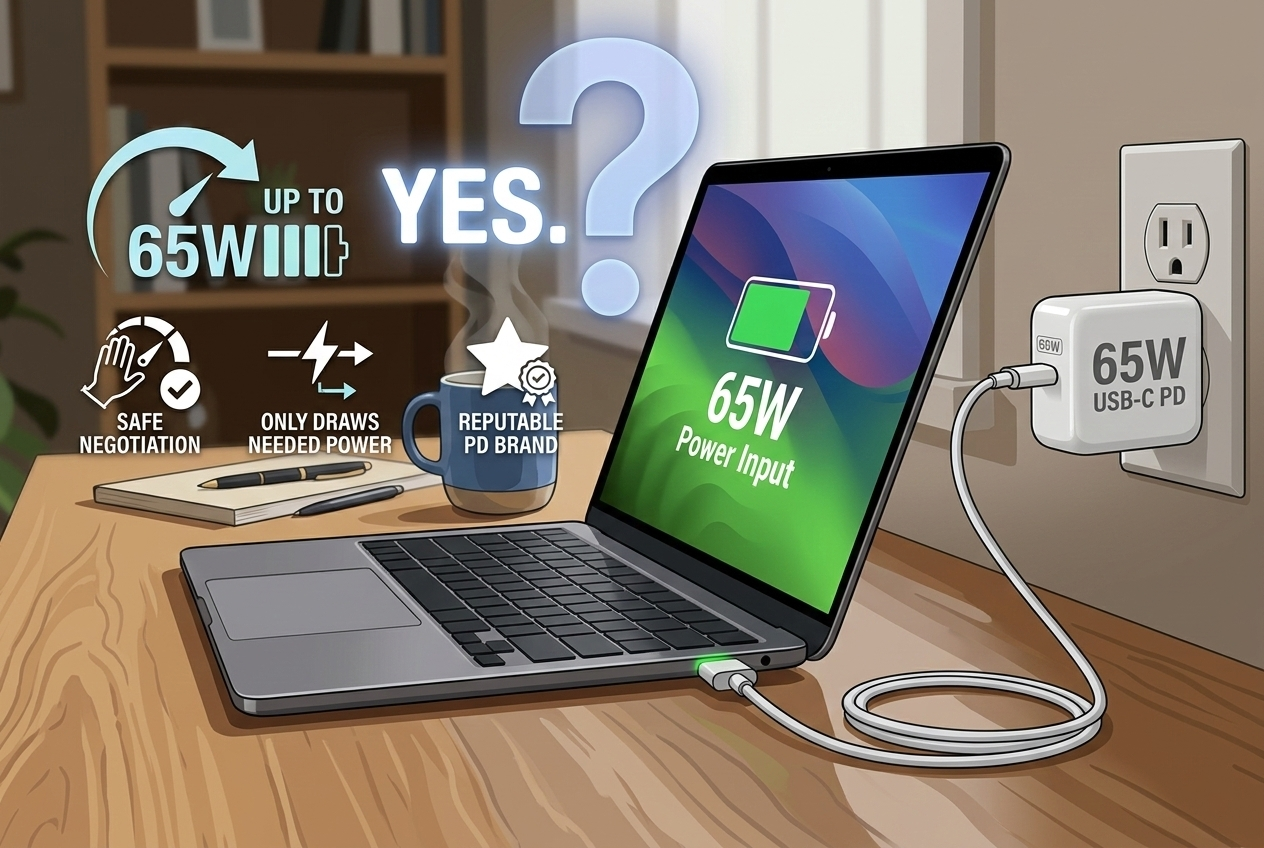
I used a 65W charger for travel. It charged my Air quickly and also powered my phone and tablet without issues.
benefits, limits, and practical tips when using higher-watt chargers Using a 65W charger gives practical benefits. First, it supplies enough headroom for the MacBook to draw higher power during heavy tasks. That stops the battery from discharging under load. Second, it can charge other devices like phones or tablets at higher speeds. Third, many compact 65W chargers use GaN tech[^8] and stay small. The safety comes from PD negotiation: the MacBook Air requests the voltage/current it needs and the charger provides that profile. The only caveat is charger quality. Cheap non-PD or poorly designed chargers can misreport capabilities or run hot. Also, cable quality matters. Use a USB-C cable rated for PD[^9] and the wattage you plan to use. A low-spec cable can limit power or heat up. Finally, using a much higher-watt adapter than needed does not harm the Mac because of negotiation, but always choose reputable brand[^7]s or Apple-certified adapters for long-term reliability.
What happens if I use a lower-watt charger[^10] than recommended?
I once tried a tiny 18W brick and saw odd behavior.
A lower-watt charger[^10] can charge slowly or only maintain battery level under light use. Under heavy load, the Mac might slowly lose charge or the adapter can heat up. It will not overcharge, but performance and charging speed[^11] suffer.
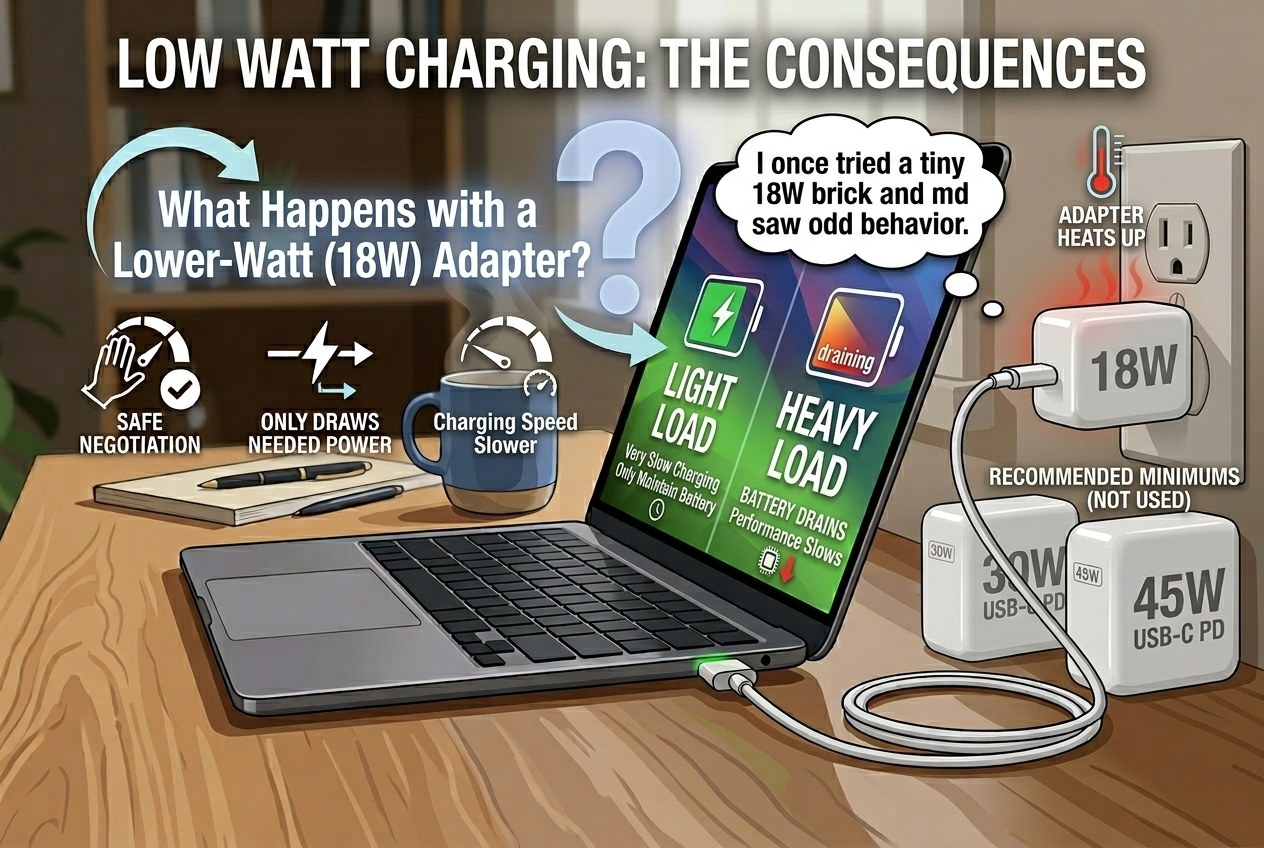
I used an 18W charger and the Air struggled under load. That taught me to match charger size to use case.
real-world effects, heat, and battery management When a charger cannot supply enough power, the MacBook balances power between running the system and charging the battery. In light tasks like browsing, a low-watt charger can often keep up, though charging will be slow. In heavy tasks like video editing or compiling code, the system may draw more power than the adapter supplies. The Mac then uses battery power to make up the difference, causing slow net discharge. The adapter itself can run warmer because it operates near its maximum. Over time, repeated high-thermal stress can shorten adapter life. The Mac and charger use PD to prevent unsafe voltage or current, so safety is preserved. Still, for reliable full-speed charging and stable performance during heavy use, match or exceed Apple's recommended wattage. For casual users who only need occasional charge, a smaller charger can work in a pinch.
Which charger should I buy for the best balance?
I wanted a reliable everyday charger for home and travel.
Choose a PD-compatible charger from a reputable brand[^7]. For M1/M2 MacBook Air, a 30W or 45W PD charger is ideal. For flexibility and heavier use, a 65W PD charger is a great all-around choice. Use a quality USB-C cable rated for PD[^9].
I carry a 65W GaN charger and a short USB-C PD cable. It charges my Air and my phone fast and stays cool.
buying checklist and recommended setups Look for USB Power Delivery compliance and clear wattage labels. Prefer GaN chargers for smaller size and better efficiency. If you mainly use your MacBook Air for light work, a 30W charger matches Apple’s recommendation and is small and affordable. If you often do heavy tasks or want to charge a second device, a 45W or 65W charger gives extra headroom. For travel, a multi-port PD charger[^12] can power a laptop and phone together. Check the power distribution when multiple ports are used so the laptop still gets enough wattage. Use a USB-C cable rated for the charger’s wattage and PD. Prefer cables marked for PD or 100W if you choose a 65W or higher charger. Finally, choose a reputable brand[^7] with safety certifications[^13] and good reviews. That protects your MacBook, shortens charging time, and reduces heat.
Conclusion
MacBook Air (M1, M2, Intel) models all require a 30W charger for optimal charging performance.
Using a 65W charger is safe and will work with the MacBook Air, but the laptop will only draw 30W of power, so charging speed[^11] won’t increase.
Using a lower-watt charger[^10] may result in slower charging, and it could struggle to charge the laptop if you’re using it heavily.
For the best balance, look for a 30W USB-C PD charger, or a 65W USB-C PD charger[^6] for added flexibility with other devices.
By choosing the right charger, you can ensure that your MacBook Air charges efficiently and safely, without overpaying or compromising on performance.
[^1]: Understanding charging wattage helps you choose the right charger for your MacBook Air, ensuring optimal performance. [^2]: Explore how 30W USB-C power delivery works to efficiently charge your MacBook Air models. [^3]: Discover the charging specifications for the M1 model to ensure you have the right charger. [^4]: Find out the charging requirements for the M2 model to keep your device powered efficiently. [^5]: Understanding PD can help you choose compatible chargers that communicate effectively with your MacBook. [^6]: Learn about the benefits of using a 65W charger for faster charging and compatibility. [^7]: Find tips on selecting a reliable charger brand to ensure safety and performance. [^8]: Discover how GaN technology improves charger efficiency and size for your MacBook Air. [^9]: Learn why using a quality USB-C cable rated for PD is crucial for safe and efficient charging. [^10]: Explore the effects of using a lower-watt charger to avoid performance issues with your device. [^11]: Understand the relationship between wattage and charging speed to optimize your charging experience. [^12]: Explore the advantages of multi-port PD chargers for charging multiple devices simultaneously. [^13]: Learn about the importance of safety certifications to protect your MacBook and ensure reliable charging.