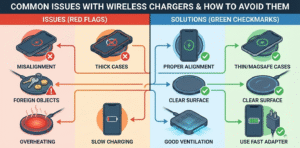
I panic when my laptop battery drops and only my phone charger is nearby. Many people worry about compatibility, speed, and safety.
Sometimes. A phone charger can charge a laptop only if it uses USB-C Power Delivery (PD) and its wattage meets the laptop’s needs. Check port type, PD support, and wattage before trying.
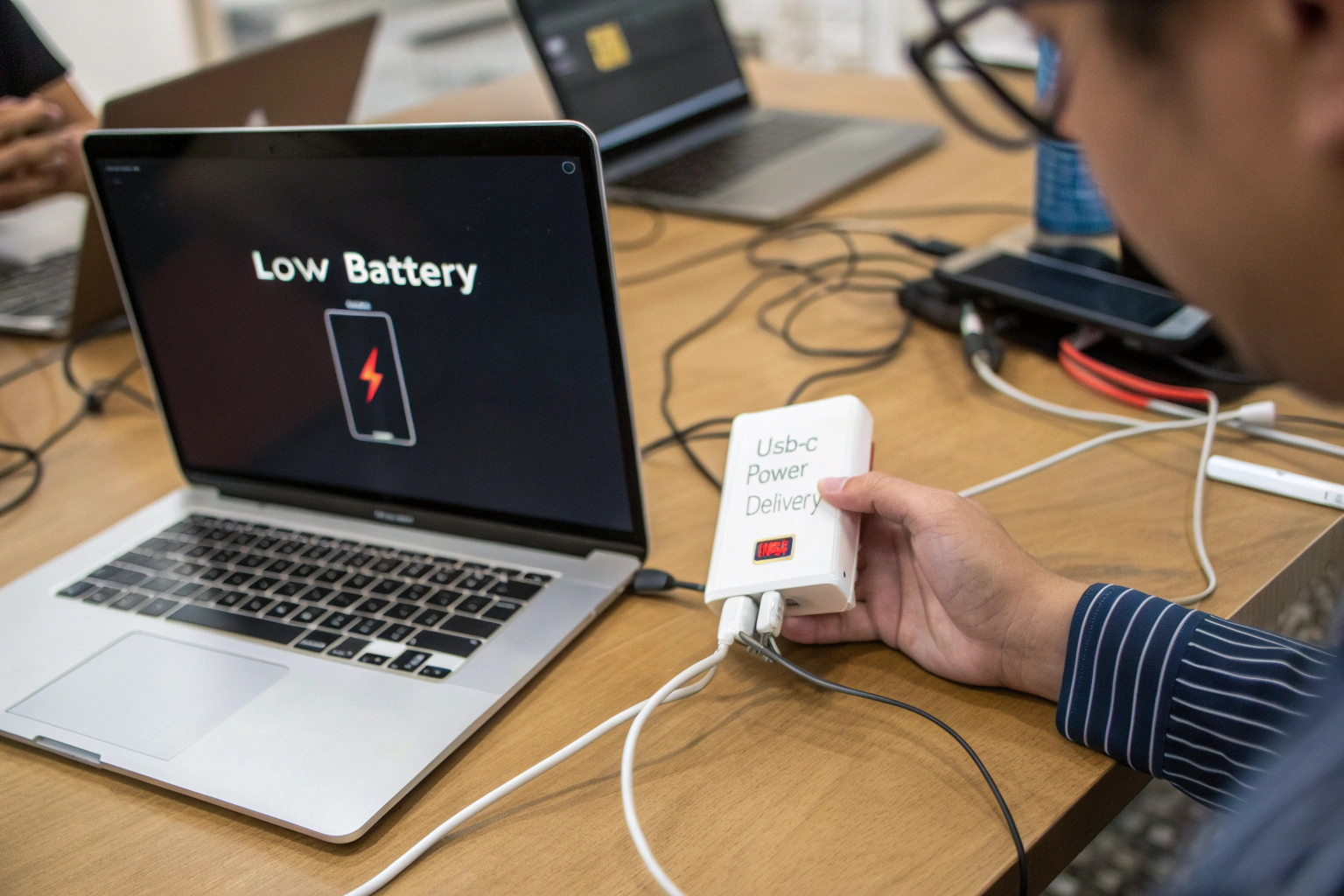
I once grabbed a small phone charger to power my laptop during a meeting. The laptop barely held on and ran warm. After that, I learned to check labels and carry a proper PD charger. Keep reading so you do not get stuck in the same spot.
What is the difference between a USB charger[^4] and a USB-C charger?
I used to mix the terms and buy the wrong cords.
A USB charger[^4] is any charger that uses USB standards. A USB-C charger uses the USB-C connector[^5] and often supports USB Power Delivery[^2] for higher power and smarter negotiation. USB-C chargers can deliver much more power than older USB-A chargers.
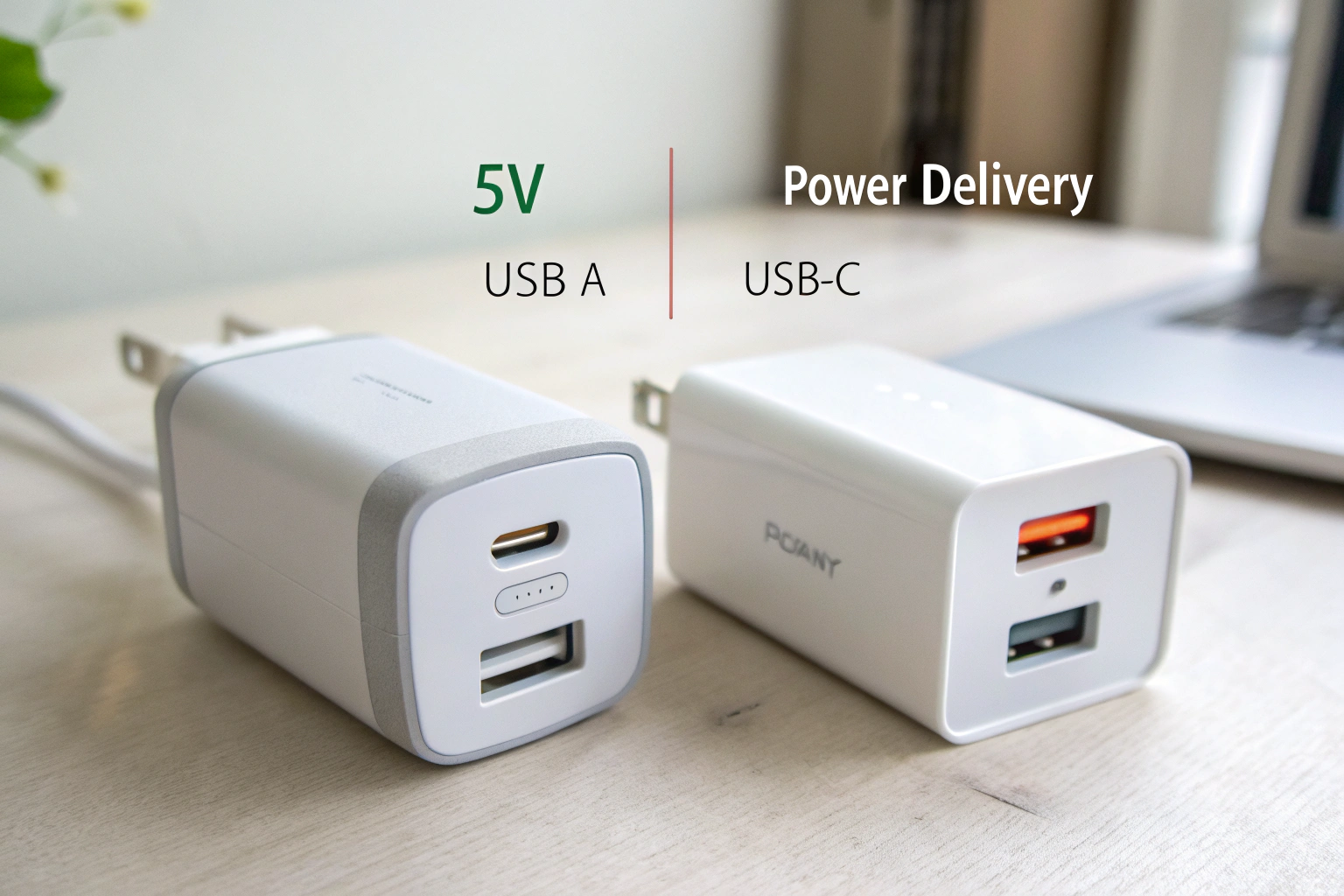
Old USB charger[^4]s usually have USB-A ports. They typically deliver 5V at limited current. They are fine for phones and small devices. USB-C chargers use the newer reversible USB-C port. They often support Power Delivery[^2] (PD). PD lets charger and device choose higher voltages like 9V, 15V, or 20V. This enables fast charging for phones, tablets, and laptops. USB-C also supports PPS for finer voltage steps and better efficiency. In short, USB-C chargers are more flexible and powerful. If you want to charge a laptop, choose a USB-C PD charger with enough wattage[^3], not an old USB-A phone charger.
What does a USB-C port look like?
I learned to spot USB-C after breaking a few cables trying the wrong plug.
A USB-C port is small, oval, and symmetrical. The plug is reversible; you can insert it either way. It is smaller than USB-A and slightly wider than micro-USB.
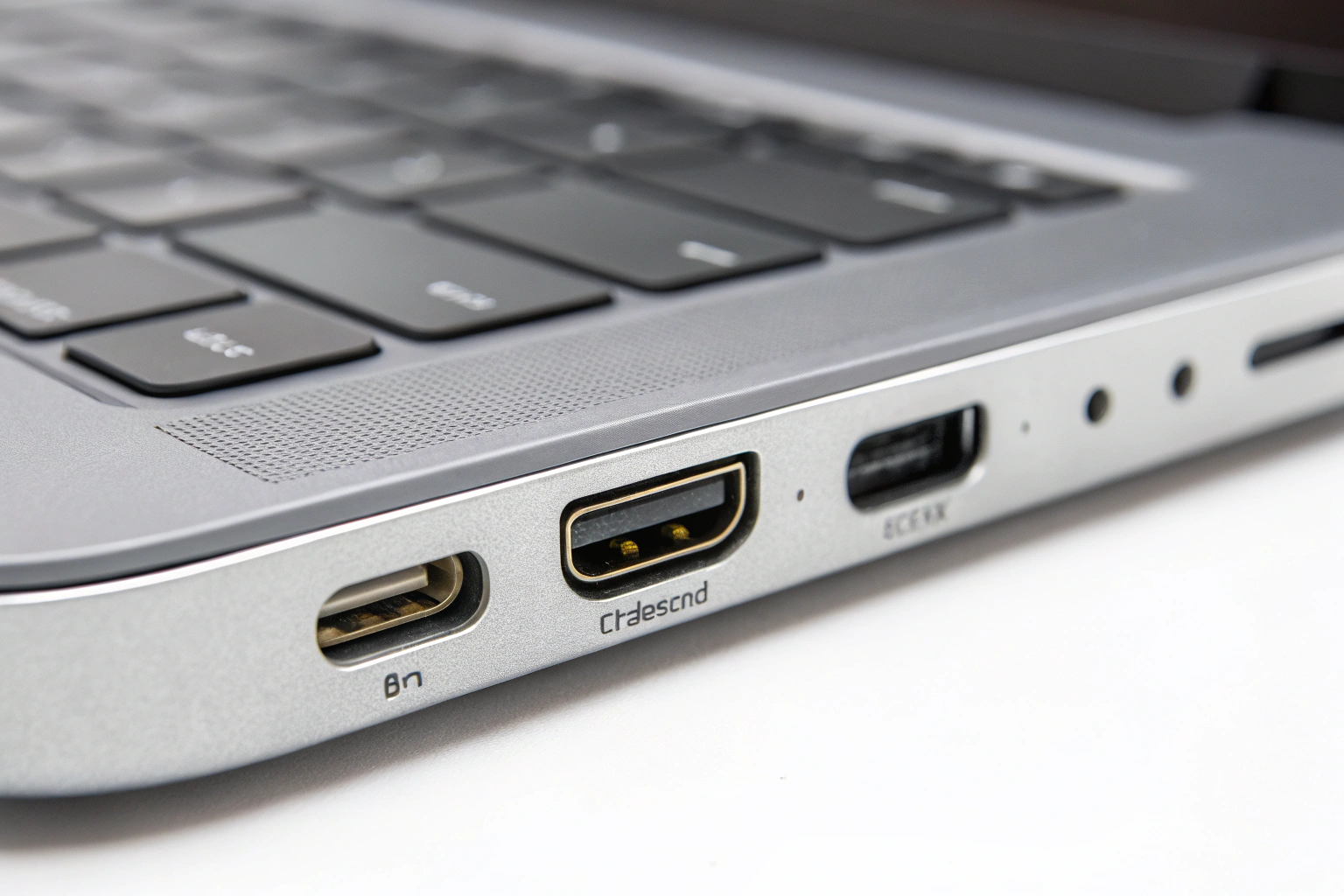
USB-C ports[^6] show up on modern phones, tablets, and laptops. They are roughly 8.3 mm wide and 2.5 mm high. The connector has no top or bottom, so it flips either way. Some USB-C ports[^6] only handle data or low-power charging. Others support USB Power Delivery[^2] and video output (Alt Mode). To tell if a port supports PD, check device specs or look for small symbols near the port, like a battery icon or a lightning bolt. A Thunderbolt symbol means the port supports Thunderbolt speeds and high-power delivery. When unsure, check the manual before using a high-power charger.
Do iPhones[^7] use USB-C?
I remember when Apple switched many products away from Lightning. The change matters for cables.
Yes. Newer iPhone models now use USB-C. Older iPhones[^7] still use Lightning. Check your model to know which cable you need.
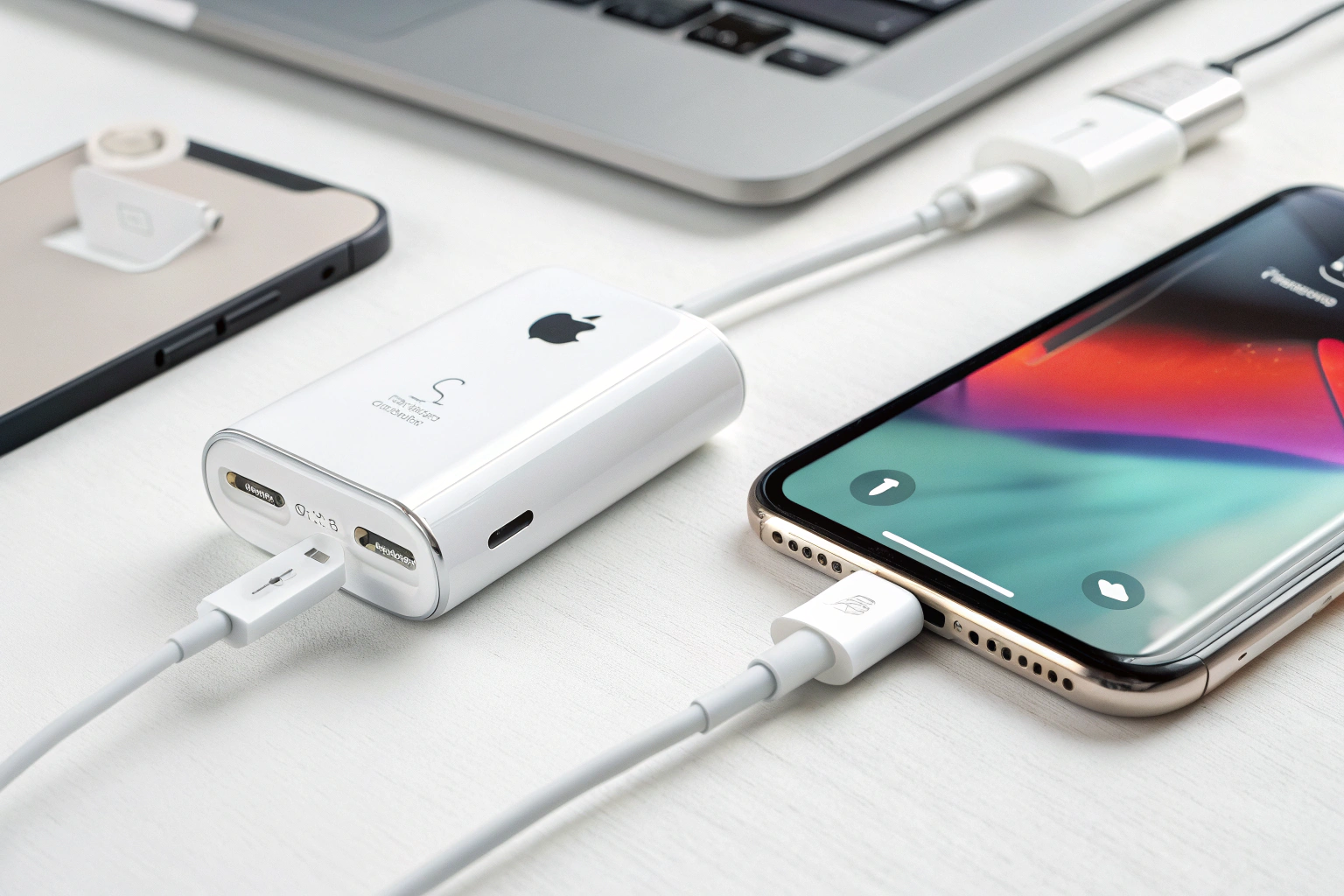
Apple gradually moved some devices to USB-C. Newer iPhones[^7] and iPads may use USB-C for charging and data. This makes it easier to use the same PD chargers across devices. If you have an older iPhone with a Lightning port, you still need a Lightning cable and either a USB-A or USB-C power brick depending on the cable. For fast charging on USB-C iPhones[^7], use a PD-capable charger and a USB-C to USB-C cable, or a USB-C to Lightning cable for older models that support PD over Lightning.
Can USB-C charge a laptop?
I used USB-C PD to simplify travel. One charger now powers my phone and laptop.
Yes. USB-C can charge many laptops when both the laptop and the charger support USB Power Delivery[^2] at the required wattage[^3]. Confirm the laptop’s input needs and the charger’s rated wattage[^3] first.
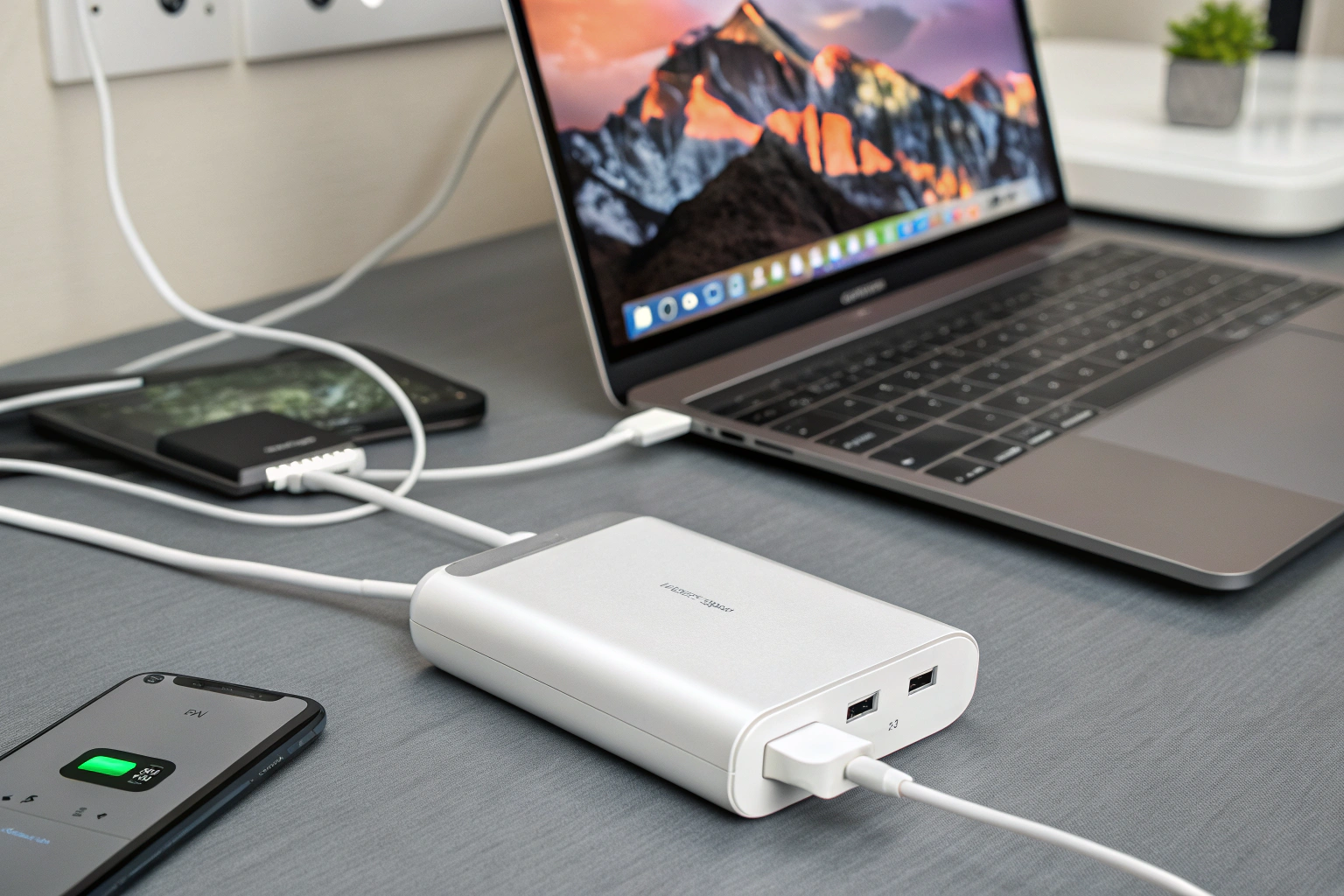
Many modern laptops accept USB-C charging. The key is wattage[^3]. Laptops range from low-power ultrabooks needing 30–45W to larger laptops needing 65W, 90W, or 100W. A USB-C PD charger negotiates voltage and current with the laptop. If the charger provides equal or greater wattage[^3] than required, it usually charges normally. If the charger provides less, the laptop may charge slowly or drain under heavy use. Use a cable rated for the power level. For charging above 60W, use e-marked or certified USB-C cables that support higher current. PPS-capable chargers help by adjusting voltage in finer steps, reducing heat and improving efficiency.
How to check compatibility step by step
I follow a short checklist before using a phone charger for my laptop.
- Look at the laptop’s original adapter or spec sheet for required volts and amps.
- Multiply volts by amps to get required watts (V × A = W).
- Check the phone charger label for PD support and max wattage[^3].
- Use a USB-C to USB-C cable rated for the wattage[^3] (for >60W use a 5A or e-marked cable).
- Test briefly and monitor temperatures and charging behavior[^8].
I tested this with a 65W GaN PD charger[^9] and my 60W laptop. It worked well and stayed cool. When I used a 20W phone charger on the same laptop, the laptop stayed on but did not charge under load. That taught me to match or exceed wattage[^3] when possible.
Common mistakes and warnings
I learned these the hard way. Avoid these traps.
- Do not rely on wattage[^3] numbers alone; verify PD and cable ratings.
- Avoid cheap, uncertified chargers[^10]. They may overheat or fail.
- Do not use USB-A to USB-C cables[^11] for high-power charging.
- Watch for “plugged in, not charging” messages. That means power is insufficient.
- For heavy workloads, use the laptop’s official charger or a verified high-watt PD charger.
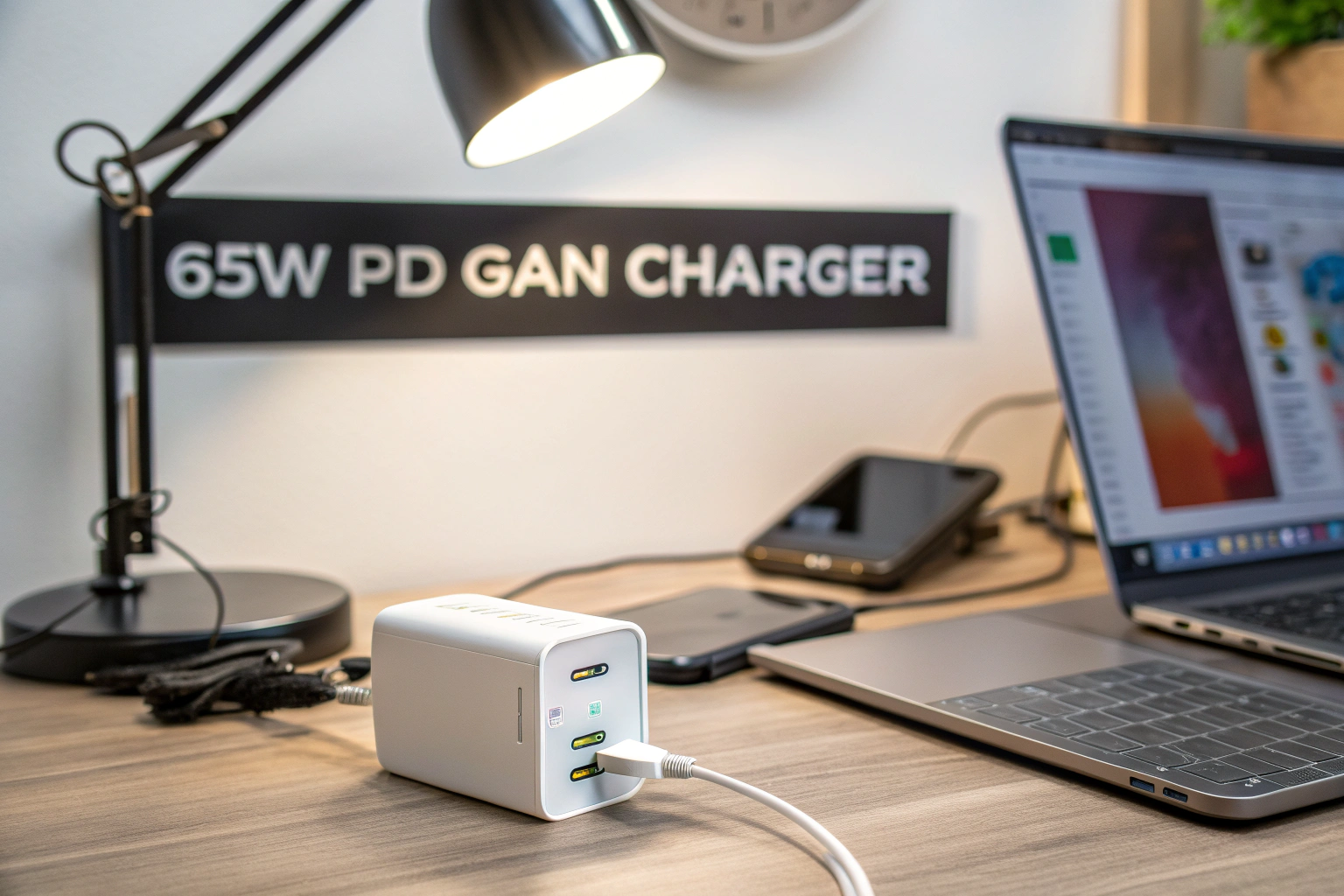
I carry a compact 65W PD GaN charger for travel. It covers my phone and most laptops. For power-hungry workstations, I keep the original adapter too. That balance saves space and keeps me safe.
Conclusion
I recommend using a USB-C PD charger that meets or exceeds your laptop’s wattage[^3] for safe, reliable charging.
[^1]: Understanding USB-C PD is crucial for safe and efficient charging of devices, especially laptops. [^2]: Learn about Power Delivery to maximize charging efficiency and compatibility across devices. [^3]: Knowing the right wattage ensures your devices charge efficiently without damage. [^4]: This resource will clarify the distinctions, helping you choose the right charger for your needs. [^5]: Explore the advantages of USB-C connectors, including versatility and faster charging capabilities. [^6]: Identifying USB-C ports is essential for using the right cables and chargers effectively. [^7]: Find out which iPhone models support USB-C and how it affects charging options. [^8]: Understanding charging behavior can help you troubleshoot and optimize device performance. [^9]: GaN PD chargers offer compact and efficient charging solutions; learn more about their advantages. [^10]: Using certified chargers ensures safety and efficiency, protecting your devices from damage. [^11]: Discover the limitations of USB-A to USB-C cables to avoid potential charging issues.