I once ran my laptop from a car outlet on a long trip and learned what works and what doesn't.
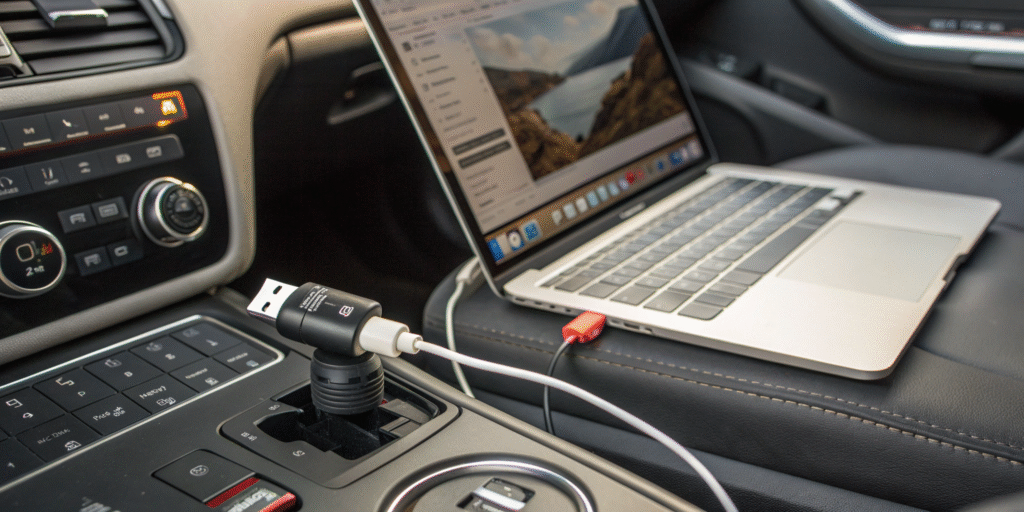
Yes — a USB car charger can power many laptops if it supports USB-C Power Delivery (PD)[^1] at the required wattage and the car outlet or charger can supply stable power.
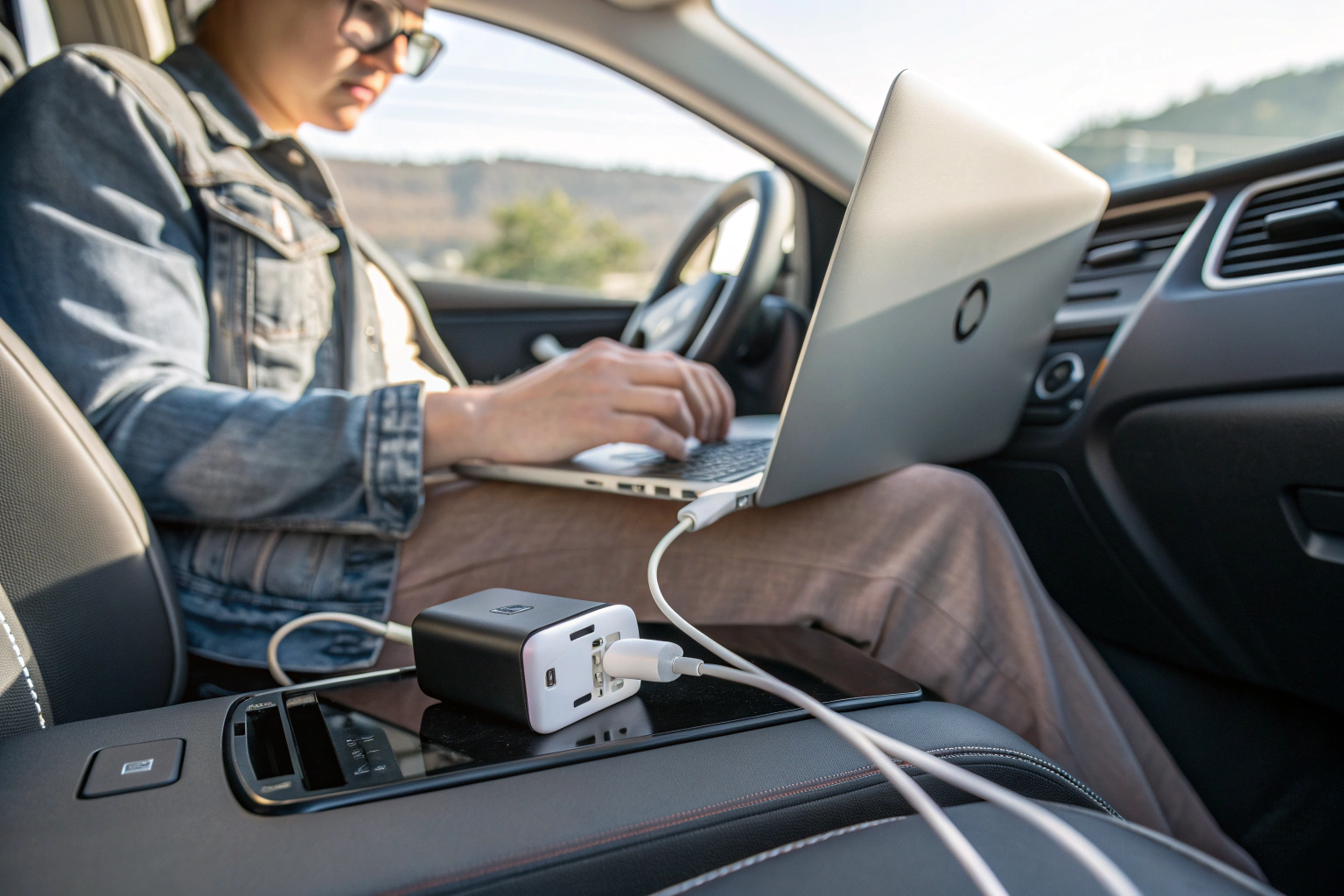 I now carry a PD-capable car charger and a short USB-C cable for travel. Below I explain how many watts laptops need, safety concerns, and whether charging can affect car electronics.
How many watts are needed to charge a laptop in a car?
I checked laptop specs and charger labels to match wattage needs[^2].
Most modern ultrabooks charge with 30–65W via USB-C PD. More powerful laptops need 65–100W or more. Match the laptop’s charger wattage for reliable charging and performance.
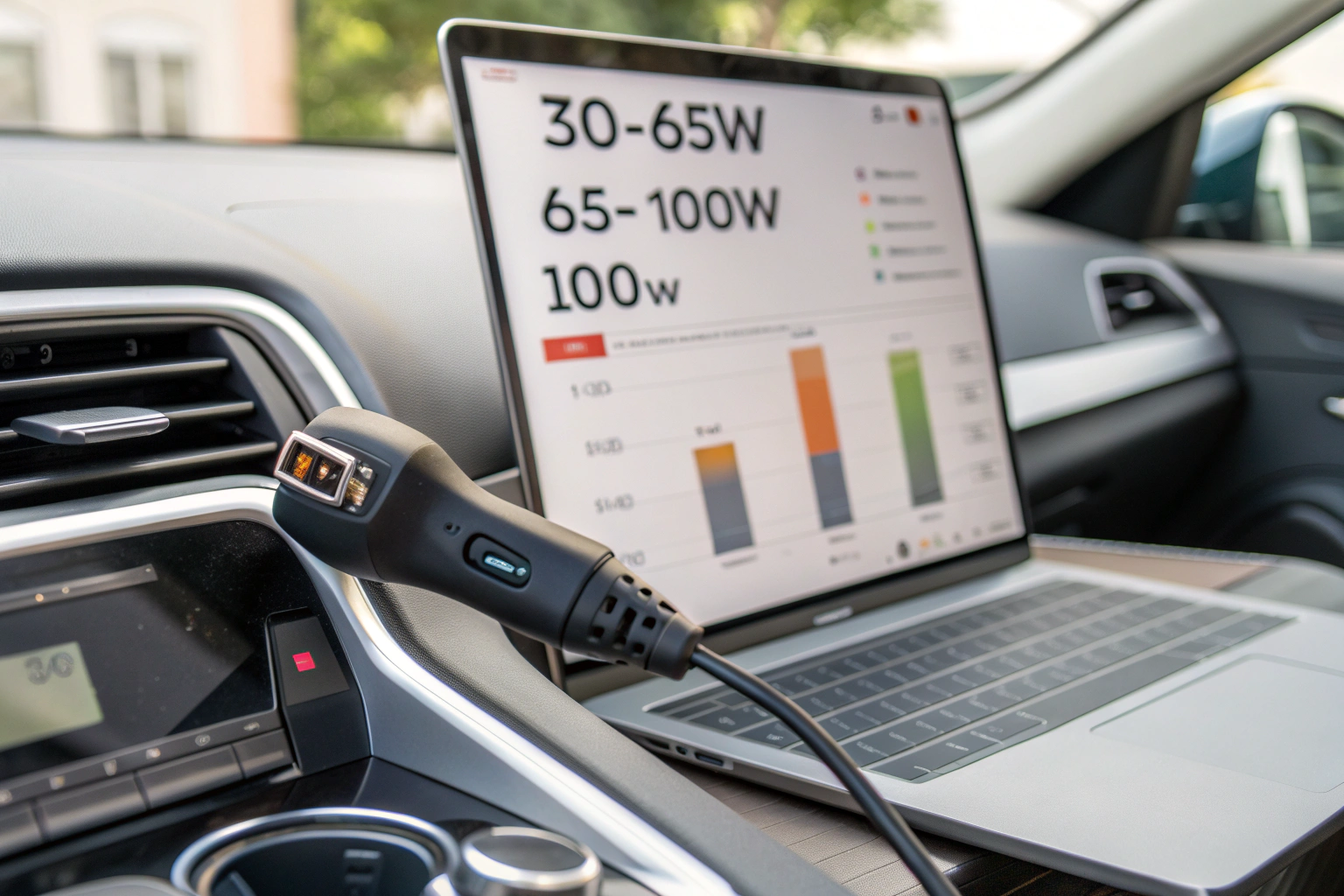
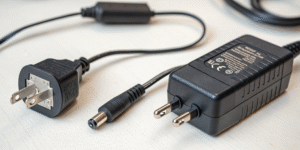
Laptops vary. Small, thin models like many Chromebooks and ultrabooks often use 30W or 45W. Typical mainstream laptops use 45–65W. Gaming laptops and mobile workstations may need 90–240W and rely on larger power bricks. Check your laptop’s original charger for the exact wattage (look for voltage and current). For example, a 65W charger often shows 20V at 3.25A. USB-C PD car chargers advertise output like 30W, 45W, 60W, 100W. To charge while using the laptop, pick a charger equal to or above the laptop’s original rating. If the car charger supplies less power than the laptop uses under load, the battery may still drain or charge very slowly. For short boosts, lower-wattage PD chargers can help, but for sustained charging and heavy tasks, match or exceed the rated wattage.
Is charging a laptop in a car[^3] safe?
I inspected chargers and tested them under different temperatures to be sure.
Charging a laptop in a car is generally safe when you use quality PD-certified chargers[^4], proper cables, and a stable vehicle power source. Avoid cheap adapters[^5], protect against heat, and ensure proper ventilation.

Use PD-certified car chargers from reputable brands. Cheap chargers can deliver unstable voltage or lack protections like over-current, over-voltage, short-circuit, and thermal shutdown. Those faults risk damaging the laptop or battery. Make sure the car accessory socket (cigarette lighter[^6]) or a hardwired USB port can handle the charger’s current draw. Continuous high-power charging draws significant current from the car battery. Avoid leaving the engine off during long charging sessions to prevent draining the car battery. Keep the laptop and charger ventilated because confined heat can reduce efficiency and battery life. For long trips, consider a higher-capacity inverter or a dedicated car power station for high-wattage laptops. Finally, inspect the cable and connectors for damage and use USB-C cables that support the advertised PD wattage.
Can charging affect my car's electronics?
I consulted vehicle manuals[^7] and aftermarket installer notes before using high-power chargers.
Normal use of a quality USB car charger usually does not affect car electronics. Problems arise with poor-quality devices, improper installation, or when the car battery is weak and engine is off.
Modern vehicles have protected accessory circuits and voltage regulation. A PD car charger that draws within the socket’s specification should be safe. Risks include blown fuses if a charger or cable shorts. A malfunctioning charger could introduce electrical noise[^8], but reputable chargers include filtering and protections. High continuous current draws with the engine off can drain the car battery and cause starting issues. Some cars disable accessory power when ignition is off; others keep the socket live and can slowly lose charge. For high-power laptops, the current draw can be large enough to stress cheap sockets or wiring. If you hardwire a DC-DC converter[^9] or use an inverter, install proper fuses and wiring sized for the current. Professional installation reduces risk of interference with vehicle electronics. If in doubt, consult your vehicle manual for outlet ratings and use the engine running for long charging sessions.
Practical tips I follow:
- Check the car socket rating and fuses.
- Use a PD car charger rated at or above your laptop’s original adapter wattage.
- Use a USB-C cable rated for PD and the required wattage.
- Keep engine running for long or heavy charging to avoid draining the car battery.
- Avoid cheap no-name chargers. Choose trusted brands with safety certifications.
- Consider a DC-DC USB-C adapter or a sealed inverter with proper fuse for very high-wattage laptops.
- Monitor temperatures and allow ventilation for the laptop and charger.
Conclusion
While USB car chargers are not powerful enough to charge a laptop, you can safely charge your laptop in a car with the right DC to AC inverter or high-wattage car charger. Always ensure that the charger is powerful enough to meet your laptop's power needs, use certified equipment, and be mindful of the potential impact on your car’s battery and electronics.
By following proper safety guidelines, you can conveniently charge your laptop on the go without compromising your car’s electrical system.
[^1]: Understanding USB-C PD is crucial for ensuring your devices charge efficiently and safely. [^2]: Knowing the wattage requirements helps you choose the right charger for your laptop. [^3]: Explore safety tips and best practices for charging laptops in vehicles. [^4]: PD-certified chargers ensure safety and efficiency when charging your devices. [^5]: Learn why investing in quality adapters is essential for device safety. [^6]: The cigarette lighter is a common power source; learn how to use it effectively. [^7]: Vehicle manuals provide crucial information for safely using power outlets. [^8]: Understanding electrical noise can help you avoid issues with your car's electronics. [^9]: Understanding DC-DC converters can help you safely charge high-wattage devices.